


3D printing is fun. It is creative. It also tests your patience. A tiny mistake in settings can turn your dream print into a melting blob. That is where 3D printing management tools come in. Tools like MatterControl help you take control of your printer and get better results.
TLDR: 3D printing management tools help you manage settings, slice models, and monitor prints in one place. Software like MatterControl makes printing easier and improves quality. They reduce errors, save material, and simplify even complex prints. If you want cleaner layers and fewer failed prints, these tools are your best friend.
Let’s break it all down. Simple. Step by step.
What Are 3D Printing Management Tools?
Think of them as the control center for your 3D printer.
You design something. Then the printer needs instructions. Very specific instructions. How hot should the nozzle be? How fast should it move? How thick should each layer be?
This is where management software helps. It:
- Slices your 3D model into layers
- Controls printer settings
- Monitors prints in real time
- Stores design files
- Helps fix common print issues
MatterControl is one of the well-known tools in this space. It combines design, slicing, and printer control in one workflow.

Why Print Quality Matters So Much
No one likes stringy prints.
No one likes warped corners.
No one likes spaghetti messes.
Print quality is everything. It affects:
- Strength of the object
- Appearance of the surface
- Fit of mechanical parts
- Material usage
- Print time
A good management tool helps balance all these factors. It fine-tunes settings so you do not have to guess.
How MatterControl Helps Optimize Print Quality
MatterControl is popular for a reason. It makes complex adjustments easier to manage.
1. Smart Slicing
Slicing is the step where your 3D model becomes printable layers.
MatterControl lets you adjust:
- Layer height
- Infill density
- Print speed
- Temperature
- Support placement
Lower layer height equals smoother surfaces. Higher infill equals stronger parts. You see the trade-offs clearly.
The preview mode shows exactly how the layers will print. That means fewer surprises.
2. Customizable Profiles
Different materials need different settings.
PLA is not ABS. ABS is not PETG.
MatterControl allows saved profiles. You can:
- Create material presets
- Set printer-specific configurations
- Reuse successful settings
This is huge for consistency. Once you find the perfect setup, you can repeat it easily.
3. Real-Time Monitoring
You can monitor your print while it runs.
That means:
- Temperature tracking
- Progress updates
- Pause and resume control
Spot a problem? Stop the print early. Save time. Save filament.
Other Popular 3D Printing Management Tools
MatterControl is not alone. There are several tools that help optimize print quality.
Here are a few major players:
- OctoPrint
- Cura
- PrusaSlicer
- Simplify3D
Each has strengths. Some focus on slicing. Others specialize in remote monitoring.
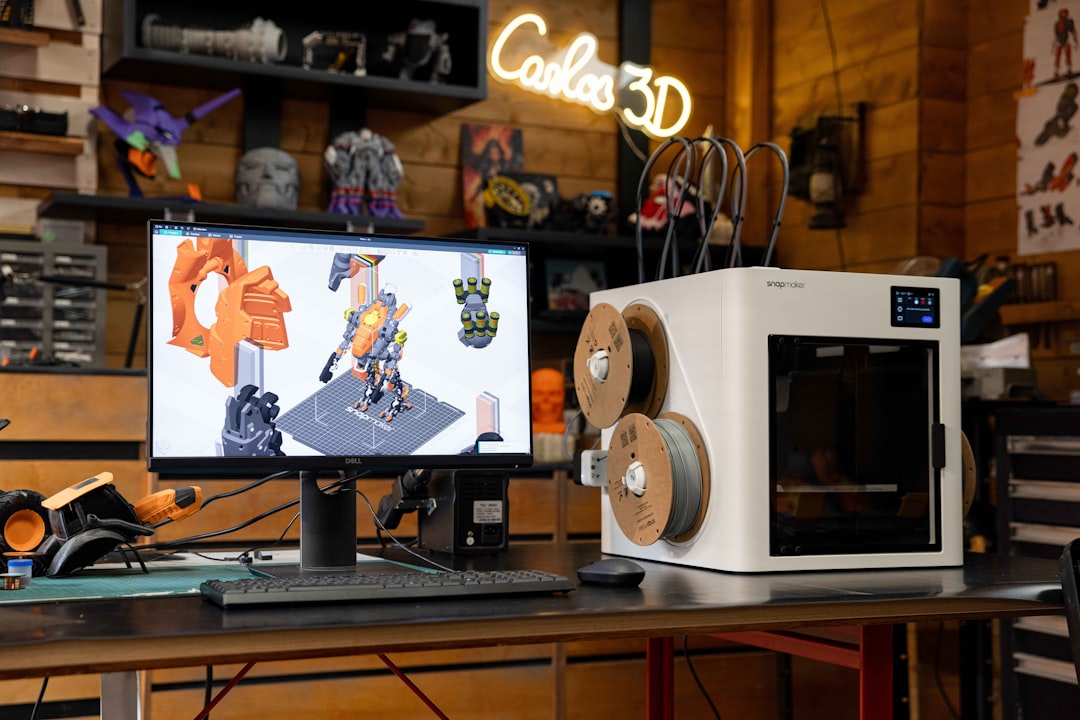
Comparison Chart of Popular 3D Printing Management Tools
| Tool | Main Strength | Best For | Ease of Use |
|---|---|---|---|
| MatterControl | All in one design and control | Beginners and hobbyists | High |
| OctoPrint | Remote monitoring and control | Print farms and advanced users | Medium |
| Cura | Powerful slicing engine | Everyday printing | High |
| PrusaSlicer | Advanced print tuning | Technical users | Medium |
| Simplify3D | Detailed manual control | Professional users | Medium |
Key Features That Improve Print Quality
Let’s zoom in on the specific features that actually boost quality.
Layer Control
Smaller layers mean smoother prints. Tools help you experiment safely.
Infill Settings
You can choose patterns like:
- Grid
- Honeycomb
- Gyroid
Each pattern changes strength and print time.
Support Customization
Too many supports waste filament. Too few cause sagging.
Management tools allow:
- Tree supports
- Custom support placement
- Automatic overhang detection
Temperature Calibration
Wrong temperature equals weak layers or stringing.
Software helps dial in:
- Nozzle temperature
- Bed temperature
- Cooling fan speed
Error Reduction and Troubleshooting
Even experts get failed prints.
Management tools reduce common issues like:
- Layer shifting
- Warping
- Under extrusion
- Over extrusion
- Stringing
Preview modes help catch errors before printing begins. That alone saves hours.
Some tools also log data. You can analyze what went wrong. Then adjust. Then improve.

Workflow Optimization
Quality is not just about settings. It is about workflow.
Good tools organize your process:
- Import model
- Repair model if needed
- Apply print profile
- Preview layers
- Start print
- Monitor progress
Everything stays in one ecosystem. Less jumping between apps. Fewer mistakes.
Who Benefits the Most?
Beginners
They get guided settings. Less confusion. More success.
Hobbyists
They experiment with advanced features. Fine-tune strength and design.
Educators
They manage multiple student printers easily.
Small Businesses
They ensure consistent product quality. That matters when selling prints.
Tips for Getting the Best Results
Even with powerful software, good habits matter.
- Keep firmware updated
- Level your print bed regularly
- Calibrate extrusion settings
- Use quality filament
- Test new settings with small prints first
The software is your guide. You are still the pilot.
The Future of 3D Print Management
The future looks smart.
New tools are adding:
- Cloud-based control
- AI-based error detection
- Automatic calibration
- Predictive failure alerts
Imagine software that pauses your print before it fails. That future is coming fast.
MatterControl and similar tools continue to grow. Updates bring smarter slicing and better control features.
Final Thoughts
3D printing is powerful. But it is sensitive.
Tiny adjustments make massive differences.
3D printing management tools like MatterControl give you structure. They reduce guesswork. They save time. They improve consistency.
Instead of fighting your printer, you work with it.
Better layers. Stronger parts. Cleaner finishes.
That is what optimization looks like.
And once you experience smooth, high-quality prints, you will wonder how you ever printed without these tools.