



Artists today need more than talent. They need visibility. A beautiful portfolio is no longer optional. It is your online gallery. Your business card. Your silent salesperson working 24/7. The good news? You do not need to build a website from scratch. There are powerful SaaS platforms made just for artists.
TLDR: If you want to showcase your art and attract clients, you need a clean, easy-to-manage portfolio platform. Squarespace, ArtStation, Format, and Adobe Portfolio are four strong options. Each offers beautiful templates, simple setup, and tools to help you get discovered. The right choice depends on your goals, budget, and how much customization you want.
Let us explore four artist portfolio SaaS platforms that make showing your work simple and fun.
1. Squarespace
Squarespace is a popular website builder. It is not just for artists. But creatives love it. Why? Because it makes stunning websites easy.
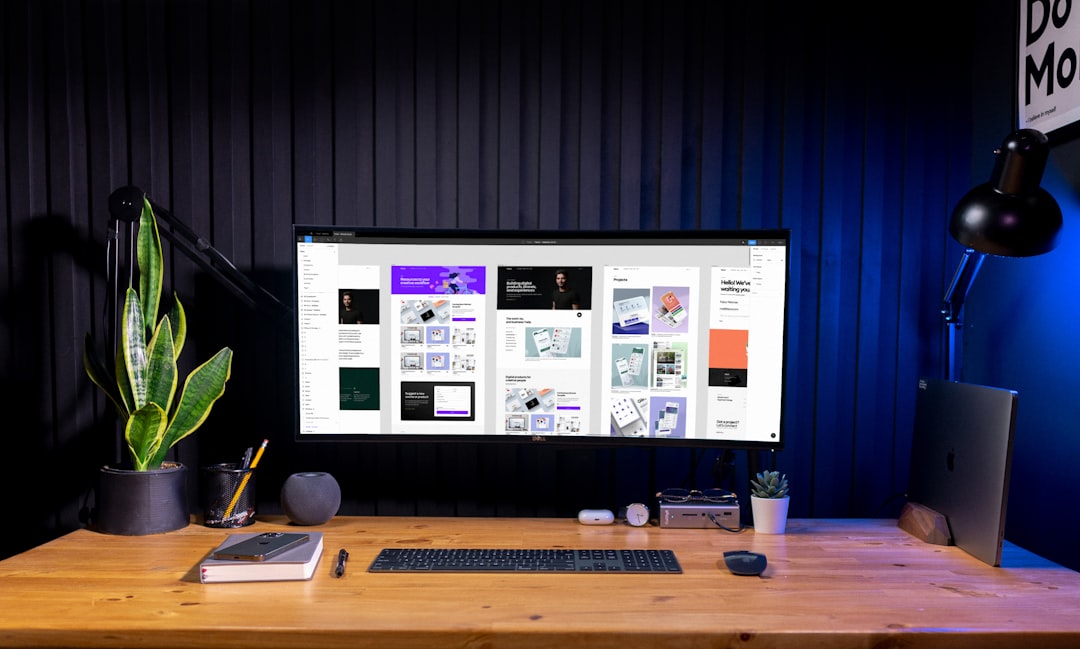
You start with a template. Then you drag and drop. Add images. Add text. Click publish. Done.

What makes it great for artists?
- Beautiful templates. Clean. Modern. Image-focused.
- Mobile responsive design. Your art looks good on any screen.
- Built-in e-commerce. Sell prints or originals easily.
- Blog options. Share your process. Tell your story.
- Custom domain support. Look professional.
Squarespace works well for:
- Photographers
- Illustrators
- Painters
- Designers
- Artists who want full website control
Pros:
- Very polished look
- All-in-one platform
- Strong SEO tools
Cons:
- More expensive than some options
- Slight learning curve
If you want a professional website that feels like a digital gallery, Squarespace is a strong pick.
2. ArtStation
ArtStation is built specifically for artists. Especially digital artists. Game designers love it. Concept artists live on it. Studios scout talent there.
This is not just a portfolio site. It is also a community.
Why artists choose ArtStation:
- Built-in audience. Millions of users browse daily.
- Discovery features. Get featured. Get noticed.
- Job board. Companies actively hire there.
- Marketplace. Sell assets, brushes, tutorials.

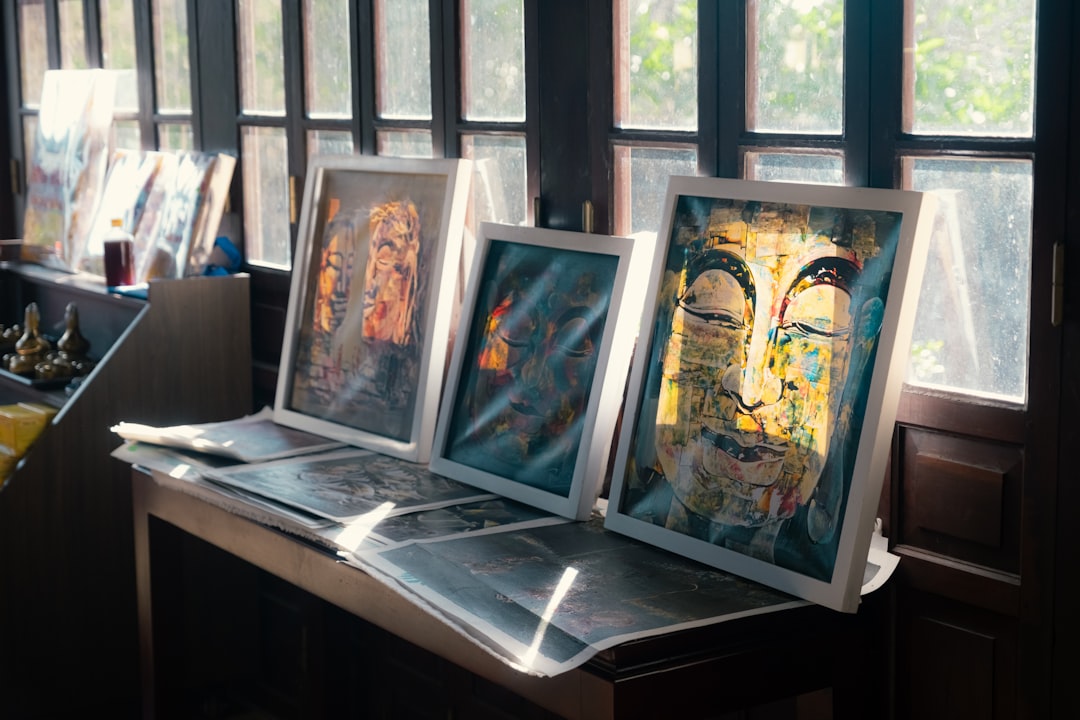
Your profile acts like a sleek online gallery. You upload projects. Add descriptions. Tag them. That helps people find you.
It is perfect for:
- Concept artists
- 3D modelers
- Game designers
- Illustrators
- Entertainment industry creatives
Pros:
- Massive creative community
- Industry visibility
- Free plan available
Cons:
- Less customization
- Feels more like a profile than a personal brand site
If your goal is to get hired in games, film, or tech, ArtStation is powerful. Exposure can happen fast.
3. Format
Format is designed specifically for creative professionals. It feels like it understands artists. Because it does.
It focuses on one thing. Showing work beautifully.
Top features:
- Portfolio-first templates. Clean layouts. Image-focused grids.
- Client proofing tools. Share private galleries.
- Online store. Sell directly.
- Analytics. Track visitor behavior.
Photographers love Format. But it works for other creatives too.

One cool feature is client proofing. You can upload images. Clients can choose favorites. Leave feedback. Approve final versions. All in one place.
That means fewer emails. Less confusion. Faster approvals.
Pros:
- Artist-focused tools
- Simple interface
- Professional feel
Cons:
- Smaller ecosystem
- Not as customizable as general website builders
If you work with clients often, Format makes life easier.
4. Adobe Portfolio
If you use Adobe Creative Cloud, this one is almost a bonus. Adobe Portfolio comes included with many Creative Cloud subscriptions.
That means you might already have access.
Why it stands out:
- Direct integration with Behance.
- Sync projects easily.
- Simple setup.
- No extra cost if you already pay for Adobe.
It is minimal. Clean. Straight to the point.
You choose a layout. Upload work. Customize colors and fonts. Publish.
This platform is great for:
- Graphic designers
- Illustrators
- Creative Cloud users
- Freelancers starting out
Pros:
- Budget-friendly for Adobe users
- Easy integration
- Professional look
Cons:
- Limited customization
- Fewer advanced marketing tools
If you want something quick and simple, Adobe Portfolio works beautifully.
Quick Comparison Chart
| Platform | Best For | Customization | Built-in Audience | E-commerce | Pricing Level |
|---|---|---|---|---|---|
| Squarespace | Artists wanting full website control | High | No | Yes | Medium to High |
| ArtStation | Digital artists and game industry creatives | Low to Medium | Yes | Yes | Free to Medium |
| Format | Photographers and client-based creatives | Medium | No | Yes | Medium |
| Adobe Portfolio | Creative Cloud users | Medium | Via Behance | Limited | Low if included |
How to Choose the Right One
Ask yourself a few simple questions.
- Do I want full website control?
- Do I want built-in exposure?
- Will I sell my work online?
- Do I work closely with clients?
- What is my budget?
If branding matters most, choose Squarespace.
If industry exposure matters most, choose ArtStation.
If client workflow matters most, choose Format.
If simplicity and cost matter most, choose Adobe Portfolio.
Tips to Attract More Clients With Your Portfolio
Having a platform is step one. Using it well is step two.
Here are smart tips to stand out:
- Show your best work only. Quality beats quantity.
- Tell a story. Add short descriptions.
- Show process shots. Clients love behind the scenes.
- Keep navigation simple. No clutter.
- Add a clear contact button. Make it easy to hire you.
- Update regularly. Fresh work keeps people interested.
Your portfolio should feel like a curated gallery. Not a storage room.
Final Thoughts
Your art deserves to be seen. A strong portfolio platform helps make that happen.
The best part? You do not need coding skills. You do not need a big budget. You just need the right tool.
Squarespace gives you full creative control. ArtStation connects you to industry eyes. Format simplifies client work. Adobe Portfolio keeps things easy and affordable.
Pick one. Start simple. Publish your work.
Because clients cannot hire you if they cannot see you.
And the world deserves to see what you create.