


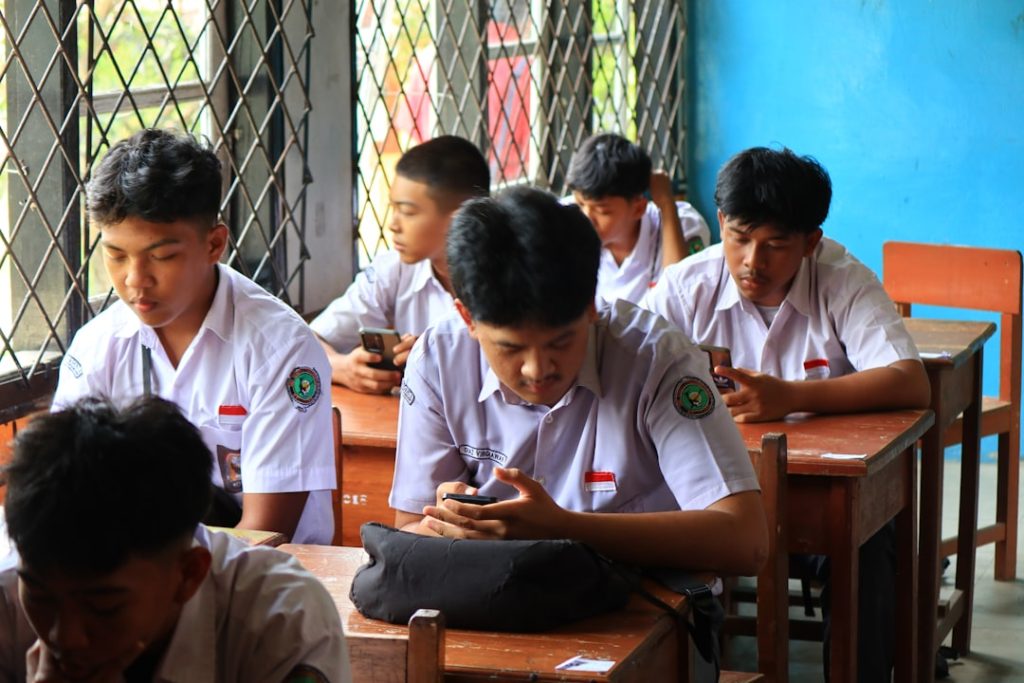
Finding games that are both entertaining and accessible on school networks can feel like a challenge. Many schools use internet filters to block distracting or inappropriate content, which unfortunately eliminates a large portion of popular gaming sites. However, there are still plenty of school-safe online games that aren’t blocked and provide fun, educational value, and stress relief during free periods or study breaks.
TLDR: Many school networks block mainstream gaming platforms, but there are still safe, browser-based games students can access. The best options are educational, lightweight, and hosted on trusted platforms that avoid explicit content. Puzzle games, strategy games, retro recreations, and typing challenges are among the safest bets. These games balance fun and learning while staying within school internet guidelines.
Below is a carefully curated guide to the best school-safe online games, including what makes them appropriate and why they are less likely to be blocked.
What Makes an Online Game School-Safe?
Before diving into recommendations, it’s important to understand what qualifies a game as “school-safe.” Most school IT administrators configure firewalls to allow:
- Educational domains
- Ad-light or ad-free platforms
- Games without violence or gambling elements
- Simple browser-based HTML5 games
- Sites with strong reputations and clean user interfaces
Flash-based gaming sites and platforms known for hosting user-generated content with minimal moderation are often blocked. In contrast, clean, reputable educational sites are usually accessible.

Best Types of School-Safe Online Games
1. Puzzle and Logic Games
Puzzle games are among the most commonly unblocked options because they sharpen cognitive skills and are considered educational.
Popular Examples:
- Sudoku (web versions)
- 2048
- Wordle-style word puzzles
- Minesweeper (browser editions)
These games help develop problem-solving ability, memory, and logical thinking. They are also lightweight, meaning they load quickly and don’t trigger network filters.
2. Typing and Skill-Building Games
Typing games are often accessible because they directly contribute to academic skill development.
Examples include:
- Keyboard speed challenges
- Typing race simulations
- Vocabulary-building games
These games improve hand-eye coordination and typing fluency while still feeling competitive and fun.
3. Strategy and Simulation Games
Simple strategy games that focus on planning and resource management are sometimes available on educational platforms.
Examples include:
- Minimalist city-building simulations
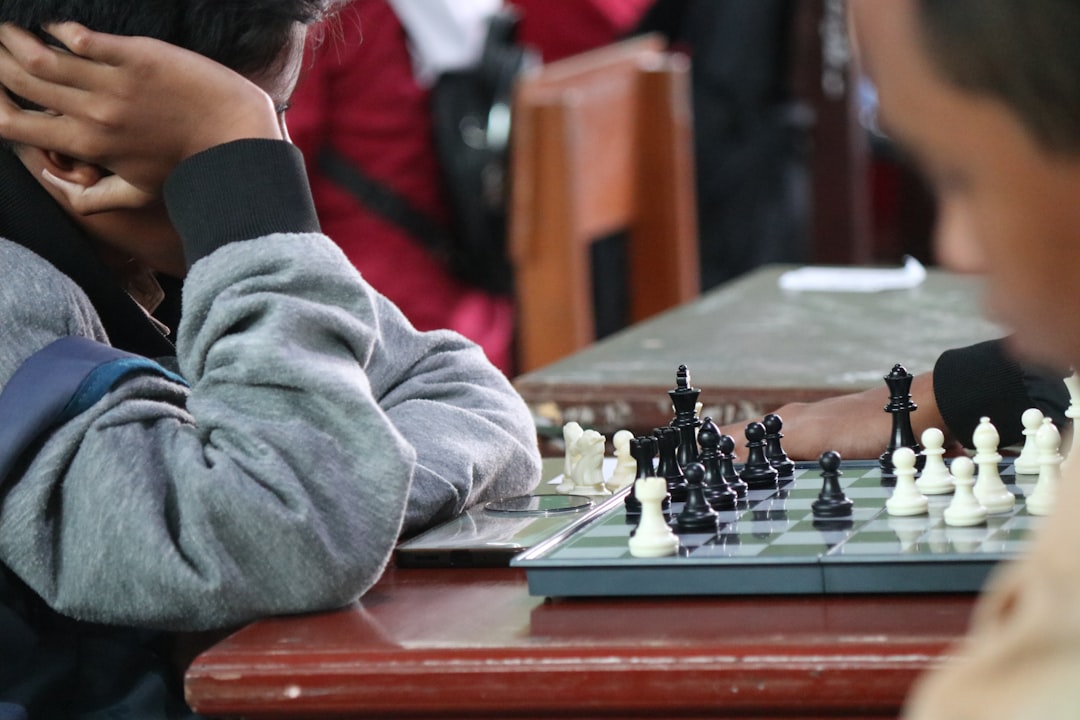
- Chess (browser-based)
- Checkers
- Turn-based strategy puzzles
Chess websites in particular are commonly accessible because of the well-documented cognitive benefits associated with the game.
4. Retro and Classic Browser Games
Many classic games have been rebuilt in simple HTML5 formats. Since they contain no mature themes or advanced graphics, they often bypass restrictive filters.
- Snake
- Tetris-inspired games
- Pac-Man inspired browser versions
- Breakout-style arcade games
These games are easy to run even on older school computers and don’t require downloads.
5. Math-Based Games
Math games are among the safest categories, frequently hosted on educational domains.
- Multiplication challenges
- Fraction puzzles
- Logic math grids
- Interactive algebra practice games
Because they are curriculum-aligned, they are rarely blocked outright.
Comparison Chart of School-Safe Game Types
| Game Type | Educational Value | Chance of Being Unblocked | Best For | Device Compatibility |
|---|---|---|---|---|
| Puzzle Games | High (logic & reasoning) | Very High | Quick mental breaks | Chromebooks, PCs, Tablets |
| Typing Games | Very High (skill building) | Very High | Improving typing speed | All browsers |
| Strategy Games | High (critical thinking) | Moderate to High | Longer sessions | PCs, Chromebooks |
| Retro Arcade Games | Moderate | Moderate to High | Short fun breaks | All devices |
| Math Games | Very High | Extremely High | Study reinforcement | All devices |
Where to Find School-Safe Unblocked Games
Students typically have the best luck finding games in the following places:
- Educational websites that integrate games into learning modules
- Public domain game archives featuring classic logic or arcade games
- Browser-based HTML5 game libraries with minimal advertising
- School-approved learning portals
Sites with clean interfaces, limited pop-ups, and no sign-up requirements are more likely to remain accessible.

Benefits of Playing Safe Online Games at School
While gaming at school should never interfere with assignments, appropriate online games can provide legitimate benefits:
1. Stress Relief
Short gaming breaks can help reset focus during long academic days. A five-minute puzzle can improve productivity afterward.
2. Cognitive Development
Strategy, math, and word games enhance:
- Memory retention
- Analytical thinking
- Pattern recognition
- Vocabulary expansion
3. Social Interaction
Multiplayer chess or word competitions allow safe peer interaction without the risks associated with open chat platforms.
4. Accessibility
Most safe browser games require:
- No installation
- No account creation
- No payment
This makes them easy to access within network guidelines.
Tips for Ensuring a Game Is School-Appropriate
Students should consider the following before playing:
- Avoid sites with heavy advertising – These are often flagged by filters.
- Skip games requiring downloads – Many school devices restrict installations.
- Choose educational domains – These are less likely to be blocked.
- Respect school policies – Always prioritize academic responsibilities.
Attempting to bypass school filters with proxies or VPNs is not recommended and often violates school policies.
Frequently Asked Questions (FAQ)
1. Why are most gaming websites blocked at school?
Schools block many gaming sites to prevent distractions, reduce bandwidth usage, and ensure students remain focused on academic tasks.
2. Are unblocked games safe to play?
Games hosted on reputable, educational, or minimal-ad platforms are generally safe. Students should avoid obscure sites that request downloads or personal information.
3. What types of games are least likely to be blocked?
Puzzle games, math-based games, typing practice tools, and classic board games like chess are the least likely to be restricted.
4. Can students get in trouble for playing games at school?
If gaming violates classroom rules or interferes with coursework, disciplinary action is possible. It’s best to play only during free periods or with teacher permission.
5. Do school-safe games require accounts?
Most school-safe browser games do not require account creation, making them quicker to access and more privacy-friendly.
6. Are mobile devices better for unblocked games?
It depends on the school’s Wi-Fi restrictions. Personal mobile data may bypass school filters, but students should follow their school’s acceptable use policies.
In summary, there are many engaging, enriching, and accessible online games that remain available within school networks. By focusing on puzzle-based, educational, and strategy-driven games hosted on reputable platforms, students can enjoy short mental breaks without violating school guidelines. Safe gaming at school is possible — it simply requires smart choices and responsible play.