



Figma + FigJam is the best default wireframe stack for most customer support teams because it turns messy ticket patterns into screens, flows, and comment threads without slowing everyone down. That matters because Salesforce reports that 80% of customers say the experience a company provides is as important as its products or services [source: Salesforce].
TLDR: Choose Figma + FigJam if your support team works closely with product and design. Pick Miro for journey mapping, Balsamiq for rough support portal sketches, and Lucidchart for process-heavy ticket flows. For example, a team redesigning a refund request form could map 42 complaint tickets, wireframe a shorter flow, and cut the customer path from 9 steps to 5 before engineering writes code.


Why support teams need wireframe tools
Customer support teams see the broken parts first. Confusing billing pages. Missing help center links. Chatbots that trap users in loops. A good wireframe tool helps support turn those complaints into something product teams can act on.
The best tools should support fast sketching, comments, simple sharing, and user flow mapping. Bonus points if non-designers can use it without watching six tutorials. Honestly, nothing kills a good support idea faster than a tool that makes a simple button mockup feel like a design degree exam.
Best wireframe tools for customer support teams
1. Figma + FigJam: Best all-around choice
Best for: support teams working with product managers, UX designers, and engineers.
Figma handles detailed wireframes and clickable prototypes. FigJam is better for rough flows, ticket themes, sticky notes, and customer journey maps. Together, they work well for support teams that need to show where customers get stuck.
- Top features: real-time editing, comments, components, prototypes, FigJam boards, templates.
- Review notes: Teams praise the clean collaboration tools and strong handoff to design teams.
- Annoyance: File permissions can get messy. Expect to waste time hunting for the “right” version if naming rules are weak.
- Pricing: Free plan available. Paid Figma plans commonly start around $12 per full seat/month when billed yearly. FigJam paid plans are usually lower per seat.
2. Miro: Best for support journey mapping
Best for: remote support teams running workshops or mapping customer pain points.
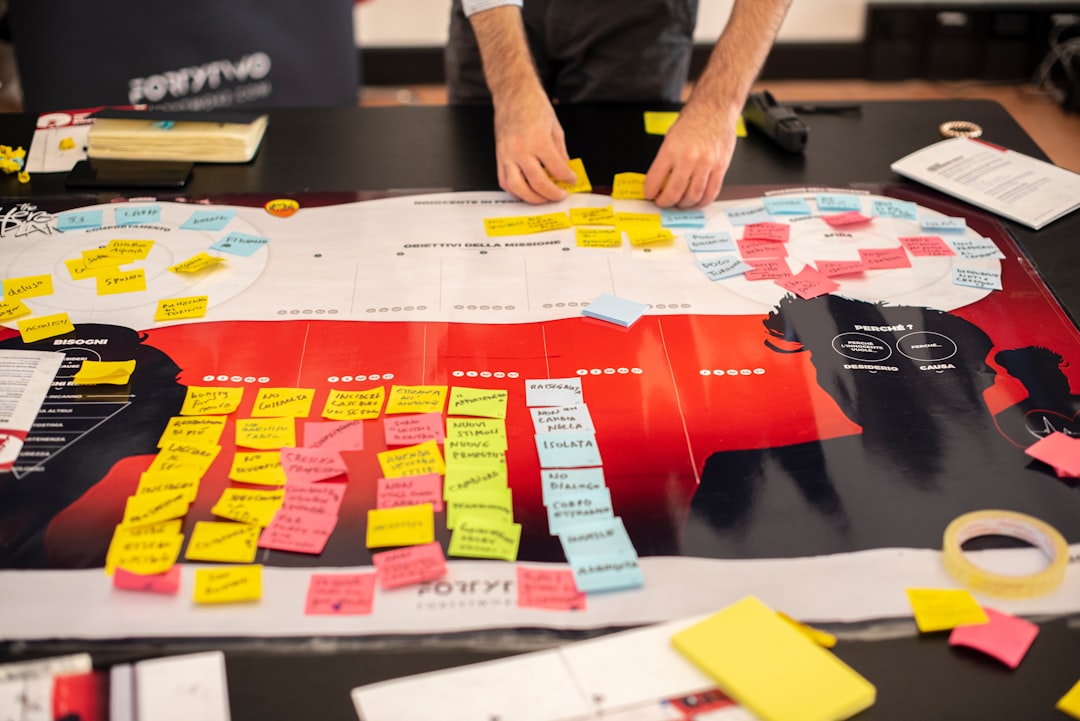
Miro is not just a wireframe tool. It is a whiteboard built for messy group thinking. That makes it useful when support, success, product, and QA need to sort hundreds of customer complaints into clear themes.
- Top features: whiteboards, sticky notes, voting, journey map templates, integrations, presentation mode.
- Review notes: Users like the workshop feel and flexible boards.
- Annoyance: Large boards can feel cluttered fast. Zooming around a giant map can get old.
- Pricing: Free plan available. Starter plans are often around $8 per member/month when billed yearly.

3. Balsamiq: Best for quick low-fidelity wireframes
Best for: support teams that want simple sketches, not polished designs.
Balsamiq feels like drawing on a napkin, in a good way. Its rough style helps teams focus on layout and user flow instead of colors and branding. This is great for help center pages, chatbot fallback screens, and internal agent tools.
- Top features: drag-and-drop UI blocks, sketch-style wireframes, simple linking, reusable assets.
- Review notes: People love its speed and low learning curve.
- Annoyance: It can feel too basic once you need rich prototypes or advanced design details.
- Pricing: Balsamiq Cloud pricing usually starts at about $9/month for small usage tiers.
4. Lucidchart: Best for ticket flows and support processes
Best for: teams improving escalation paths, refund flows, triage logic, or chatbot decision trees.
Lucidchart is strongest when your wireframe problem is really a process problem. If customers bounce between four departments before getting an answer, Lucidchart helps show why.
- Top features: flowcharts, org charts, process maps, wireframe shapes, data linking, sharing.
- Review notes: Teams like it for clear diagrams and process documentation.
- Annoyance: It is less fun for visual screen design than Figma or Balsamiq.
- Pricing: Free plan available. Individual and team plans often start near $9 to $10 per user/month.
5. Whimsical: Best for fast support docs and flows
Best for: small teams that want wireframes, flowcharts, and docs in one simple place.
Whimsical is clean and quick. It works well for early support ideas, such as a new contact form, a redesigned FAQ page, or a clearer cancellation flow.
- Top features: wireframes, flowcharts, mind maps, docs, templates, comments.
- Review notes: Users often praise its speed and simple interface.
- Annoyance: It may feel limited for teams that need advanced prototypes.
- Pricing: Free plan available. Paid plans often start around $10 per editor/month when billed yearly.
Quick comparison
| Tool | Best use | Support team fit |
|---|---|---|
| Figma + FigJam | Wireframes, prototypes, feedback | Best overall |
| Miro | Workshops and journey maps | Best for group planning |
| Balsamiq | Low-fidelity screens | Best for quick sketches |
| Lucidchart | Process and ticket flows | Best for operations |
| Whimsical | Simple flows and docs | Best for small teams |

How to choose the right tool
If your support team sends ideas to designers, choose Figma + FigJam. If you need to map messy customer journeys with many people, choose Miro. If your team hates complex tools, choose Balsamiq or Whimsical. If your biggest pain is internal process, choose Lucidchart.
One final tip: do not start with polished screens. Start with the support issue. Pull 20 to 50 real tickets. Group the complaints. Sketch the fix. Then share the wireframe with agents before sending it to product. They will spot weird edge cases right away, and that saves everyone from another “quick fix” that creates ten new tickets.