


Many graphic designers appreciate Canva for its speed, templates, and browser-based convenience, but its strengths can become limitations when a project demands deeper customization. For brand systems, complex illustrations, print-ready layouts, advanced typography, or pixel-level editing, designers often need platforms that offer more control over every element of the creative process.
TLDR: Designers who need more creative control than Canva provides often turn to tools such as Adobe Creative Cloud, Affinity Designer, Figma, CorelDRAW, Inkscape, and Procreate. These alternatives offer stronger control over vectors, typography, layers, exports, color management, and original illustration. The best choice depends on whether the designer focuses on branding, UI design, print, digital art, or collaborative workflows.
Why Designers Look Beyond Canva
Canva is effective for quick social posts, presentations, flyers, and simple marketing graphics. However, professional graphic designers often work with more demanding requirements. They may need to create scalable logos, refine bezier curves, manage variable fonts, prepare CMYK print files, build reusable design systems, or create original illustrations from scratch.
Greater creative control usually means access to advanced layer management, precise alignment tools, custom export settings, vector editing, and professional color workflows. While Canva simplifies the design process, the following alternatives give designers more room to make intentional, highly customized work.

1. Adobe Creative Cloud
Adobe Creative Cloud remains the industry standard for many professional designers. Its biggest advantage is the depth of its specialized applications. Illustrator is built for vector graphics, logos, icons, and illustration. Photoshop handles advanced image editing, compositing, and digital painting. InDesign is ideal for editorial layouts, brochures, books, and print documents.
For designers who need complete control over typography, effects, masks, brushes, paths, and production settings, Adobe offers one of the most powerful ecosystems available. It also integrates with professional workflows involving printers, marketing teams, photographers, developers, and agencies.
- Best for: agency work, branding, illustration, print design, photo editing, and complex campaigns
- Key strength: unmatched professional depth and file compatibility
- Possible drawback: subscription pricing and a steeper learning curve
2. Affinity Designer
Affinity Designer is a strong choice for designers who want professional vector and raster control without relying on a subscription model. It allows users to switch between vector and pixel workflows inside the same application, making it useful for branding, icon design, web graphics, packaging concepts, and illustrations.
Its interface is clean, responsive, and less overwhelming than some legacy software, while still offering advanced tools such as precise node editing, grids, constraints, symbols, blend modes, and export personas. For many independent designers and small studios, Affinity Designer provides an excellent balance between power and affordability.
- Best for: freelance designers, illustrators, logo designers, and small studios
- Key strength: professional tools with a one-time purchase model
- Possible drawback: fewer industry-standard integrations than Adobe
3. Figma
Figma is especially valuable for designers working in interface design, digital products, web layouts, and collaborative systems. Unlike Canva, Figma gives designers detailed control over components, constraints, auto layout, styles, grids, prototyping, and developer handoff.
Its browser-based nature makes it accessible, but its feature set is far more technical than a template-first platform. Teams can collaborate in real time, comment directly on designs, and maintain shared libraries for consistent branding and UI components.
- Best for: UI design, UX design, web design, app interfaces, and design systems
- Key strength: real-time collaboration with strong layout and component control
- Possible drawback: less focused on print design and advanced image manipulation

4. CorelDRAW
CorelDRAW is a long-standing design application known for vector illustration, signage, packaging, and print production. It is often favored in industries that require technical drawing, large-format graphics, and precise output settings.
Designers who work with merchandise, print shops, engraving, decals, or signage may find CorelDRAW particularly useful. It provides strong page layout tools, detailed vector editing, and reliable support for production workflows.
- Best for: signage, print production, packaging, apparel graphics, and technical layouts
- Key strength: practical vector and print-production capabilities
- Possible drawback: interface and workflow may feel less modern to some designers
5. Inkscape
Inkscape is an open-source vector design tool that gives designers far more control than template-based platforms. It supports SVG workflows, node editing, custom shapes, gradients, clipping, masking, and extensions. Because it is free, it is often a strong option for students, hobbyists, nonprofits, and designers who need vector power without software costs.
Although Inkscape may not feel as polished as premium tools, it is capable of producing professional vector artwork. It is especially useful for icons, illustrations, diagrams, and scalable web graphics.
- Best for: budget-conscious designers, SVG graphics, icons, and open-source workflows
- Key strength: free access to advanced vector editing
- Possible drawback: performance and interface refinement can vary by project complexity
6. Procreate
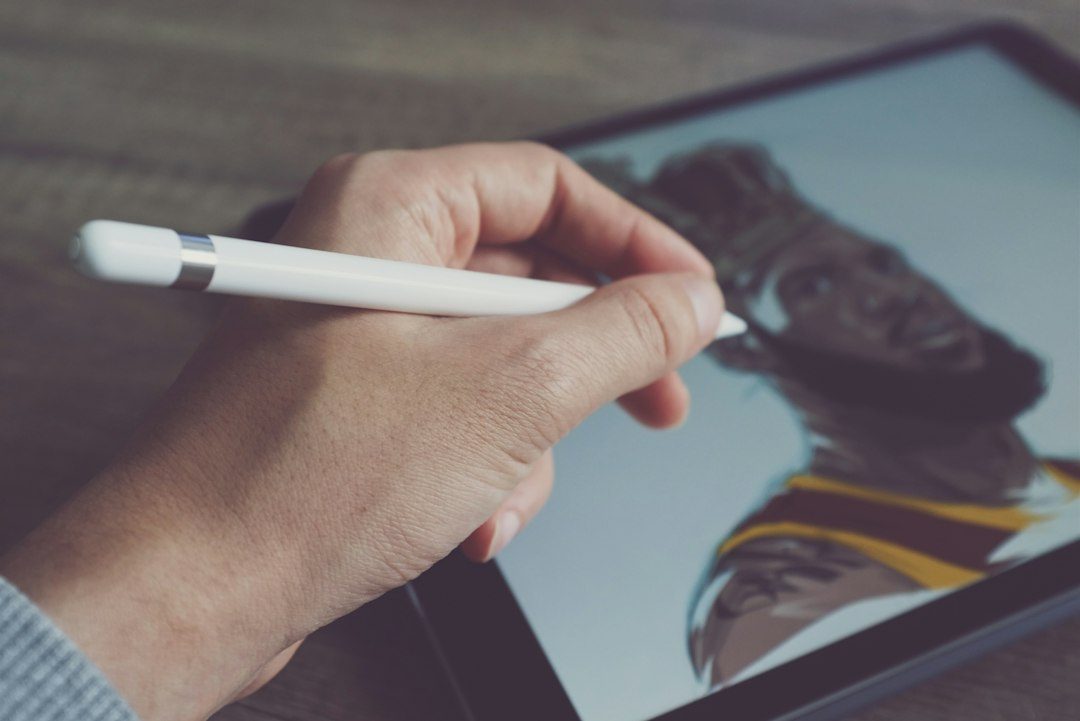
Procreate is not a direct replacement for Canva, but it is an excellent alternative for designers who need original illustration and expressive digital artwork. Used on iPad, it offers natural drawing tools, custom brushes, pressure sensitivity, layering, masks, textures, and animation features.
For poster art, lettering, character design, social campaign illustrations, and hand-drawn branding elements, Procreate gives artists a level of creative freedom that template-based tools cannot match. It is often used alongside vector or layout software rather than as a complete design suite.
- Best for: illustrators, lettering artists, concept artists, and designers creating original assets
- Key strength: natural drawing experience with extensive brush control
- Possible drawback: limited for complex vector layouts and professional print preparation

How to Choose the Right Canva Alternative
The best tool depends on the designer’s main creative needs. A brand designer may prefer Illustrator, Affinity Designer, or CorelDRAW for precise vector work. A UI designer may choose Figma because of its collaborative systems and prototyping tools. An illustrator may combine Procreate with a vector application for final production.
Designers should also consider budget, platform compatibility, file formats, collaboration needs, and learning curve. For solo professionals, affordability and ownership may matter most. For agencies, compatibility and team workflows may be more important. For print-heavy work, color management, export settings, and layout precision should take priority.
Final Thoughts
Canva is useful for fast and accessible design, but it is not always the best choice for designers who need full creative control. Professional alternatives offer more freedom over shapes, images, typography, print setup, and original artwork. By choosing a tool that matches the nature of the work, designers can move beyond templates and create more distinctive, polished, and technically accurate results.
FAQ
- What is the best Canva alternative for professional graphic designers?
- Adobe Creative Cloud is often the most comprehensive choice for professional designers because it includes specialized tools for illustration, photo editing, layout, and production.
- Which Canva alternative is best without a subscription?
- Affinity Designer is a popular option for designers who want professional vector and raster tools with a one-time purchase model.
- Is Figma better than Canva?
- Figma is better for UI design, web layouts, prototypes, and collaborative design systems. Canva is better for quick template-based marketing materials.
- Can Inkscape be used for professional design work?
- Yes. Inkscape can create professional vector graphics, especially icons, illustrations, logos, and SVG assets, though it may require more technical patience.
- Should designers completely stop using Canva?
- Not necessarily. Canva can still be useful for quick layouts and team-friendly templates, while more advanced tools can handle custom branding, illustration, and production work.