



Modern revenue teams should automate commission tracking as soon as compensation plans become more complex than a flat rate. Manual spreadsheets may work for five reps and one quota. They start to crack when accelerators, clawbacks, split deals, territories, and plan changes enter the picture.
TLDR: Sales commission tools help teams close deals first, then calculate payouts without spreadsheet chaos. A 25-person sales team using automation can cut commission admin time from 20 hours a month to about 4, while reducing payout disputes by 30% or more. For example, if a rep closes a $60,000 annual contract with a 7% rate and a 1.5x accelerator after quota, the tool can calculate the exact payout instantly. Finance, sales, and leadership all see the same numbers, which means fewer awkward end-of-month arguments.
Why Commission Automation Matters
Sales teams run on trust. If reps doubt their commissions, focus slips. Instead of prospecting, they start checking formulas, questioning managers, and comparing payout notes in Slack. That is not selling. That is unpaid auditing.
Commission software fixes the boring work that slows down revenue teams. It tracks deals, applies the correct plan, calculates earnings, and gives reps visibility before payday. The result is simple: fewer errors, faster approvals, and less noise between sales and finance.
Honestly, it feels like some teams still treat commissions as a mysterious back-office ritual. A deal closes in the CRM. Then someone exports a report, cleans the data, checks a spreadsheet, adjusts a formula, and hopes nothing breaks. One copied cell can cost hundreds or thousands of dollars.

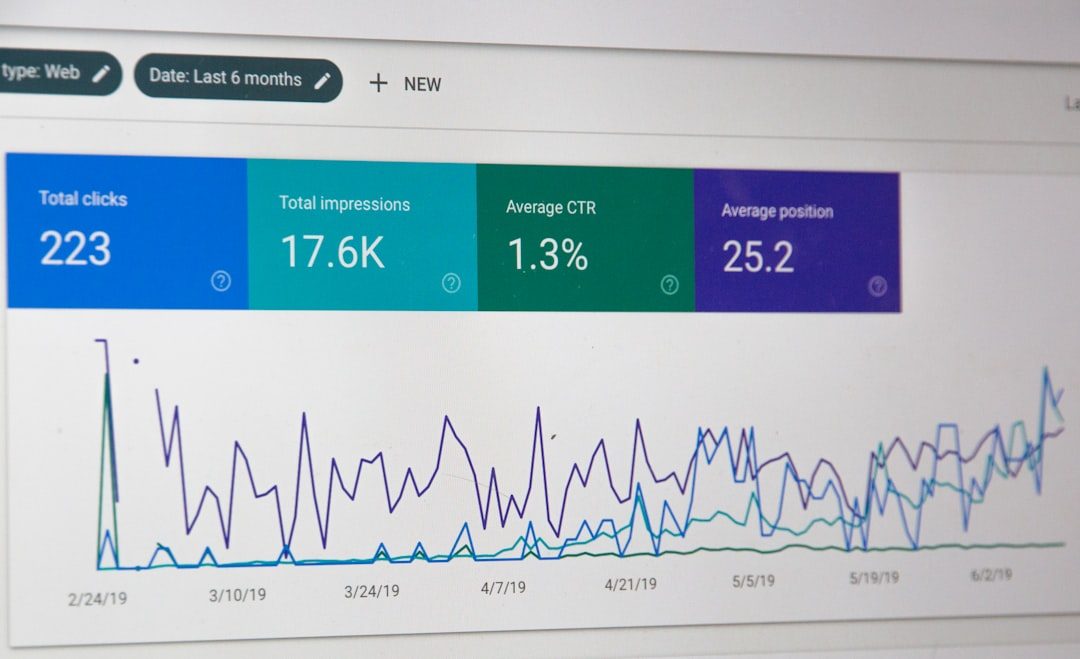
What Sales Commission Tools Actually Do
A good commission platform connects sales activity to payout rules. It usually pulls data from a CRM, billing platform, payroll system, or data warehouse. Then it turns closed deals into clear earnings.
Common features include:
- Automated commission calculations based on rates, quotas, bonuses, accelerators, and thresholds.
- Real-time earnings dashboards so reps can see expected payouts during the month.
- Plan management for different roles, teams, regions, and product lines.
- Approval workflows for managers, finance teams, and operations leaders.
- Dispute tracking so payout questions are recorded and resolved in one place.
- Audit trails that show which data changed, when it changed, and who approved it.
The best tools are not just calculators. They act as a shared source of truth. A rep can see why a commission was earned. A finance lead can see why it was approved. A sales manager can spot whether the plan is driving the right behavior.
The Spreadsheet Problem
Spreadsheets are flexible. That is also the problem. They are easy to edit, easy to break, and hard to control.
It drives many sales operations teams crazy that a payout report can take 11 seconds to open, then another minute to refresh, only to show a broken reference in row 1,842. That may sound small. Across a full commission cycle, it turns into hours of cleanup.
Manual commission tracking often creates issues such as:
- Formula errors that go unnoticed until payout day.
- Version confusion when multiple files circulate between teams.
- Delayed payments because finance is still checking records.
- Low rep confidence when earnings are unclear.
- Poor forecasting because leadership cannot see commission expense in real time.
These problems grow as the company grows. A simple 5% commission rule may become a plan with tiered rates, new logo bonuses, renewal credits, team splits, manager overrides, and clawbacks. At that point, a spreadsheet is no longer a tool. It is a risk.
Key Benefits for Modern Sales Teams
1. Reps stay focused on selling.
When earnings are visible, reps spend less time asking for payout updates. They know where they stand against quota and what the next deal is worth.
2. Finance closes the month faster.
Commission tools reduce manual checks. They also create cleaner approval paths. This helps finance teams book expenses with more confidence.
3. Sales leaders see plan performance.
A compensation plan should guide behavior. If the goal is to sell annual contracts, push a certain product, or improve renewals, the tool should show whether the plan is working.
4. Disputes become easier to solve.
Every team gets payout questions. The difference is whether they are handled through scattered emails or through a clear system with deal data, plan rules, and approval history.
5. Growth becomes cleaner.
As teams add reps, territories, channels, and products, commission automation helps keep the process stable. The company does not need to rebuild a fragile spreadsheet every quarter.


What to Look for in a Commission Tool
Not every platform fits every team. A startup with 12 reps does not need the same setup as a global sales organization. Still, the buying criteria are similar.
- CRM integration: The tool should sync cleanly with systems such as Salesforce, HubSpot, or another primary CRM.
- Flexible plan rules: It should support quotas, tiers, bonuses, splits, caps, draws, and clawbacks.
- Clear dashboards: Reps and managers should understand earnings without asking finance to explain every line.
- Strong permissions: Sensitive payout data needs role-based access.
- Audit history: Every change should be traceable.
- Scenario modeling: Leaders should be able to test plan changes before rollout.
- Payroll support: The final payout file should move smoothly into payroll or accounting workflows.
The interface matters too. If it takes six clicks to confirm one payout, adoption will suffer. Reps do not want another system that feels like a tax form. Sales operations does not want another tool that needs weekly babysitting.
A Practical Use Case
Consider a software company with 40 account executives, 8 sales managers, and 3 compensation plans. Before automation, two operations employees spend roughly 28 hours per month preparing commission reports. Finance spends another 10 hours reviewing exceptions. Reps submit an average of 18 payout questions each month.
After adopting a commission platform, CRM data syncs every night. Reps see estimated earnings during the month. Managers approve exceptions inside the system. Finance exports a payroll-ready report after final review.
Within two quarters, admin time drops from 38 hours per month to 9. Payout questions fall from 18 to 6. More importantly, managers stop acting as human calculators. They can coach deals, review pipeline, and support reps instead.
Common Mistakes When Rolling Out Commission Software
Automation will not fix a poorly designed compensation plan. If the rules are confusing on paper, they will remain confusing in software. Teams should clean up plan logic before implementation.
Common rollout mistakes include:
- Skipping data cleanup: Bad CRM data creates bad commission results.
- Ignoring rep training: Reps need to understand dashboards, payout timing, and dispute steps.
- Overbuilding rules: Too many exceptions can make plans hard to manage.
- Forgetting finance needs: Commission software must support accounting controls, not just sales visibility.
- Launching too late: Starting implementation near quarter-end adds stress and raises error risk.


How Teams Can Start
A smart rollout starts with a simple audit. Teams should list every compensation plan, data source, payout rule, approval step, and recurring dispute. This shows where automation will help first.
Next, leadership should choose one or two plans for the first phase. A phased launch reduces risk. It also gives sales operations time to test calculations against past payout periods.
Before going live, teams should run parallel calculations. The software result should be compared with the old spreadsheet for at least one full cycle. Any differences should be explained before reps rely on the new system.
FAQ
What is a sales commission tool?
A sales commission tool is software that calculates, tracks, and manages compensation payouts for sales teams. It connects deal data to commission rules and shows earnings to reps, managers, and finance teams.
When should a company stop using spreadsheets?
A company should consider switching when plans include tiers, splits, accelerators, clawbacks, or frequent exceptions. Another clear sign is when commission prep takes more than a few hours each month.
Do commission tools replace finance teams?
No. They reduce manual work, but finance still owns review, controls, approvals, and payout accuracy. The tool supports the process rather than replacing it.
Can sales reps see their commissions in real time?
Many platforms provide real-time or near real-time dashboards. The exact timing depends on CRM syncs, approval rules, and whether deals have been finalized.
What data should be cleaned before implementation?
Teams should clean opportunity stages, close dates, deal owners, product fields, contract values, territory data, and customer records. Clean data makes commission automation far more reliable.
What is the biggest benefit of commission automation?
The biggest benefit is trust. Reps understand their earnings, finance gets cleaner records, and leaders gain better visibility into compensation costs.