


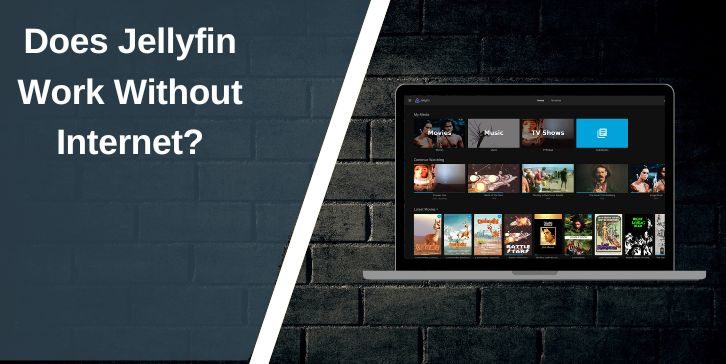
Short answer first. Yes, Jellyfin works without internet. That is one of its main strengths. Jellyfin runs as a local media server. It does not depend on cloud services to play your files. As long as your server and your device are on the same local network, playback works.
That said, not everything works offline. Some features pause when the internet is gone. This article explains what still works, what stops, and when internet helps but is not required.
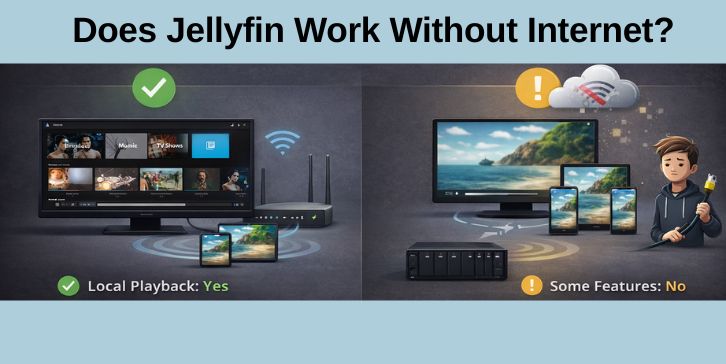
How Jellyfin Works on a Local Network?
Jellyfin follows a simple setup. One device runs the Jellyfin server. This device stores your movies, shows, or music on local storage. Other devices connect to it over your home network.
This connection uses your local IP address, not the internet. Phones, TVs, laptops, or tablets act as client apps. They stream media directly from the server inside your network. No external servers sit in between.
Because of this design, Jellyfin keeps working during outages. If your router stays on and devices can still talk to each other, Jellyfin keeps serving media.
What Works Without Internet in Jellyfin?
Most core features continue to work offline. These include:
- Playing local movies and TV shows
- Streaming media over a local network
- User profiles and login access
- Watch history and resume position
- Local subtitles stored with files
- Transcoding done by the server
If you already scanned your library before losing internet, your content stays available. Jellyfin does not lock you out when connections drop.
What Does Not Work Without Internet?
Some features rely on outside services. These stop or pause when the internet goes down.
- Metadata downloads for new content
- Poster art and background images
- Plugin updates and catalog refresh
- Remote access from outside your home
- Online account logins tied to third parties
Jellyfin itself still runs, but these features wait until the internet returns. Nothing breaks. It just stops updating.
Does Jellyfin Need Internet After Setup?
Internet helps during first setup, but it is not required later. When you first install Jellyfin, internet access helps fetch metadata, artwork, and plugin files. After that, daily use does not need a live connection.
Many users even block internet access on purpose. They do this for privacy or stability. Jellyfin continues working as a closed local system.
Can Jellyfin Apps Work Offline?
Yes, but with limits.
Smart TV apps, mobile apps, and browser clients can all connect without internet, as long as they can see the server on the local network. If the app relies on cloud sign-in or store validation, startup may take longer, but playback still works once connected.
Web browser access works well offline when you use the local IP address of the server. Mobile apps may need local discovery enabled or a saved server address.
Jellyfin vs Plex Without Internet
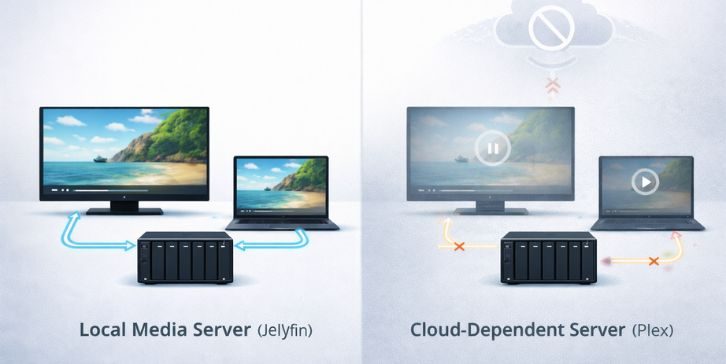
This is where Jellyfin stands out.
Plex often depends on online account checks, even for local playback. During outages, Plex users sometimes lose access unless settings were changed in advance.
Jellyfin does not require online accounts. It does not check cloud servers to allow playback. That makes it more reliable for offline use, local-only homes, or privacy-focused setups.
Common Offline Use Cases for Jellyfin
People often choose Jellyfin for these reasons:
- Home NAS systems
- Areas with unstable internet
- Local movie collections
- Power outage scenarios
- Privacy-focused households
In these cases, Jellyfin behaves more like a classic media center, not a cloud service.
Final Answer: Is Jellyfin Truly Offline-Friendly?
Yes. Jellyfin works without internet for everyday playback. It only needs a local network and stored media files. Features like artwork downloads and updates pause without internet, but core playback stays solid.
If offline access matters to you, Jellyfin fits that need well. If you’ve tested Jellyfin during an outage or use it fully offline, share your experience in the comments. Real setups help others decide faster.