


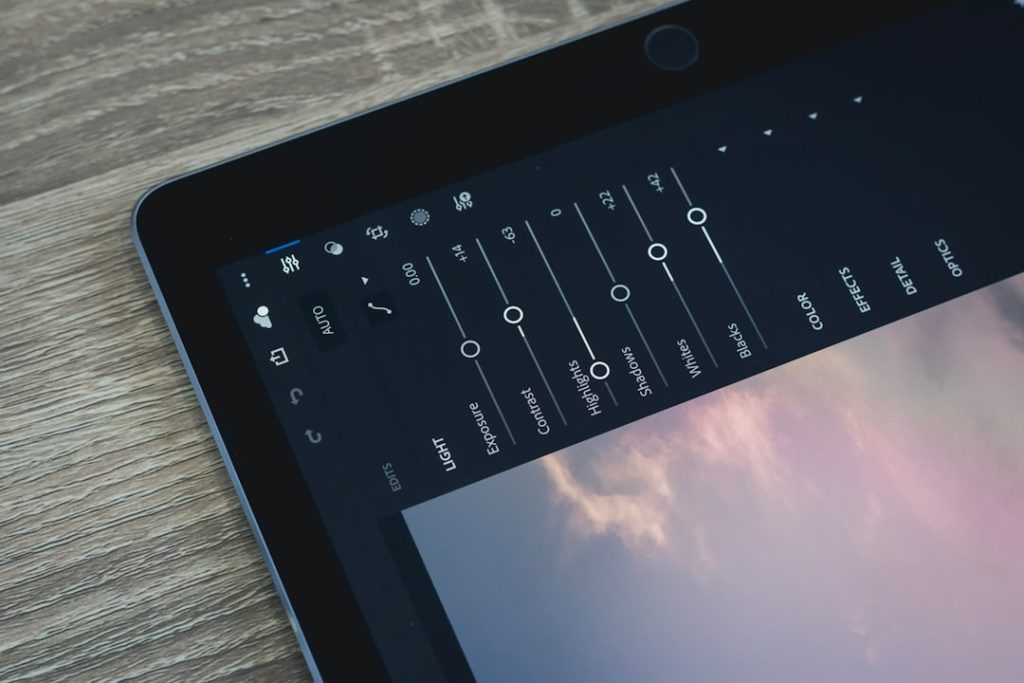
CapCut is the best all-around iPhone video editing app for most people, while LumaFusion is the strongest pick for serious editing, and iMovie is still the easiest free option for quick cuts. If you make Reels, TikToks, Shorts, product videos, travel clips, or client content, your best app depends on how much control you want and how much time you can spend.
TLDR: Choose CapCut if you want fast social videos with captions, effects, templates, and simple audio tools. Choose LumaFusion if you need pro features like multi-track editing, color control, and cleaner exports. For example, a creator making three 45-second Instagram Reels per week could save around 20 to 30 minutes by using CapCut’s auto-captions and ready-made aspect ratios instead of editing everything manually.
Best iPhone Video Editing Apps at a Glance
- Best overall: CapCut
- Best for pro editing: LumaFusion
- Best free beginner app: iMovie
- Best for clean social edits: VN Video Editor
- Best for quick creator content: InShot
- Best for effects and visual flair: Videoleap
- Best for Adobe users: Adobe Premiere Rush
- Best for layered mobile editing: KineMaster

1. CapCut: Best for Social Content
CapCut is the app most iPhone creators should try first. It is fast, loaded with features, and built for vertical video. TikTok, Instagram Reels, and YouTube Shorts feel native here, not forced into a desktop-style workflow.
You get trimming, splitting, speed ramps, transitions, filters, stickers, background removal, auto-captions, text templates, stock sounds, and beat syncing. The auto-caption feature is the star. It is not perfect, but it gets close enough that fixing errors takes far less time than typing captions from scratch.
Best for: creators, influencers, small businesses, educators, and anyone posting short-form video.
What’s annoying: CapCut keeps pushing trendy templates and effects. That can be useful, but it also clutters the app. Honestly, it feels like you sometimes need to tap past three distractions just to make a clean edit.
2. LumaFusion: Best for Serious iPhone Editing
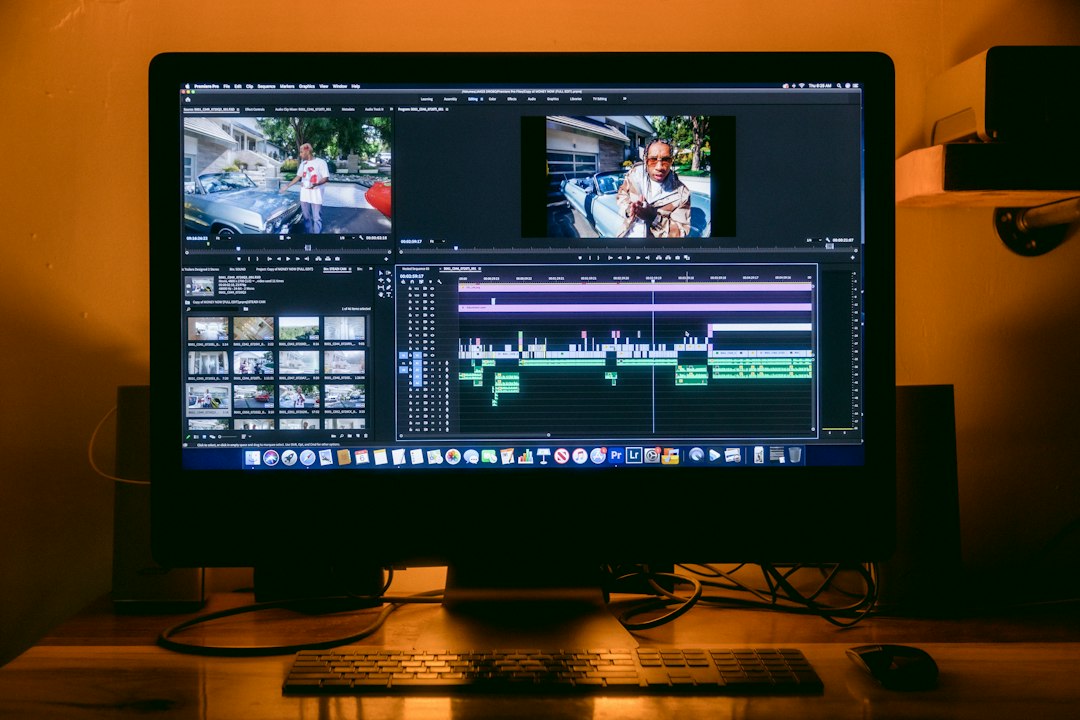
LumaFusion is the closest thing to a full desktop editor on iPhone. It supports multi-track timelines, keyframes, color correction, audio mixing, titles, transitions, and high-quality exports. If you edit interviews, YouTube videos, event recaps, or branded content, this app gives you room to work.
The timeline feels more professional than most mobile editors. You can stack video, audio, graphics, and B-roll with better control. It also handles long projects better than many casual apps.
Best for: filmmakers, YouTubers, journalists, marketing teams, and advanced hobbyists.
What’s annoying: There is a learning curve. A simple 10-second trim can take longer than it would in CapCut or iMovie if you are new. The power is real, but so is the setup time.
3. iMovie: Best Free App for Beginners
iMovie comes from Apple, costs nothing, and works well for basic edits. It is not flashy. That is part of the appeal. You can cut clips, add titles, insert music, adjust volume, use simple transitions, and export a clean video without signing up for another service.
It is great for family clips, school projects, basic YouTube uploads, and simple business videos. If you just need to trim out dead space and add a title card, iMovie gets it done.
Best for: beginners, students, casual users, and anyone who wants a no-cost editor.
What’s missing: Effects, captions, templates, and social-first tools are limited. If you want animated subtitles or modern vertical video styling, you will outgrow iMovie fast.
4. VN Video Editor: Best Free Alternative to CapCut
VN Video Editor is clean, capable, and surprisingly generous. It offers multi-layer editing, speed controls, filters, text, music, subtitles, transitions, and keyframes. It also avoids some of the heavier template clutter found in CapCut.
VN is a strong pick for people who want more control than iMovie but less noise than CapCut. It works well for travel videos, mini vlogs, review videos, and social clips with a polished style.
Best for: creators who want a free editor with a cleaner workspace.
Small warning: Some tools take a bit of trial and error. Expect to waste time on tiny timeline adjustments until you learn where everything sits.

5. InShot: Best for Quick Edits and Everyday Posts
InShot is made for speed. It is one of the easiest apps for resizing clips, adding music, inserting text, applying filters, and preparing videos for Instagram, TikTok, or YouTube Shorts.
The interface is friendly. You can take a clip, trim it, add a caption, choose a canvas size, and export within minutes. It is not the best choice for complex projects, but that is not the point.
Best for: small businesses, casual creators, fitness coaches, food bloggers, and anyone posting often.
What’s annoying: The free version can feel cramped because premium stickers, effects, and filters appear often. It drives me crazy when a tool looks available, then asks for an upgrade after you tap it.
6. Videoleap: Best for Effects and Creative Looks
Videoleap is built for visual experiments. It offers AI tools, masking, blending, green screen effects, overlays, text animations, filters, and cinematic looks. If your content needs eye-catching edits rather than plain cuts, Videoleap is worth testing.
It is especially useful for ads, music edits, fashion clips, visual storytelling, and before-and-after videos. You can create slick effects without opening a desktop program.
Best for: creators who want bold visuals, transitions, and artistic edits.
Downside: Many of the best features sit behind a paid plan. It is easy to build an edit, fall in love with the effect, then hit a paywall right before export.
7. Adobe Premiere Rush: Best for Adobe Users
Adobe Premiere Rush is a good fit if you already use Adobe apps. It gives you trimming, transitions, titles, color presets, audio tools, and cloud syncing. The app is simpler than Premiere Pro, which makes it less intimidating on iPhone.
Rush works best for quick edits that may later move into an Adobe workflow. It is also helpful for teams that already store brand assets, fonts, or project files in Adobe Creative Cloud.
Best for: Adobe users, marketing teams, and creators who switch between phone and desktop.
Downside: It is not as feature-rich as LumaFusion and not as playful as CapCut. It sits in the middle, which can feel useful or oddly limited depending on your project.
8. KineMaster: Best for Layered Mobile Editing
KineMaster has been around for years, and it remains a strong mobile editor. It supports layers, chroma key, blending modes, voiceovers, sound effects, transitions, and detailed timeline edits.
It is useful for tutorial videos, gaming clips, commentary, education content, and social posts that need several visual elements on screen. The interface is busier than iMovie, but that extra control can pay off.
Best for: creators who use overlays, voiceovers, reactions, and screen recordings.
Downside: The design can feel crowded on smaller iPhones. If you have an iPhone SE or older model, editing multiple layers may feel tight.
Which App Should You Choose?
- Use CapCut if your main goal is TikTok, Reels, or Shorts.
- Use LumaFusion if you need pro control and longer edits.
- Use iMovie if you want simple, free, reliable editing.
- Use VN if you want a clean free editor with solid tools.
- Use InShot if you post often and need fast resizing.
- Use Videoleap if effects matter more than speed.


Key Features to Check Before You Commit
Before paying for any iPhone video editing app, test the basics. Import a real clip. Cut it. Add captions. Fix the audio. Export in the size you need. A beautiful app is useless if exports are slow or your text looks blurry on Instagram.
- Cutting tools: Look for easy trimming, splitting, snapping, and timeline zoom.
- Audio controls: Check volume keyframes, noise reduction, voiceovers, and music ducking.
- Caption tools: Auto-captions are a major time saver for social content.
- Aspect ratios: You need 9:16, 1:1, 4:5, and 16:9 options.
- Export quality: Make sure the app supports the resolution and frame rate you need.
For most iPhone users, CapCut is the smartest first download. It covers cutting, captions, effects, audio, and social formatting better than almost anything else. If your projects get bigger, move to LumaFusion. If you only need quick fixes, iMovie, VN, or InShot may be all you need.