



Modern content teams often need more than a blank editor and a publishing calendar. They need a structured environment where ideas, research, drafts, approvals, optimization, and performance tracking can move together. Odin Content Creator is positioned as a content production platform that helps creators, marketers, agencies, and internal teams manage the full lifecycle of digital content with greater consistency and speed.
TLDR: Odin Content Creator supports content planning, AI-assisted drafting, collaboration, optimization, and workflow management in one structured environment. It helps teams move from idea generation to publishing preparation without losing visibility across tasks and approvals. Its strongest value lies in organizing repeatable content processes, improving editorial consistency, and reducing the manual effort required to produce high-quality content.
What Odin Content Creator Is Designed to Do
Odin Content Creator is built around the idea that content creation is not a single action but a sequence of connected activities. A blog article, landing page, social campaign, newsletter, or video script usually begins with strategy, then moves through research, outline creation, writing, editing, visual planning, search optimization, approvals, and distribution. The platform aims to bring those steps into a single content workflow rather than scattering them across documents, spreadsheets, chat tools, and task boards.
For organizations producing content at scale, this kind of structure can be especially valuable. A team may have several writers, editors, designers, subject matter experts, and marketing managers involved in the same campaign. Odin Content Creator gives those contributors a shared workspace where content assets, deadlines, notes, and review stages can remain visible. This reduces confusion about ownership and helps ensure that each piece follows the intended process.

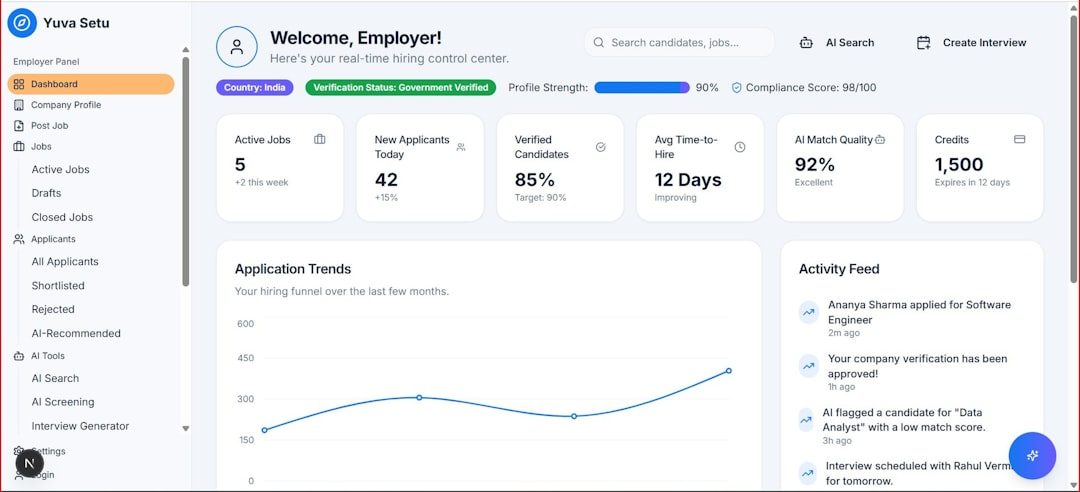
Core Features of Odin Content Creator
The platform’s feature set typically centers on content planning, creation, collaboration, optimization, and workflow control. While the exact implementation may vary by version or configuration, the following capabilities represent the kind of functionality users generally expect from a modern content creation system.
- Idea generation: Odin Content Creator can help teams develop topic ideas based on campaigns, audience interests, content goals, or keyword themes.
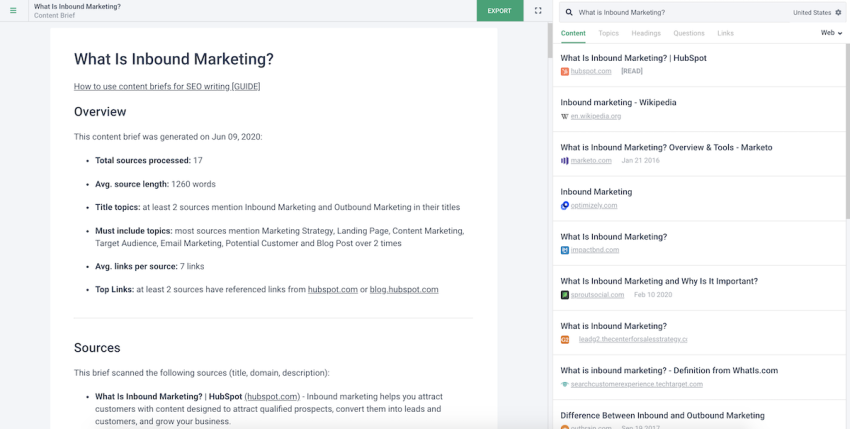
- Content briefs: It may provide structured briefs that include target audience, tone, required sections, search terms, calls to action, and competitive notes.
- AI-assisted drafting: The tool can support early draft creation, outline development, headline suggestions, and paragraph expansion.
- Editorial workflows: Teams can define stages such as idea, assigned, drafting, editing, approved, scheduled, and published.
- Collaboration tools: Comments, assignments, status updates, and version tracking help contributors coordinate work.
- Optimization support: Content can be checked for readability, structure, search relevance, tone, and completeness.
- Asset organization: Campaign materials, references, drafts, and notes can be kept together for easier management.
Content Planning and Strategy Support
A strong content workflow begins before drafting. Odin Content Creator can help teams clarify what needs to be created, why it matters, and how it supports broader business goals. Instead of storing topic ideas in disconnected lists, teams can organize them by campaign, funnel stage, audience segment, product line, or publication channel.
This planning function is useful because content teams often deal with competing priorities. A marketing department may need thought leadership articles, product updates, social media captions, email sequences, and sales enablement material all at the same time. Odin Content Creator can make those demands easier to evaluate by showing what is planned, what is in progress, and what is ready for review.
Editorial calendars are a major part of this capability. A calendar view can help managers understand publishing frequency, avoid content gaps, and coordinate seasonal or campaign-based assets. It can also give executives or stakeholders a higher-level view without requiring them to inspect every draft.
AI-Assisted Writing and Draft Development
One of the most important capabilities of Odin Content Creator is its support for AI-assisted writing. This does not mean that skilled writers are replaced. Instead, the platform can help reduce the time spent on repetitive or early-stage writing tasks. It may generate outlines, propose introductions, rewrite sections for clarity, summarize research notes, or suggest alternative titles.
For example, a content strategist might begin with a short brief describing a target audience and campaign objective. Odin Content Creator can then help transform that brief into a working outline with sections, subtopics, and recommended angles. A writer can use that outline as a foundation, adding expertise, brand perspective, examples, and nuance.
The most effective use of AI in this context is collaborative. The tool provides structure and acceleration, while human creators provide judgment, originality, accuracy, and brand understanding. Odin Content Creator is most valuable when it supports this combination instead of encouraging fully automated, generic output.

Workflow Management and Editorial Visibility
Content production often becomes inefficient when team members cannot see where a project stands. A writer may be waiting for expert input, an editor may not know whether a draft is final, and a campaign manager may be unsure whether a scheduled article is ready to publish. Odin Content Creator addresses this challenge through workflow stages and task visibility.
A typical workflow might include the following stages:
- Topic proposed: A new idea is added to the system for review.
- Brief created: Strategy details, target audience, and requirements are documented.
- Assigned: A writer, designer, or contributor receives responsibility for the asset.
- Drafting: The first version of the content is created.
- Editorial review: Editors check clarity, structure, tone, and accuracy.
- Stakeholder approval: Internal reviewers or subject experts approve the asset.
- Optimization: The content is refined for search, readability, and conversion goals.
- Ready for publishing: The asset is finalized and prepared for distribution.
This kind of process helps reduce bottlenecks. When every piece of content has a clear status, managers can quickly identify delayed tasks and reassign work if necessary. It also creates accountability because each stage has defined owners and expectations.
Collaboration for Distributed Teams
Many content teams now operate across locations, departments, and time zones. Odin Content Creator can support these distributed teams by centralizing communication around the content itself. Instead of discussing a draft in a long email thread or separate messaging channel, contributors can leave comments, suggestions, and approvals directly within the relevant project.
This is especially useful when content requires input from multiple specialists. A product article may need technical verification from an engineer, positioning feedback from a product marketer, legal approval, and editorial polish. With a shared workflow, each reviewer can see the latest version and understand what kind of feedback is needed.
Version control is another important collaboration feature. Content can change significantly during drafting and review. Odin Content Creator can help teams avoid confusion by preserving revision history or making it clear which draft is current. This prevents outdated text from being approved or published by mistake.
Optimization for Search, Readability, and Brand Consistency
Creating content is only part of the challenge. The final asset also needs to be discoverable, useful, and aligned with brand standards. Odin Content Creator may include optimization tools that evaluate headings, keyword usage, structure, sentence length, reading level, and metadata. These tools help content teams refine material before it reaches the publishing stage.
Search optimization features can be particularly helpful for blog posts, landing pages, guides, and knowledge base articles. The platform may suggest related topics, identify missing sections, or recommend adjustments to improve relevance. However, a balanced approach is important. Strong content should serve readers first, while also being organized in a way that search engines can understand.
Brand consistency is another major benefit. Odin Content Creator can support reusable style guidance, tone preferences, approved terminology, and messaging rules. This helps ensure that content produced by different writers still feels like it comes from the same organization. For agencies and large teams, this can significantly reduce editing time.

Content Repurposing Capabilities
Another useful capability is content repurposing. A single long-form asset can often become several smaller pieces, such as social posts, newsletter snippets, video scripts, slide content, or sales talking points. Odin Content Creator can help identify these opportunities and generate adapted formats from an existing source.
For instance, a 2,000-word industry report might be converted into a blog summary, an executive brief, five social media posts, and a short email announcement. This helps teams extend the value of their research and strategy work. It also supports consistent messaging across channels because each derived asset comes from the same core idea.
Repurposing is especially valuable for teams with limited resources. Instead of starting from scratch for every channel, they can build a structured content system where major assets feed smaller distribution pieces.
Reporting and Performance Insights
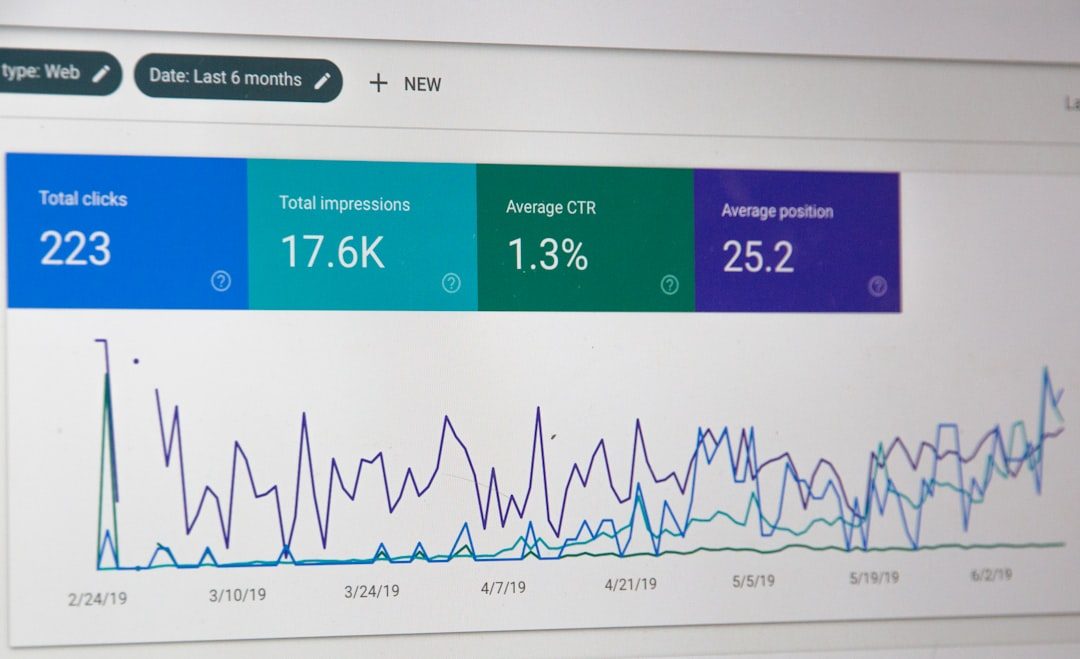
Content teams need to understand not only what they are producing but also how that content performs. Odin Content Creator may include reporting features that track production volume, workflow speed, overdue tasks, approval times, and content status. Some setups may also connect performance metrics such as traffic, engagement, conversions, or ranking data.
These insights can help managers answer practical questions. Which topics are moving slowly through review? Which formats require the most editing? Which campaigns have the strongest publishing consistency? Which assets are generating measurable results? By connecting workflow data with performance data, teams can improve both operations and strategy.
Benefits for Different Types of Users
Odin Content Creator can serve several user groups, each with different priorities. Marketing teams may value campaign organization, search optimization, and publishing readiness. Agencies may benefit from client-specific workflows, approval tracking, and scalable content production. Freelance creators may use it to organize multiple client projects, generate drafts, and maintain deadlines. Internal communications teams may rely on it for announcements, newsletters, and leadership content.
The common benefit across these groups is structure. Content creation becomes less dependent on memory, scattered notes, or informal reminders. Instead, the platform creates a clear process that can be repeated, measured, and improved.
Best Practices for Using Odin Content Creator
To get the most value from Odin Content Creator, teams should treat it as a workflow system rather than only a writing assistant. A strong implementation usually includes clear roles, realistic deadlines, documented content standards, and well-defined approval steps.
- Create reusable templates for briefs, blog posts, landing pages, emails, and campaign assets.
- Define workflow stages so every contributor understands how content moves from idea to completion.
- Maintain brand guidelines inside the platform to improve consistency across writers and channels.
- Use AI suggestions carefully and ensure human review for accuracy, originality, and tone.
- Review performance regularly so future content plans are guided by data rather than assumptions.
Conclusion
Odin Content Creator offers a structured approach to modern content operations. Its value comes from combining planning, AI-assisted drafting, collaboration, optimization, workflow visibility, and performance awareness in a single environment. For teams that produce content regularly, this can reduce friction, improve consistency, and make the entire process easier to manage.
While no platform can replace strong strategy or skilled editorial judgment, Odin Content Creator can support both by organizing the tedious and repetitive parts of content production. When used thoughtfully, it becomes more than a writing tool; it becomes a central workspace for turning ideas into polished, purposeful content.
FAQ
What is Odin Content Creator?
Odin Content Creator is a content creation and workflow platform designed to help teams plan, draft, review, optimize, and manage digital content more efficiently.
Who can use Odin Content Creator?
It can be useful for marketing teams, agencies, freelance writers, content strategists, internal communications teams, and organizations that produce regular written or campaign content.
Does Odin Content Creator write content automatically?
It can assist with outlines, drafts, rewrites, summaries, and content ideas, but human review remains important for accuracy, originality, brand voice, and strategic quality.
Can Odin Content Creator help with SEO?
Yes, it may support search optimization by helping with keyword planning, content structure, readability, metadata, and topic coverage, depending on the available features.
How does Odin Content Creator improve workflow?
It improves workflow by organizing content into clear stages, assigning responsibilities, tracking progress, supporting approvals, and keeping collaboration connected to each content asset.
Is Odin Content Creator suitable for large teams?
Yes, it can be especially helpful for larger teams because it provides visibility, consistency, role clarity, and standardized processes across multiple contributors and projects.