


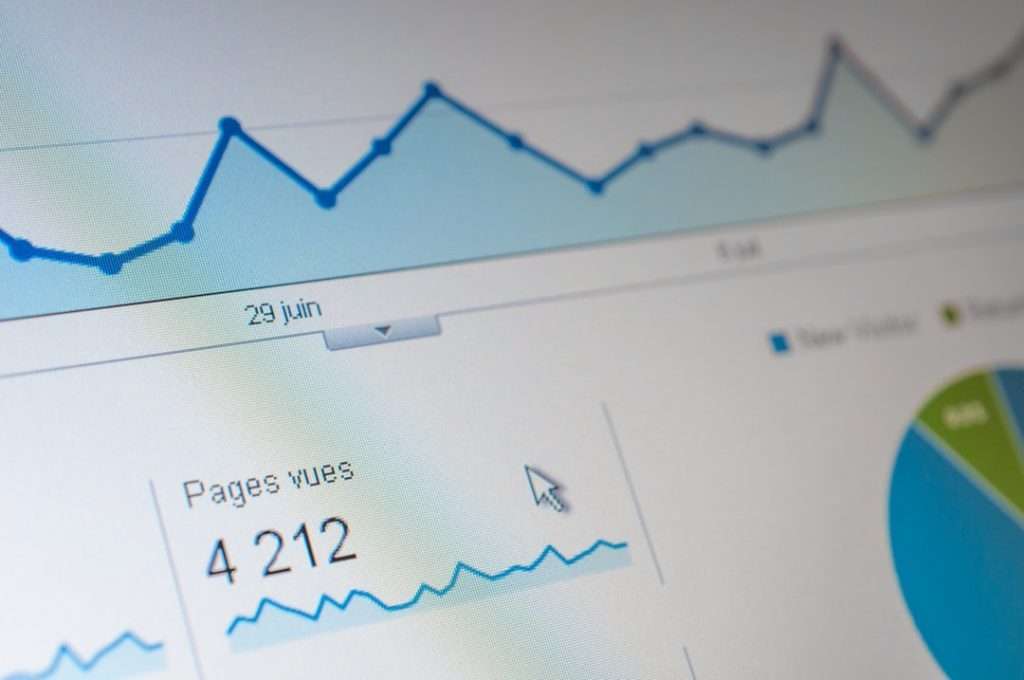
Geo-personalization works best when it changes the first offer a visitor sees, not just the city name in a headline. The strongest tools detect location from IP, browser signals, CRM data, ad parameters, or account records, then swap landing page content to match local intent. That can mean showing regional pricing, nearby store pickup, local compliance language, weather-based products, country-specific shipping promises, or a sales rep from the visitor’s territory.
TLDR: Geo-personalization tools adapt landing pages by changing copy, offers, forms, pricing, images, and calls to action based on visitor location. For example, a retailer might show “Free 2-day delivery in Austin” to Texas visitors and “Collect today in Brooklyn” to New York visitors. In one common user case, a SaaS company testing localized landing pages for the UK, Canada, and Australia could see form completion rise from 4.8% to 6.1%, a 27% lift, simply by showing local currency, local proof, and region-specific booking times.
What these tools actually change
A location-aware landing page is more than a page with “Hello, Chicago” slapped onto the hero section. That trick feels cheap if nothing else changes. Good tools modify the full conversion path.
- Hero messaging: City, region, country, weather, delivery area, or local pain point.
- Offers: Free shipping zones, local tax incentives, store pickup, event invites, regional discounts.
- Pricing: Currency, tax display, VAT wording, payment methods, financing terms.
- Proof: Local reviews, nearby customers, case studies from the same country or industry cluster.
- Forms: Field labels, phone formats, postal code rules, consent checkboxes, sales territory routing.
- Calls to action: “Book a demo with our Berlin team,” “Find stock near you,” or “See plans in CAD.”
That last one matters. A visitor in Toronto does not want to download a US pricing sheet, fill out a form with a ZIP code field, then wait for a California sales rep to reply six hours later. It drives me crazy that many landing pages still do exactly that.

How location detection works
Most geo-personalization tools start with an IP lookup. The visitor lands on the page, and the platform estimates country, region, city, carrier, or company network. This usually happens in milliseconds, before the page finishes rendering. The tool then applies a rule: if the visitor is in France, show euros and French shipping terms; if the visitor is in California, show CCPA language; if the visitor is within 20 miles of a store, show pickup options.
More advanced setups combine several signals. UTM tags from ads may reveal campaign region. A returning visitor may already have a CRM profile. A B2B visitor may come from a known company IP range. Browser language can add context, though it should not override confirmed billing or shipping location. Someone using an English browser in Germany may still expect German delivery rules and euro pricing.
The accuracy is good at country level, often weaker at city level. VPNs, mobile networks, and corporate proxies can confuse the system. That is why the best pages include an easy correction option, such as “Change region” or “Shipping to Canada?” No one wants to fight a website over their own address.
Popular tool types
There are several ways to build location-aware landing pages. The right choice depends on traffic, team size, and how much control marketers need.
- Landing page builders: Platforms such as Unbounce and Instapage can show different page variants by location, campaign, or audience segment. They are useful when marketing teams need speed without asking developers for every edit.
- Experimentation platforms: Tools like Optimizely and VWO let teams test localized content against a generic version. This is useful when you need statistical proof before rolling changes across paid traffic.
- Website personalization platforms: Tools such as Mutiny and Intellimize can adapt headlines, logos, case studies, and CTAs for different regions or account groups, especially in B2B.
- Commerce platforms and apps: Shopify apps, BigCommerce integrations, and custom ecommerce scripts can adjust shipping bars, currencies, inventory messages, and promotions by location.
- CDN and edge tools: Cloudflare Workers, Fastly, and similar services can route or rewrite content closer to the visitor before the page loads.
The catch is that the easier tools can get messy fast. One marketer creates five city pages. Another adds three currency rules. A third adds holiday promos by state. Two months later, nobody remembers why visitors from Manchester are seeing a March discount in June. Good naming, version control, and rule ownership save real pain.
Where geo-personalization pays off
It works best when location changes the visitor’s decision. If the product, price, service area, and proof are identical everywhere, personalization may add noise. But when geography affects trust or urgency, it can move the numbers.
- Retail: Show stock levels, local pickup times, store hours, and delivery cutoffs.
- Travel: Promote airports, local departure cities, regional holidays, and weather-related packages.
- SaaS: Display local currency, compliance claims, nearby customer logos, and time-zone-friendly demo slots.
- Healthcare: Route users to licensed providers, accepted insurance plans, and clinic locations.
- Home services: Show coverage areas, local phone numbers, seasonal offers, and technician availability.
Imagine a pest control company running ads across Arizona and Florida. Arizona visitors see scorpion prevention, dry-weather tips, and same-week service in Phoenix. Florida visitors see termite protection, humidity-related messaging, and inspection offers in Tampa. Same business. Same funnel. Very different customer worry.

What makes a strong location-based offer
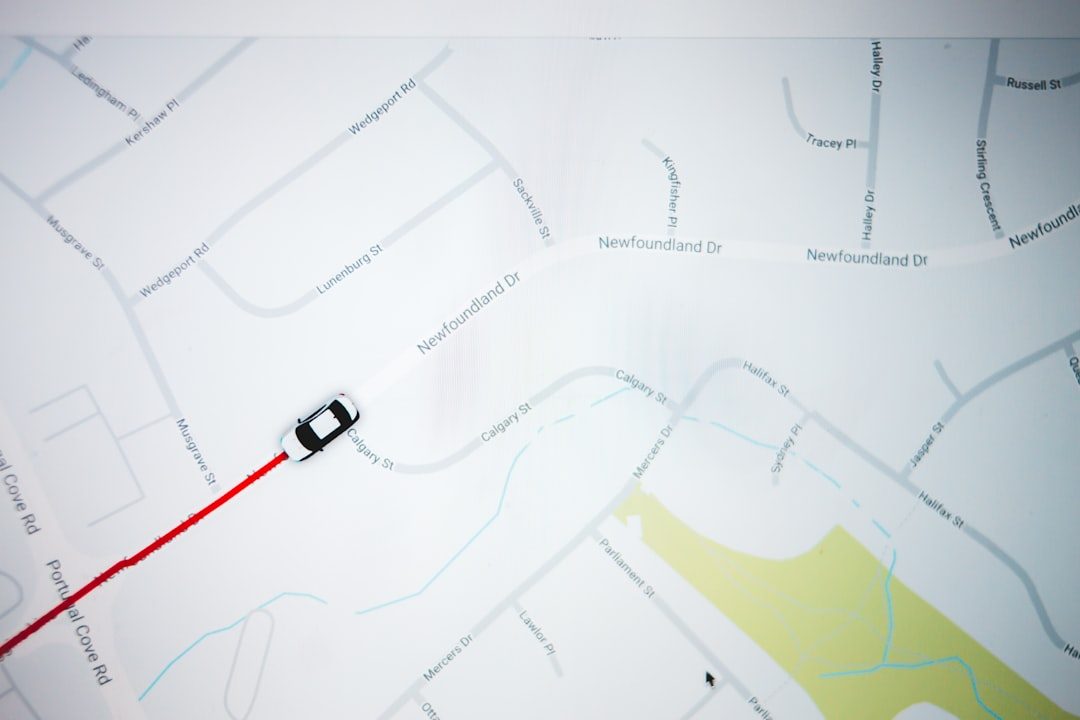
A good localized offer feels useful, not creepy. It should answer a practical question: “Can I get this here?” “How much does it cost in my currency?” “Is this company active in my area?” “Will support be available during my workday?”
Strong offers often include specifics. “Free shipping in Germany over €50” beats “Great deals near you.” “Sydney demo times available this week” beats “Talk to sales.” “Used by 120 restaurants in Ontario” beats a generic testimonial from a global brand that no one recognizes.
Local proof is especially powerful. If a visitor sees a customer quote from their region, resistance drops. The company feels closer. The risk feels smaller. That does not mean every city needs its own case study. Regional clusters often work well: DACH, Benelux, the US Midwest, Greater London, the Bay Area, or Southeast Asia.
Privacy and consent concerns
Location targeting must respect privacy laws and user trust. IP-based location is common, but storing it, combining it with profiles, or using it for sensitive targeting can raise legal issues. GDPR, CCPA, and other rules may require disclosure, consent, or data minimization.
Keep the experience transparent. Let users change their region. Avoid overly personal lines like “We see you are near 5th Street.” That feels invasive. “Serving Manhattan and Brooklyn” feels helpful. There is a big difference.
Metrics to track
Do not judge this work by clicks alone. Track the full path from landing view to revenue. A localized headline may lift CTA clicks but attract low-quality leads if the offer is too broad.
- Conversion rate by region
- Revenue per visitor
- Lead quality and sales acceptance rate
- Cart abandonment by country or state
- Form errors by locale
- Page speed impact from personalization scripts
That last metric is easy to ignore. Expect to waste time on cleanup if a tool adds too much JavaScript and delays the hero section by 1.5 seconds. Personalization should not make the page feel broken.
Best practices before you launch
- Start with high-value regions. Pick markets with enough traffic to measure.
- Personalize the offer first. Do not stop at a city token in the headline.
- Create fallback content. Unknown locations still need a clean experience.
- Test against a control. Local content should earn its place.
- Audit rules monthly. Expired promos and outdated regional claims hurt trust.
- Keep copy human. “Available in your area” often beats forced local slang.
Geo-personalization tools can make landing pages feel faster, closer, and more relevant to the person reading them. Used well, they reduce friction at the exact moment a visitor is deciding whether to stay. Used poorly, they create clutter, wrong assumptions, and awkward copy. The best setup is simple: detect location, show a genuinely useful local reason to act, and give users control when the guess is wrong.