


A “SIM failure” error can be frustrating, especially when it suddenly prevents a smartphone from making calls, sending texts, or accessing mobile data. Since modern communication relies heavily on mobile connectivity, understanding what this error means and how to fix it is essential. SIM failure messages can appear on both Android and iPhone devices and may be triggered by hardware, software, or network-related issues.
TLDR: A SIM failure means the phone cannot properly detect or communicate with the SIM card. This can be caused by a damaged SIM card, a misaligned card, network problems, or software glitches. Fixes range from simply restarting the phone or reinserting the SIM card to replacing the card or contacting the carrier for support.
What Does SIM Failure Mean?
A Subscriber Identity Module (SIM) card is a small chip that stores user identity information and connects a device to a cellular network. When a phone displays “SIM failure,” “No SIM,” or “SIM card not detected,” it indicates that the device is unable to read the data on the SIM or establish communication with the carrier’s network.
This issue can present itself in several ways:
- No service displayed in the status bar
- Inability to make or receive calls
- Mobile data not working
- Emergency calls only message
- Repeated prompts indicating SIM failure
While the message may sound severe, it is often caused by minor, easily fixable issues.
How a SIM Card Works
To fully understand SIM failure, it helps to know how a SIM card functions. The SIM card stores:
- The user’s mobile number
- Carrier authentication data
- Contacts (in some cases)
- Network authorization credentials
When inserted into a phone, the card communicates with both the device and the carrier’s network to authorize access. If communication is interrupted at any point, the phone may show a SIM failure message.

Common Causes of SIM Failure
1. Improperly Inserted SIM Card
One of the most frequent causes is a poorly seated SIM card. If the card shifts out of alignment inside the tray, the phone may not recognize it.
Typical signs:
- Error appears after dropping the phone
- Error appears after recently removing the SIM
2. Damaged or Worn-Out SIM Card
SIM cards can become scratched, cracked, or worn over time. Physical damage may prevent the card from making proper contact with the phone’s internal reader.
Environmental factors such as heat, dust, or moisture can also affect performance.
3. Dirty SIM or SIM Slot
Dirt or debris in the SIM tray may interfere with electrical contacts. Even tiny particles can prevent proper reading.
4. Network Outage or Carrier Issues
Sometimes the problem is not with the phone or SIM at all. Carrier maintenance, tower outages, or account suspensions may trigger a SIM-related error.
5. Software Glitches
Operating system bugs, incomplete updates, or corrupted network settings can disrupt communication between the device and the SIM card.
6. Locked or Unsupported Device
If a phone is carrier-locked and a SIM from a different provider is inserted, it may display a SIM failure or invalid SIM message.
7. Faulty SIM Card Reader
In rare cases, internal hardware damage can prevent the device from reading any SIM card at all. This often requires professional repair.
How to Fix SIM Failure
The good news is that most SIM failure issues can be resolved without advanced technical knowledge. Below are practical troubleshooting steps.
1. Restart the Phone
A simple restart can clear temporary software glitches. This is often the quickest and easiest fix.
2. Remove and Reinsert the SIM Card
- Power off the device.
- Remove the SIM tray using the ejector tool.
- Inspect the SIM for visible damage.
- Reinsert it securely.
- Turn the phone back on.

3. Clean the SIM Card
Use a soft, dry cloth to gently clean the chip. Avoid water or harsh chemicals, as they may cause further damage.
4. Test the SIM in Another Phone
This helps determine whether the issue lies with the card or the device:
- If the SIM works in another phone, the issue is likely your device.
- If it fails in multiple devices, the SIM is likely defective.
5. Reset Network Settings
Resetting network settings can resolve configuration problems. This will erase saved Wi-Fi networks and Bluetooth connections but does not delete personal files.
6. Update Device Software
Manufacturers regularly release updates that fix bugs affecting connectivity. Installing the latest update may resolve the SIM failure.
7. Contact Your Carrier
If none of the above steps work, contact the mobile carrier. They may:
- Verify account status
- Re-provision the SIM remotely
- Replace the SIM card
8. Replace the SIM Card
If the SIM is physically damaged or outdated, requesting a replacement is often the best solution. Most carriers provide replacements at minimal or no cost.
When to Seek Professional Repair
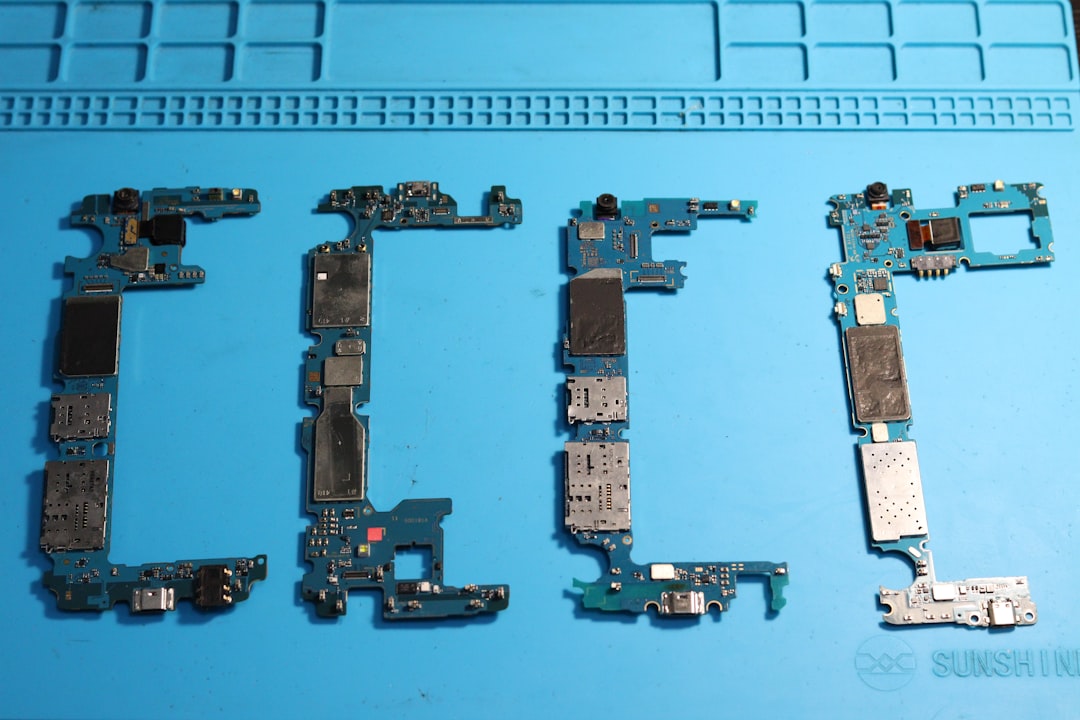
If multiple SIM cards fail in the same phone, the issue may be internal hardware damage. This could include:
- Damaged SIM card reader
- Motherboard malfunction
- Water damage

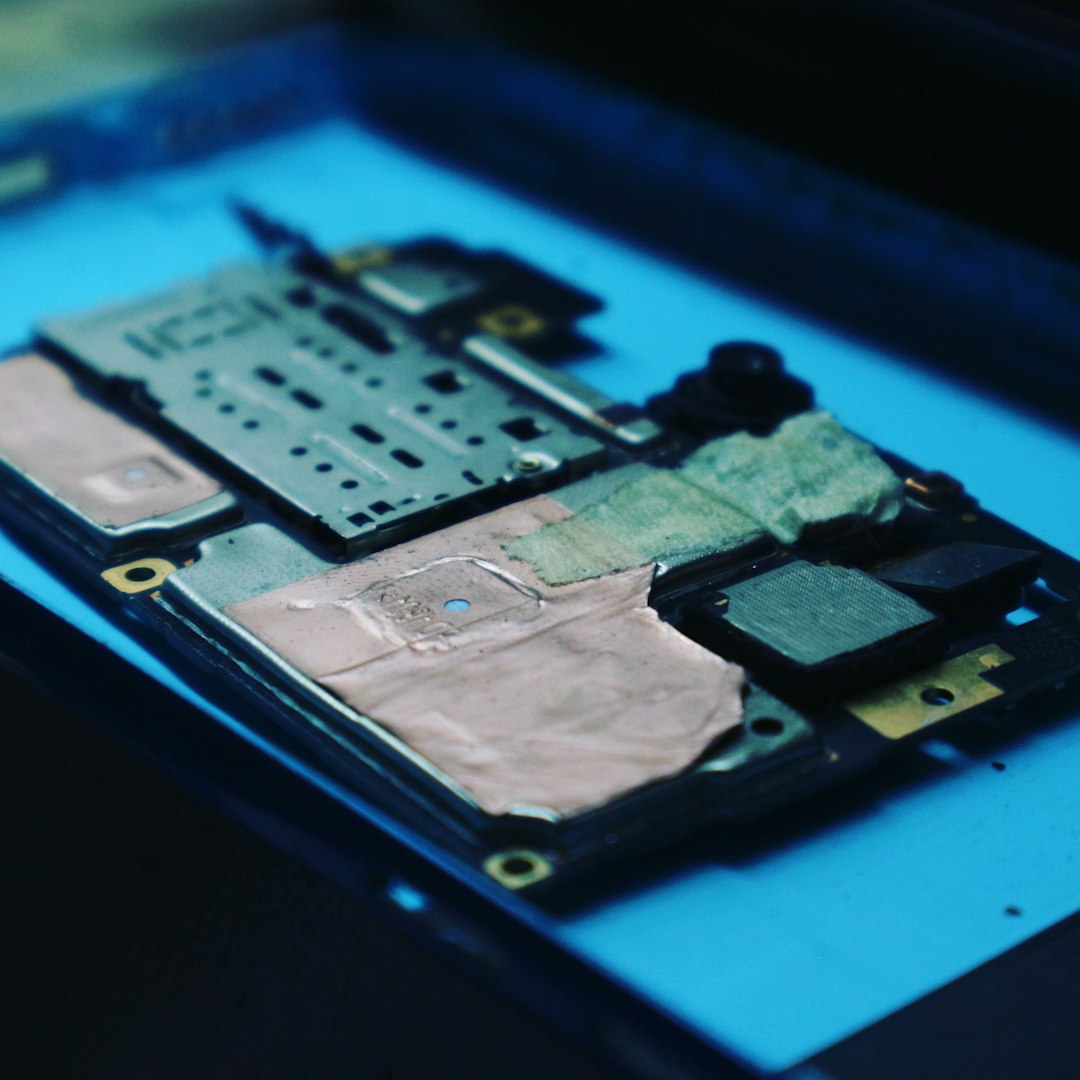
In these cases, contacting a certified repair technician is recommended.
Preventing SIM Failure
While not all SIM failures are preventable, the following practices reduce risk:
- Handle SIM cards carefully and avoid bending them.
- Keep the phone away from moisture and extreme heat.
- Use a protective phone case.
- Avoid frequently removing and reinserting the SIM.
- Keep your software updated.
SIM Failure vs. No Service: Understanding the Difference
Although often confused, “SIM failure” and “No service” are not the same:
- SIM Failure: The phone cannot detect or read the SIM card.
- No Service: The SIM is recognized, but there is no network signal available.
This distinction helps narrow down troubleshooting steps more effectively.
FAQ: Frequently Asked Questions
1. Is SIM failure a serious problem?
Not always. In many cases, it is caused by minor issues such as improper insertion or temporary software glitches. However, persistent errors may indicate hardware problems.
2. Can a SIM card go bad on its own?
Yes. Over time, SIM cards can wear out, especially if they are frequently removed or exposed to environmental stress.
3. Will I lose my data if I replace my SIM card?
You typically will not lose photos, apps, or files stored on your phone. However, contacts saved directly to the SIM (if any) may not transfer unless backed up.
4. How much does it cost to replace a SIM card?
Costs vary by carrier, but many providers offer free replacements, especially if the card is defective.
5. Why does SIM failure happen after a software update?
Occasionally, updates introduce bugs that affect network settings. Restarting the device or resetting network settings often resolves this.
6. Can water damage cause SIM failure?
Yes. Moisture can corrode internal components, including the SIM reader, and may require professional repair.
7. What does “Invalid SIM” mean?
This often indicates that the SIM card is not authorized for the device, possibly due to a carrier lock or incompatible network.
8. How can someone tell if the SIM tray is damaged?
If the card does not sit securely or keeps losing connection even after reinsertion, the tray itself may be bent or misaligned.
Final Thoughts
A SIM failure message can disrupt daily communication, but it is often simple to resolve. By understanding what causes the error and following systematic troubleshooting steps, most users can restore connectivity quickly. Whether the issue stems from a loose card, carrier problem, or hardware defect, identifying the root cause is the key to an effective fix.