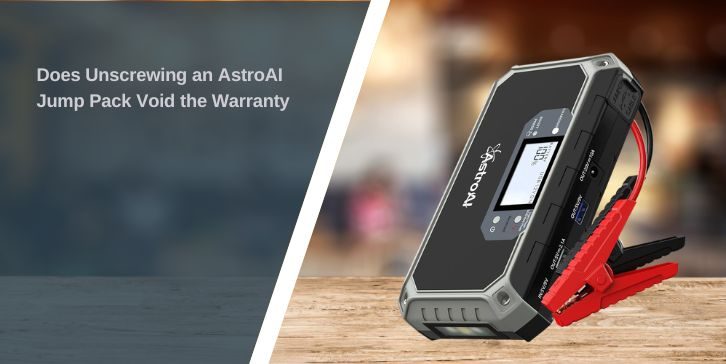
If your AstroAI jump pack stops working, it’s tempting to remove the screws and check inside. Maybe it’s not charging, maybe the screen is dead, or something feels loose. But before opening it, the important question is simple: will this affect your warranty?
This guide is for AstroAI jump starter users, car owners, and DIY users who are thinking about opening the device. It explains what AstroAI manuals say, what risks are involved, and what you should do instead.
Does Unscrewing An AstroAI Jump Pack Void The Warranty?
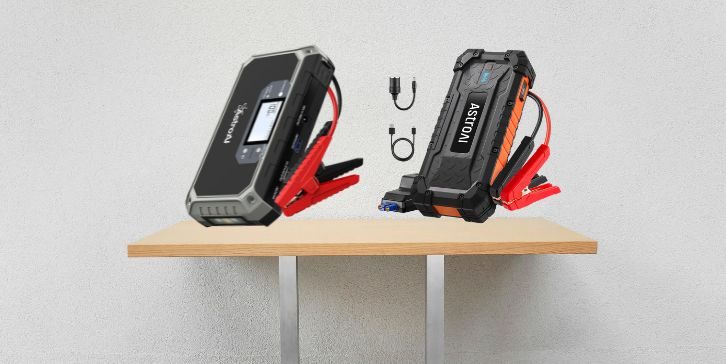
Yes, in most cases, unscrewing or opening the jump pack can void the warranty.
AstroAI user manuals clearly state that:
- Non-professionals should not disassemble the product
- Users should not modify or repair the unit themselves
- Repairs should be done by professional technicians only
This means opening the case, removing screws, or attempting a repair can be treated as unauthorized modification.
Why Does Opening The Jump Pack Affect The Warranty?
Even if your intention is just to “check inside,” opening the device changes how the product is evaluated.
AstroAI warranty terms usually do not cover:
- damage caused by misuse
- product alteration or modification
- repair attempts by non-professionals
- failure to follow instructions in the user manual
Once the case is opened, it becomes harder to prove the issue was a factory defect. From a support view, the product may now fall under user-caused damage instead of warranty-covered fault.
What does the Manual Warning Actually Mean?
The key line from AstroAI manuals is simple:
Non-professionals should not disassemble, remodel, or repair the product.
This applies to:
- removing screws
- opening the housing
- checking internal wiring
- replacing parts
- modifying components
Even if no damage happens, the act itself can still affect your claim.
Recommended Alternative Actions to Consider.
If your AstroAI jump starter is not working, do not open it first.
Follow this approach:
- Check your warranty status
- Find your order number or receipt
- Take clear photos of the problem
- Write down what is not working
- Contact AstroAI customer support
This keeps your warranty safe and gives support a clear view of the issue.
When You Should Avoid Opening It
Avoid opening the jump pack completely if you notice:
- battery swelling
- overheating during charging
- burning smell
- leaking or damaged casing
- power failure with heat
These are battery-related risks. Opening the device in this condition is not safe.
What If It Has Already Been Opened?
If you have already removed the screws or opened the case, you can still contact AstroAI support.
But you should understand:
- the warranty claim may be rejected
- support may treat it as user modification
- repair or replacement may not be covered
Still, it is worth contacting support and explaining the situation clearly.
Final Thoughts
AstroAI manuals clearly warn against disassembly, and warranty terms usually exclude damage caused by modification or repair attempts. Because of that, unscrewing or opening the jump pack will likely void your warranty.
If your unit has a problem, the safest step is simple. Do not open it. Contact AstroAI support first and follow their instructions.
If this guide helped, leave a comment and share it with someone else who is thinking about opening their AstroAI jump starter.