Waiting for a package gets annoying pretty quickly when you have no idea where it is. Maybe the store says it shipped three days ago but nothing has arrived yet. Or USPS Tracking has shown the same update since yesterday and you’re starting to wonder if the box is actually moving.
The good thing is that USPS tracking is fairly easy once you know where to look. You normally just need the tracking number that came with the shipment.
This guide covers how to track a USPS package, where to find that number, what the common tracking messages mean and what you can do when a delivery seems stuck.
Track a USPS Package in a Few Steps
The quickest way is through USPS Tracking.
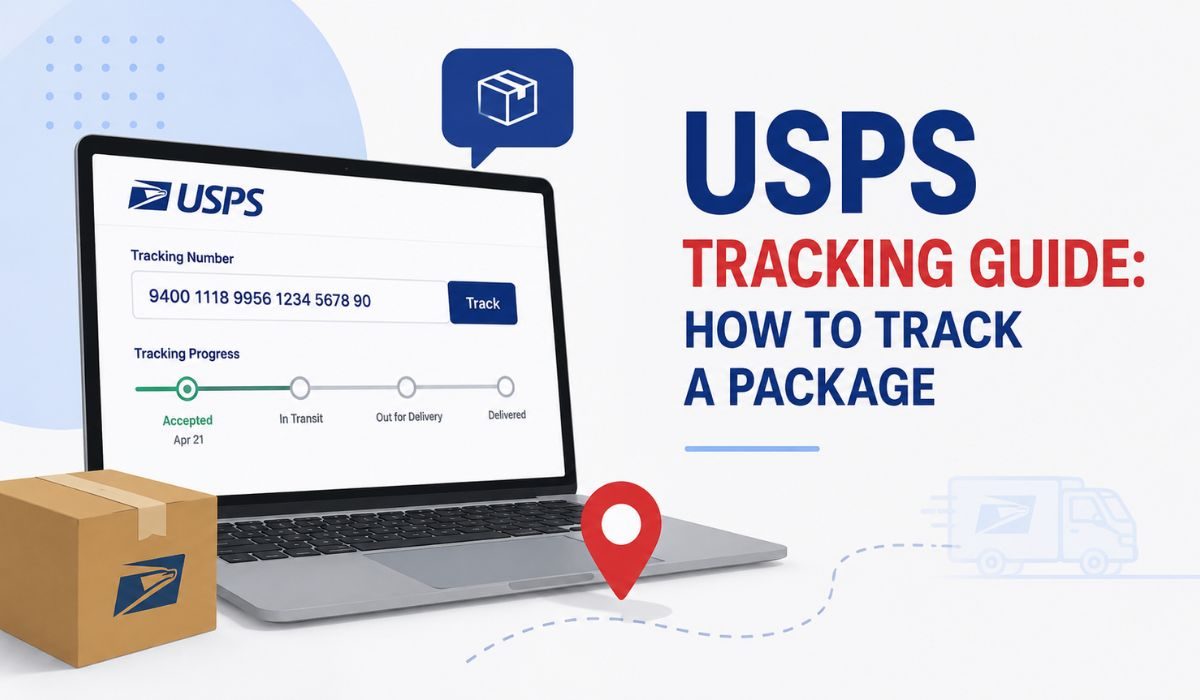
Get the tracking number first, then enter the complete number into the tracking field. Once USPS finds the shipment, you’ll normally see its latest scan along with previous movements and any delivery information currently available.
You don’t need to create an account just to check one package.
A basic tracking check looks like this:
- Find your USPS tracking number.
- Open the USPS package tracking page.
- Type or paste the full tracking number.
- Check the newest update and expected delivery information.
If you’re copying the number from an email, make sure you didn’t leave out a digit. Long tracking numbers are pretty easy to copy incorrectly.
Where Is the USPS Tracking Number?
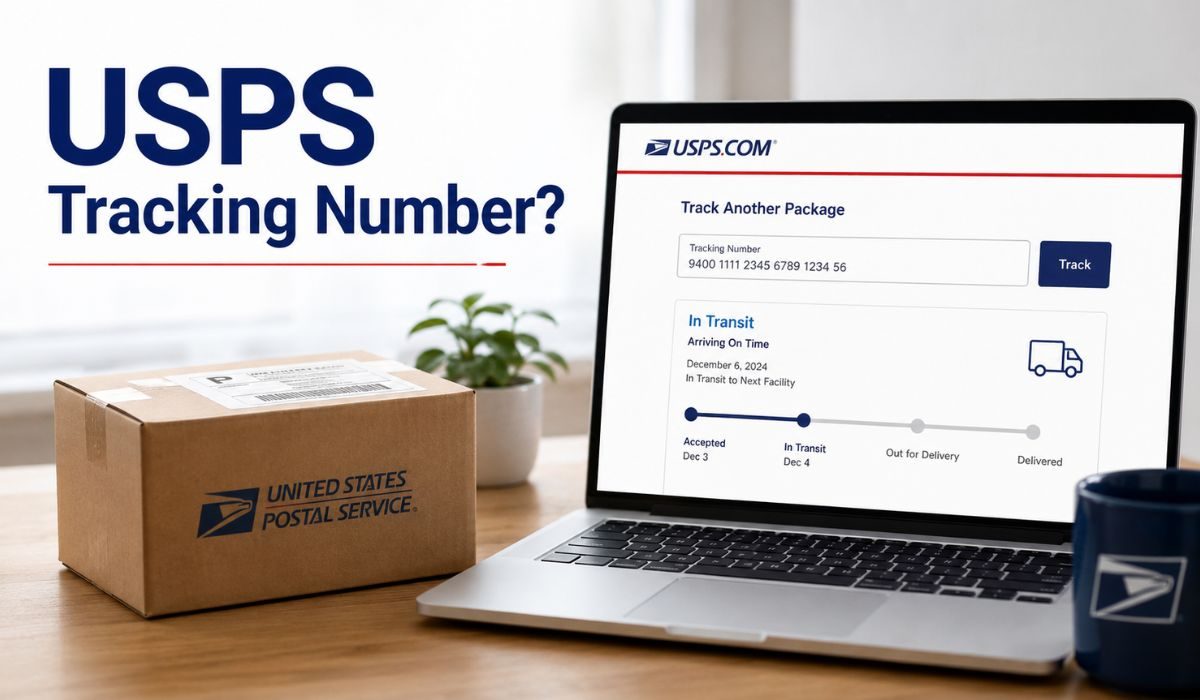
This depends on how the package was sent. If you mailed it yourself at a Post Office, look at your receipt. The tracking number should be printed there when the shipping service includes tracking.
Online orders are usually easier. Most stores send a shipping email once the carrier has the package or the label has been created. The tracking number may be written directly in that email or hidden behind a button such as Track Package.
You can also find the number in places like:
- a USPS mailing receipt
- the shipping confirmation from an online store
- your online postage or shipping-label record
- below the barcode on the package label
- your Informed Delivery account for many incoming packages
If another person mailed something to you, just ask them for the tracking number. USPS can’t always recover a missing number simply from your name or home address.
Also, not every piece of mail comes with tracking. An ordinary letter or postcard may have no tracking number at all.
Reading USPS Tracking Updates
You don’t really need to understand every scan USPS shows. Most packages follow the same general journey from the sender to your address.
| Tracking Update | What It Means |
|---|---|
| Shipping Label Created | The sender created the label but USPS may not have the package yet |
| USPS Awaiting Item | USPS hasn’t recorded possession of the package yet |
| Accepted / USPS in Possession of Item | USPS has received the shipment |
| In Transit | The package is moving through the USPS network |
| Arrived at Post Office | It has reached the local delivery area |
| Out for Delivery | A carrier is expected to attempt delivery that day |
| Delivered | USPS recorded the package as delivered |
| Notice Left | Delivery was attempted but couldn’t be completed |
| Available for Pickup | The shipment is waiting at a Post Office or other pickup location |
One thing that catches people out is In Transit. Seeing the same message for a day or two doesn’t necessarily mean your package has been sitting in exactly the same place.
Tracking depends on scans. A shipment can travel between USPS facilities without showing you a fresh update for every mile of the trip.
Why Has My USPS Tracking Stopped Updating?
A quiet tracking page is frustrating, but give the latest update some context before assuming the package is lost.
If the shipment recently left a distribution center and the expected delivery date hasn’t passed yet, there may simply be no new public scan. The next update could appear when it reaches another facility or your local Post Office.
Busy mail periods, bad weather and transportation delays can also slow things down.
What I wouldn’t do is refresh the page every ten minutes. It doesn’t make the next scan appear any faster.
If the expected delivery window has passed and there has been no useful movement, start checking the shipment more closely. Contacting the sender can help with an online order, and USPS has separate options for delayed or missing mail when a package really does appear to be lost.
USPS Says Delivered but Nothing Is There
Before filing a complaint, have a proper look around the delivery area.
Packages aren’t always left at the exact spot you expected. Check the mailbox, front porch, side entrance and any parcel locker connected with the property. If there are other people at home, ask whether someone already brought it inside.
The tracking page may also give a delivery time or location note. That can help narrow down where USPS says the package was left.
If you’ve checked everywhere and still can’t find it, then contact USPS or your local Post Office. If it was an online purchase, tell the seller as well so there is a record of the delivery problem.
Don’t automatically assume the package was stolen just because you can’t see it right away. Sometimes it turns up in a safer spot around the property.
Can You Track USPS Without the Tracking Number?
Normal USPS Tracking needs a tracking number. There isn’t a search box where you can enter only your name and see every package on the way.
There is one useful exception though. Informed Delivery can show many incoming packages linked to your verified address. So if you lost the number but already use Informed Delivery, it’s worth checking there.
For an online purchase, your order history is another easy place to look. Retailers often save the tracking details even if you’ve deleted the original shipping email.
If none of those options help, ask the sender. They are usually the person most likely to still have the tracking information.
Other Ways to Follow a USPS Delivery
You don’t have to keep visiting the same tracking page all day.
USPS Informed Delivery can show package activity and send updates for eligible shipments connected to your address. This is useful if you receive packages regularly and don’t want to save every tracking number manually.
USPS also offers tracking through text messages. You can send the tracking number to 28777 (2USPS) to get tracking information by SMS.
For most people though, the normal tracking page is enough. These extra options are more useful when you’re waiting on several deliveries or want updates while you’re away from your computer.
When Should You Start Worrying About a Package?
There isn’t one waiting period that fits every USPS shipment because delivery speed depends on the service used.
Instead of counting days from the moment the label was created, look at the package’s latest scan and estimated delivery information.
A label being created doesn’t always mean USPS already has the item. Sellers can print a shipping label before the package is handed over.
If USPS has accepted it and the shipment keeps receiving scans, that’s usually a good sign even if delivery is taking longer than expected.
The situation deserves more attention when the delivery window has passed and tracking has stopped moving for an unusual amount of time.
FAQs
How Can I Track My USPS Package?
Enter the USPS tracking number into the USPS Tracking page. It will show the latest available scan and delivery status.
What Does USPS Awaiting Item Mean?
It normally means a shipping label has been created but USPS hasn’t recorded receiving the package yet.
How Long Can USPS Tracking Stay on In Transit?
There isn’t one fixed limit. A package can remain on an In Transit status while moving between facilities and may not receive a new public scan at every stop.
Does Out for Delivery Mean My Package Is Coming Today?
Usually. It means the package is with the local delivery operation and USPS expects a delivery attempt that day. Unexpected delays can still happen.
Why Does My USPS Tracking Number Not Work?
The number may have been entered incorrectly or the label may have been created very recently. Check the full number first and try again later if the shipment is new.
Can USPS Find My Package Without a Tracking Number?
Regular tracking requires the number. You may still find an incoming shipment through Informed Delivery or by asking the sender for the tracking details.
Final Thoughts
Tracking a USPS package doesn’t need to be complicated. Find the tracking number, check the newest scan and pay more attention to the overall movement than to every individual update.
If the tracking hasn’t changed for a little while but the package is still within its expected delivery window, it may simply be moving without a new scan. Once that window has passed though, checking with the sender or USPS makes more sense than waiting and refreshing the tracking page again and again.