Pick Autodesk Construction Cloud if your team lives in drawings and models. Pick Procore if field teams need fast approvals. Pick Newforma if your mess starts in email. Keep Aconex on the list for huge owner-led projects with strict audit trails, because bad project data is not cute; Autodesk and FMI estimated bad data caused $1.8 trillion in global construction losses in 2020 [source: Autodesk].
TLDR: Aconex is the heavy-duty option for big capital projects. Autodesk Construction Cloud is great for version tracking in drawings, models, and markups. Procore is smoother for contractors chasing submittals, RFIs, and approvals from the field. For example, if a 50-person project team handles 300 drawing revisions and 120 approval steps in a month, even saving 2 minutes per action can claw back about 14 hours.
What “good document control” really means
Document control sounds boring. Until someone builds from the wrong drawing. Then it gets loud.
A good platform should answer three questions fast:
- What is the latest version?
- Who approved it?
- What changed since last time?
That is the game. Everything else is decoration.
1. Oracle Aconex: best for massive project control
Aconex is the serious one. It is built for big projects with many companies, many contracts, and many rules. Think airports, hospitals, roads, rail, and energy projects.
Its best trick is control. Every transmittal, comment, and approval is tracked. The audit trail is strong. People cannot quietly swap files and pretend nothing happened.
Version tracking: Strong. Aconex is very good at keeping official records clean. It suits teams that need tight document numbering and approval history.
Project approvals: Also strong. Workflows can be strict. That is great for owners. It can feel stiff for smaller teams.
The catch is… Aconex can feel heavy. New users may need training. Simple tasks can take more clicks than they should. If your project is small, it may feel like bringing a crane to hang a picture.
2. Autodesk Construction Cloud: best for drawings and models
Autodesk Construction Cloud, often called ACC, fits teams already using AutoCAD, Revit, Navisworks, or BIM 360 habits. It feels natural for design-heavy teams.
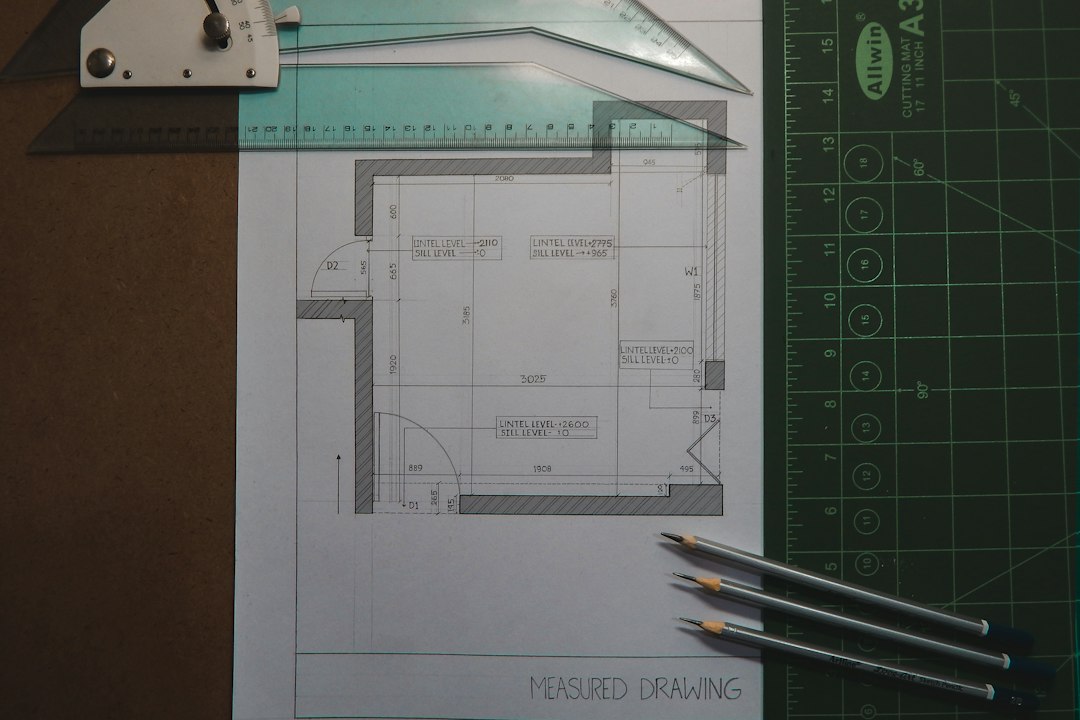
ACC shines when drawings and models change often. You can compare versions. You can see markups. You can link issues to sheets. That helps stop the “Wait, which PDF is current?” panic.
Version tracking: Excellent for drawings, sheets, models, and visual changes. The version compare tools are easy to grasp.
Project approvals: Good. Reviews and approval workflows work well, especially when tied to design documents.
Honestly, it feels like ACC is at its best when the work is visual. If your team argues over plan sets all day, this is a strong pick.
3. Procore: best for contractors and field teams
Procore is popular because it is easy for site teams to use. Supers, project managers, subs, and office staff can work in one place without needing a manual the size of a brick.
It handles drawings, RFIs, submittals, observations, correspondence, and approvals. The mobile app is a big reason teams like it. People in the field can check the latest drawing without calling the office five times.
Version tracking: Very good for drawings and field documents. Revision history is clear. Supers can see current sheets fast.
Project approvals: Very good for submittals, RFIs, and contractor workflows. Review steps are practical and easy to assign.
It drives me a little mad when tools hide simple actions. Procore usually avoids that. It is not perfect, but it is built for people who are busy and slightly annoyed already.
4. Newforma: best for email-heavy design teams
Newforma is different. It is loved by many architects and engineers because it works well with messy project communication. Especially email.
If your firm has years of project records buried in Outlook folders, Newforma can help organize them. It connects email, files, transmittals, submittals, and project records.
Version tracking: Good, especially when teams need to manage files across shared folders, email, and project archives.
Project approvals: Good for design review workflows, submittals, and transmittals. It may not feel as field-focused as Procore.
Newforma is not the flashiest tool. But it solves a very real problem. Project knowledge is often trapped in inboxes. That is painful. Newforma helps pull it into view.
Quick comparison
| Platform | Best For | Version Tracking | Approvals |
|---|---|---|---|
| Aconex | Large owner-led projects | Very strong | Strict and detailed |
| Autodesk Construction Cloud | Drawings, BIM, design review | Excellent | Good |
| Procore | Contractors and site teams | Very good | Very good |
| Newforma | Architects, engineers, email records | Good | Good |
Which one should you choose?
- Choose Aconex if the audit trail is king.
- Choose Autodesk Construction Cloud if drawings and models change daily.
- Choose Procore if field teams need simple tools now.
- Choose Newforma if email is your biggest document mess.
For most contractors, Procore is the easiest daily tool. For design and BIM teams, Autodesk Construction Cloud is hard to beat. For public works and large capital programs, Aconex brings the control. For architects and engineers drowning in email, Newforma makes sense.
The best platform is the one your team will actually use. Fancy workflows mean nothing if people keep saving “final final v7.pdf” to their desktop.