The strongest Smartsheet alternatives for portfolio management are Planview, Adobe Workfront, Wrike, and Kantata because each gives leaders clearer capacity views, cleaner status reporting, and stronger governance than a spreadsheet-style setup. That matters because poor project performance can waste 9.4% of every dollar invested, according to PMI [source: PMI].
TLDR: Teams that need better portfolio control should shortlist Planview for enterprise planning, Adobe Workfront for marketing and creative work, Wrike for fast visibility, and Kantata for services resource planning. For example, a 200-person PMO moving from scattered sheets to a portfolio tool could cut status meeting prep from 10 hours to 3 hours per week if reporting is automated. The best pick depends on whether the main pain is capacity, executive dashboards, delivery risk, or utilization.
Smartsheet is useful for work tracking. It is flexible and familiar. But many portfolio teams hit a wall when resource planning, dependency tracking, and executive reporting become daily needs. It drives project leads crazy that a small reporting change can turn into another round of manual sheet updates, copied formulas, and version checks.

1. Planview: Best for enterprise portfolio management
Planview is built for large organizations that manage many programs, products, and funding streams. It works well when leaders need to compare strategy, budget, capacity, and delivery risk in one place.
- Best for: Enterprise PMOs, IT portfolios, product portfolios, and transformation offices.
- Key strength: Strong portfolio planning and resource capacity modeling.
- Reporting fit: Executive dashboards with rollups across programs and portfolios.
Planview helps teams answer hard questions. Which projects should be funded? Which teams are overloaded? Which initiatives no longer match business goals? Smartsheet can track this work, but Planview is stronger when leaders need structured portfolio decisions.
The tradeoff: Planview can feel heavy for smaller teams. Setup takes planning. It is not the tool for a group that only needs simple task tracking.
2. Adobe Workfront: Best for marketing and creative portfolios
Adobe Workfront is a strong choice for marketing, creative, and digital teams that need request intake, approvals, campaign tracking, and portfolio visibility. It is especially useful where work moves through review cycles with many stakeholders.
- Best for: Marketing operations, creative services, brand teams, and content teams.
- Key strength: Work intake, approval flows, campaign visibility, and Adobe ecosystem fit.
- Reporting fit: Portfolio dashboards for campaign status, workload, and throughput.
Workfront gives leaders a better view of planned and active work. Managers can see who is overloaded before every designer and copywriter has five urgent tasks due on Friday. Honestly, it feels like many teams discover the problem only after the missed deadline. Workfront helps surface it earlier.
The tradeoff: It can be more than non-marketing teams need. It also works best when processes are clearly defined before rollout.
3. Wrike: Best for fast portfolio visibility
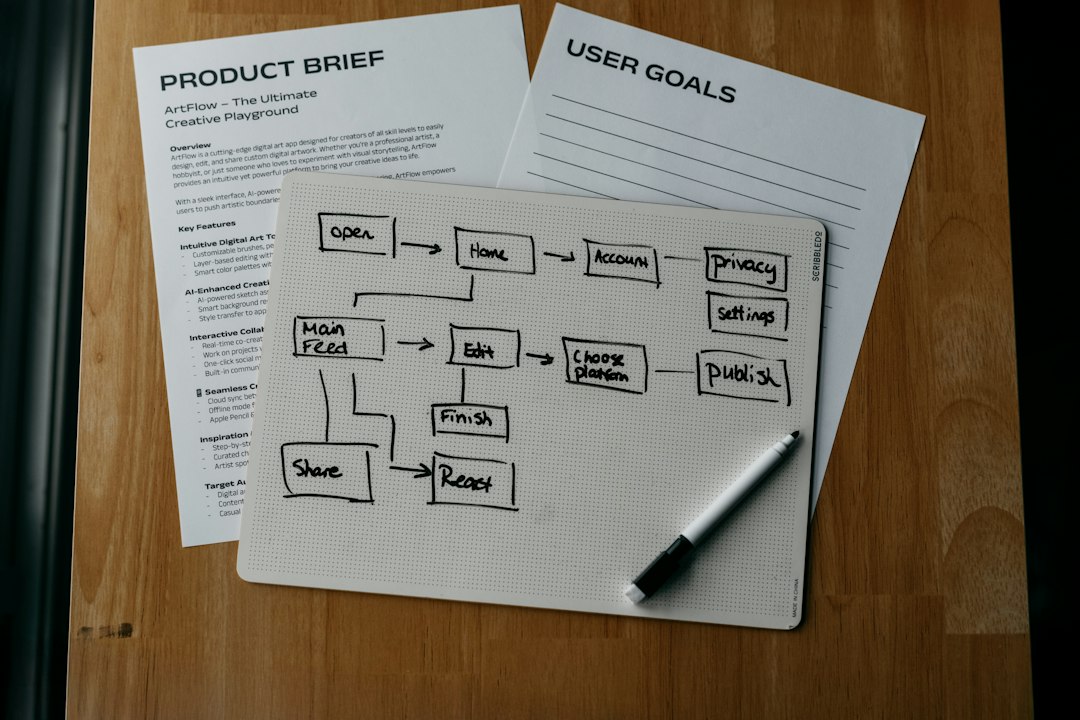
Wrike is a good alternative for teams that want stronger dashboards, cleaner workload views, and flexible project tracking without the weight of a large enterprise PPM system. It fits mid-sized teams that need structure, but still want speed.
- Best for: Operations teams, agencies, IT groups, and cross-functional departments.
- Key strength: Dashboards, request forms, workload views, and project templates.
- Reporting fit: Real-time status views for stakeholders and department heads.
Wrike is often easier to adopt than larger portfolio tools. Teams can build intake forms, route requests, assign work, and view progress quickly. It also gives managers helpful workload charts, so resource planning does not depend on someone updating a separate capacity sheet every morning.
The tradeoff: Advanced portfolio governance is not as deep as Planview. Very large PMOs may need more robust financial controls and planning features.
4. Kantata: Best for services resource planning
Kantata is designed for professional services teams that care about utilization, margins, staffing, and delivery health. It is a strong fit for consultancies, agencies, and internal service teams that need to match people to work with real financial data.
- Best for: Consulting firms, agencies, client services teams, and delivery organizations.
- Key strength: Resource management, utilization tracking, project financials, and forecasting.
- Reporting fit: Executive views for margins, staffing gaps, billable work, and delivery risk.
Kantata stands out when staffing is the core issue. Leaders can see which roles are booked, which skills are missing, and where future demand may exceed capacity. That makes it a better fit than Smartsheet for teams that need both project delivery and business performance data.
The tradeoff: It may feel too specialized for teams that do not track utilization, revenue, or client delivery metrics.
How teams should choose
- Choose Planview when portfolio governance, funding, and enterprise capacity planning matter most.
- Choose Adobe Workfront when creative approvals, marketing campaigns, and intake control are the main pain points.
- Choose Wrike when teams need quick visibility, simple setup, and flexible reporting.
- Choose Kantata when utilization, staffing, and project margins drive decisions.
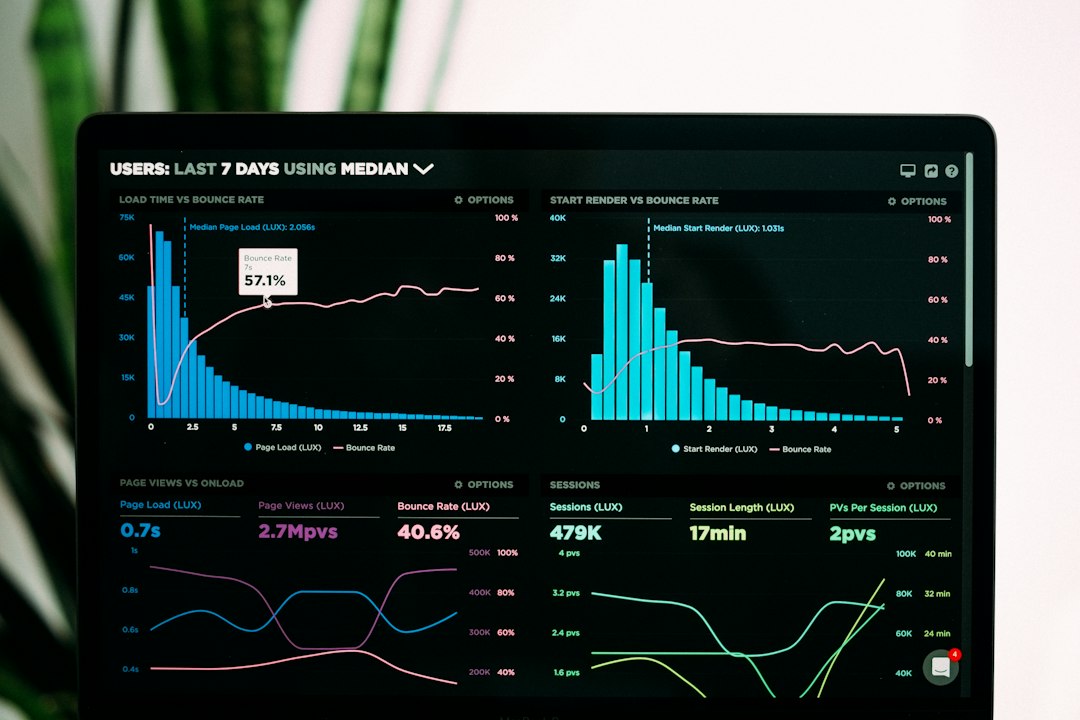
The right Smartsheet replacement should reduce manual reporting, not add another layer of admin. A good test is simple: can an executive see project health, resource risk, and priority conflicts in under two minutes? If not, the platform is not doing enough.
FAQ
What is the best Smartsheet alternative for portfolio management?
Planview is often the best fit for enterprise portfolio management. It has stronger tools for strategy alignment, capacity planning, and executive reporting.
Which alternative is best for resource planning?
Kantata is strong for services resource planning, especially when utilization and staffing forecasts matter. Planview is better for enterprise-wide capacity planning.
Is Wrike better than Smartsheet?
Wrike can be better for teams that want faster dashboards, workload views, and request workflows. Smartsheet may still suit teams that prefer spreadsheet-style work tracking.
Which tool is best for marketing teams?
Adobe Workfront is usually the best choice for marketing and creative teams. It handles approvals, requests, campaign visibility, and content workflows well.
Should small teams replace Smartsheet?
Small teams may not need to replace it. A switch makes sense when manual reporting, unclear capacity, and scattered project updates start slowing decisions.