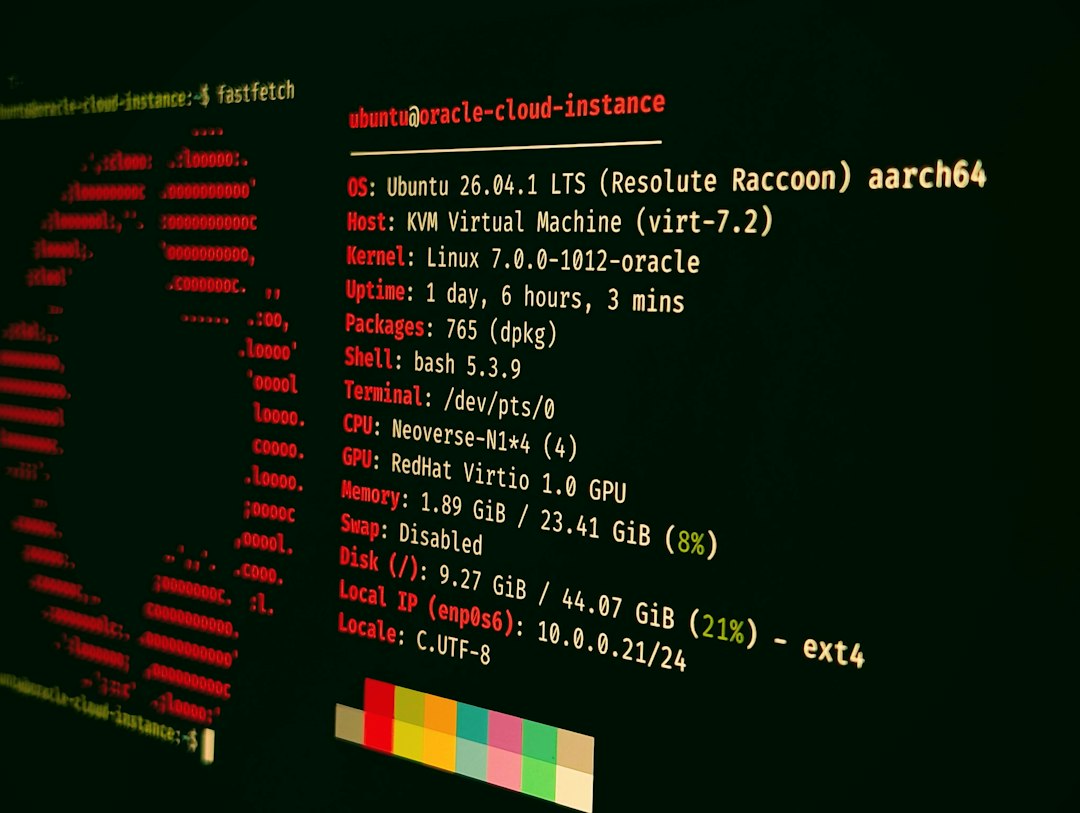
The best Ghostty alternative for most developers is WezTerm, but the right choice depends on your OS, GPU needs, font taste, and how much config you can tolerate. Terminals still matter because developer work is full of Git, SSH, package managers, logs, and local scripts; Stack Overflow’s 2024 survey had more than 65,000 developer responses, which shows how broad and tool-heavy modern development work has become [source: Stack Overflow].
TLDR: If you want a serious Ghostty replacement, start with WezTerm for cross-platform power, Kitty for speed and graphics, or Alacritty for a lean setup. For example, a developer who runs four SSH sessions, two Git repos, and one log tail can save several minutes per day with panes, session restore, and stable keyboard shortcuts. If your team has 20 engineers, even a 3-minute daily gain adds up to about 5 hours per workweek.
1. WezTerm
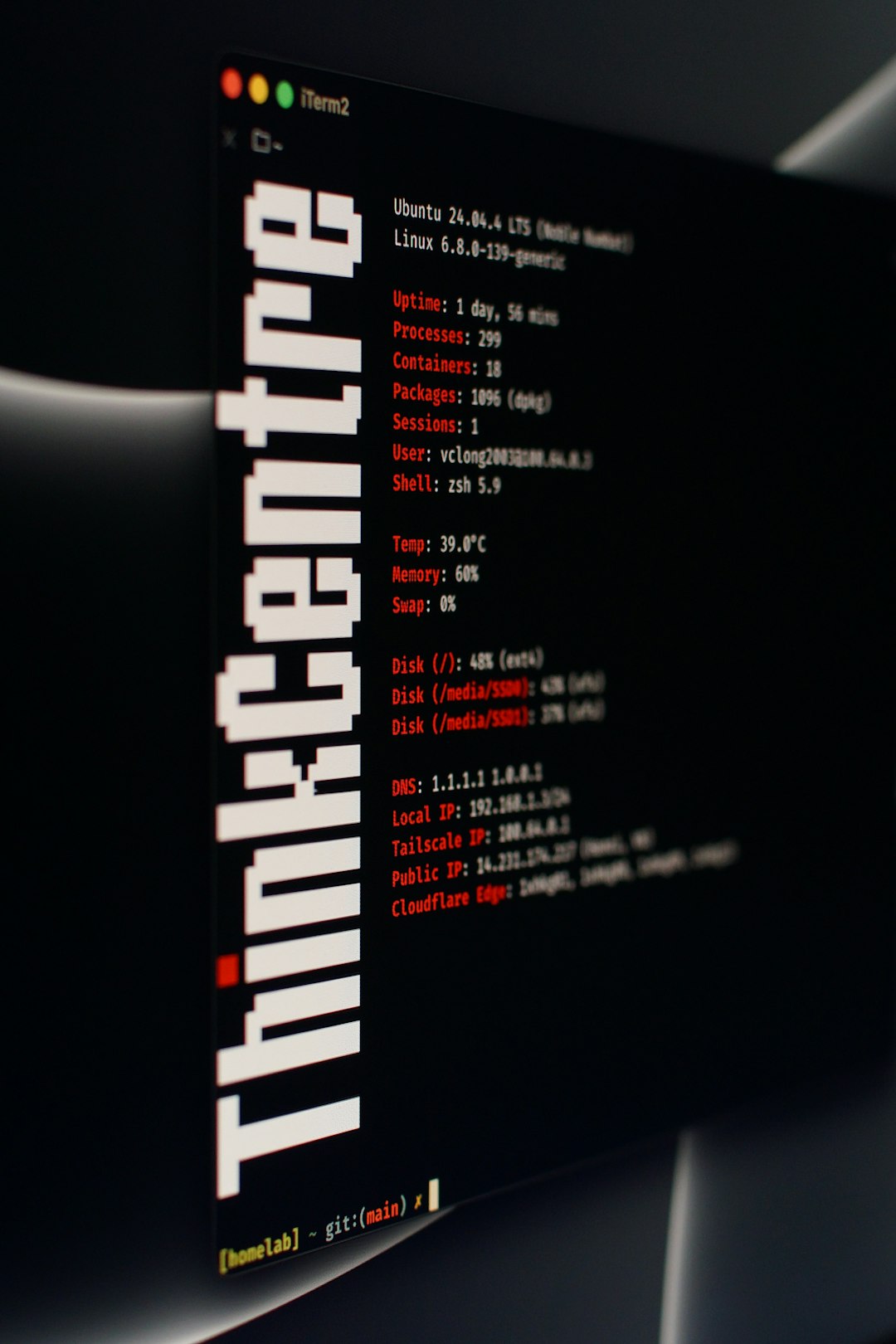
WezTerm is the strongest all-around Ghostty alternative. It works on macOS, Linux, and Windows. It supports GPU rendering, tabs, panes, ligatures, multiplexing, SSH domains, and deep Lua configuration.
It is best for developers who want one terminal across machines. The config can feel like a small programming project, which is both good and annoying. Honestly, it feels like one missing comma can steal ten minutes from your morning. Still, once set up, WezTerm is stable and highly flexible.
- Best for: cross-platform teams and power users
- Weak spot: Lua config has a learning curve
- Workflow fit: panes, SSH, Git, Docker, remote work
2. Kitty
Kitty is fast, mature, and packed with features. It supports GPU acceleration, session layouts, tabs, splits, image display, and a strong keyboard-driven workflow. It also has a remote control feature, which can script terminal behavior.
Kitty is a great pick if you want performance without giving up advanced features. It shines on Linux and macOS. Some users dislike its config style and its opinions on shell integration, but it remains one of the most capable terminals available.
- Best for: Linux users, heavy shell users, keyboard-first workflows
- Weak spot: not as natural on Windows
- Workflow fit: Neovim, tmux-free panes, local automation
3. Alacritty
Alacritty is simple and fast. It avoids built-in tabs and panes by design, so users often pair it with tmux, Zellij, or a window manager. The result is clean. No clutter. No heavy interface.
The catch is that you must bring your own workflow pieces. If you expect session restore, tabs, and split panes out of the box, you may be frustrated. If you already love tmux, Alacritty makes sense.
- Best for: minimalists and tmux users
- Weak spot: few built-in workflow tools
- Workflow fit: fast local shells, tiling window managers, remote SSH
4. Windows Terminal
Windows Terminal is the practical choice for Windows developers. It supports PowerShell, Command Prompt, WSL, Azure Cloud Shell, tabs, panes, profiles, themes, and GPU-accelerated text rendering. Microsoft also maintains it in the open, which helps enterprise teams trust it [source: Microsoft GitHub].
It is not the flashiest option, but it gets the basics right. If your stack includes WSL, Docker Desktop, Node.js, .NET, or Python on Windows, this should be on your shortlist.
- Best for: Windows and WSL users
- Weak spot: less attractive for macOS and Linux users
- Workflow fit: PowerShell, Ubuntu on WSL, enterprise laptops

5. iTerm2
iTerm2 remains a top terminal for macOS. It supports split panes, profiles, hotkeys, search, triggers, password manager hooks, shell integration, and excellent font rendering. Many Mac developers still pick it because it is reliable and familiar.
It drives me crazy that some settings are buried deeper than they should be. Still, iTerm2 is polished. It works well with Homebrew, SSH, Git, Python, Ruby, Node, and Kubernetes tools.
- Best for: macOS developers who want a proven tool
- Weak spot: macOS only
- Workflow fit: shell profiles, hotkey terminal, daily app development
6. Konsole
Konsole is the KDE terminal emulator. It is a smart choice for Linux users who want a native desktop feel. It supports tabs, split views, profiles, bookmarks, search, and good customization.
Konsole is not trying to be trendy. That is a strength. It is stable, clear, and well integrated with KDE tools. If you use Plasma, it feels like the terminal that belongs there.
- Best for: KDE Plasma users
- Weak spot: less appealing outside KDE
- Workflow fit: Linux admin work, local scripts, file manager integration
7. Tabby
Tabby is a modern terminal with a clean interface, SSH client features, tabs, split panes, themes, plugins, and cross-platform support. It feels more like a full app than a bare terminal window.
Tabby is useful if you manage many remote servers and want a friendly interface. It may feel heavier than Alacritty or Kitty, but the built-in SSH management can be worth it.
- Best for: remote server work and mixed OS teams
- Weak spot: heavier than minimalist terminals
- Workflow fit: SSH bookmarks, remote admin, client support work
How to Choose the Right Ghostty Alternative
Pick based on how you actually work. Do not chase features you never use. If you live in SSH, choose WezTerm, Kitty, or Tabby. If you want the fastest clean shell, use Alacritty. If you are on Windows, start with Windows Terminal. If you are on macOS and want comfort, iTerm2 is still hard to beat.
Also think about your command-line habits. If you are still building confidence, this guide on using the Linux terminal like a pro can help. For system tasks, terminal skill matters too, whether you need to unmount a drive in Bazzite or flush DNS cache on macOS.
Image not found in postmeta
Final pick: choose WezTerm if you want the safest Ghostty alternative for serious daily development. Choose Kitty if you want speed and rich terminal features. Choose Alacritty if you prefer a lean tool that stays out of your way.