When you’re leading a nonprofit, you want to make a difference. That’s your mission. But there’s one thing many nonprofit leaders overlook—making a strong first impression at events. One easy and affordable way to gain credibility fast? A great business card. Yep, a tiny piece of card stock can do wonders for how people remember you.
TLDR: Business cards are a big win for nonprofit leaders at events. They help create lasting connections and show professionalism. Using simple business card makers lets you create cards that reflect your mission, fast. Even if your budget is tight, you can still make something great!
Why Business Cards Still Matter
We live in a digital world—no doubt about it. But guess what hasn’t gone out of style? Business cards. They’re quick to share and easy to keep. And they show you’re serious about the work you do.
Especially at nonprofit events, conferences, or fundraisers, a business card can set you apart. It tells people:
- Who you are
- What you do
- How they can reach you
Nonprofit leaders often rely on personal connection. A business card makes it easier to continue that connection even after the event is over.
What Should Be on Your Card?
Don’t overthink it. Keep it simple. Here’s what’s essential:
- Your name
- Your title (like Executive Director or Volunteer Lead)
- The name of your nonprofit
- Your phone number
- Your email address
- Your website or donation link
If you still have space, add your logo or a mission tagline. Something that makes people remember what your nonprofit is all about.
Best Business Card Makers for Nonprofits
So how do you actually make one? Great news—you don’t need to hire a designer! There are online tools to help:
1. Canva
Cost: Free basic plan, optional paid templates.
Why it’s great: Canva makes designing cards super easy. You can drag and drop items right in your browser. It’s loaded with free templates and graphics.
Perfect for: Nonprofit leaders who want something modern and colorful.
2. Vistaprint
Cost: Cards start at about $20 for 100 cards.
Why it’s great: Vistaprint is both a design tool and a printer. You can design your card online and have them mailed to you. One-stop shop!
Perfect for: Leaders who want a professional touch with nice paper finishes.
3. Zazzle
Cost: Similar pricing to Vistaprint, with lots of custom options.
Why it’s great: You’ll find unique designs and artsy templates. Good for creative nonprofits looking to stand out.
Perfect for: Small nonprofits focused on art, culture, or creative causes.
4. Moo
Cost: Slightly higher. Starts at $30+ for premium cards.
Why it’s great: Moo cards are luxurious. They feel amazing in your hand. You can even have a different photo or quote on each card (yep, every one!).
Perfect for: Nonprofits hosting high-end galas or meeting big donors.

Design Tips That Make a Big Impact
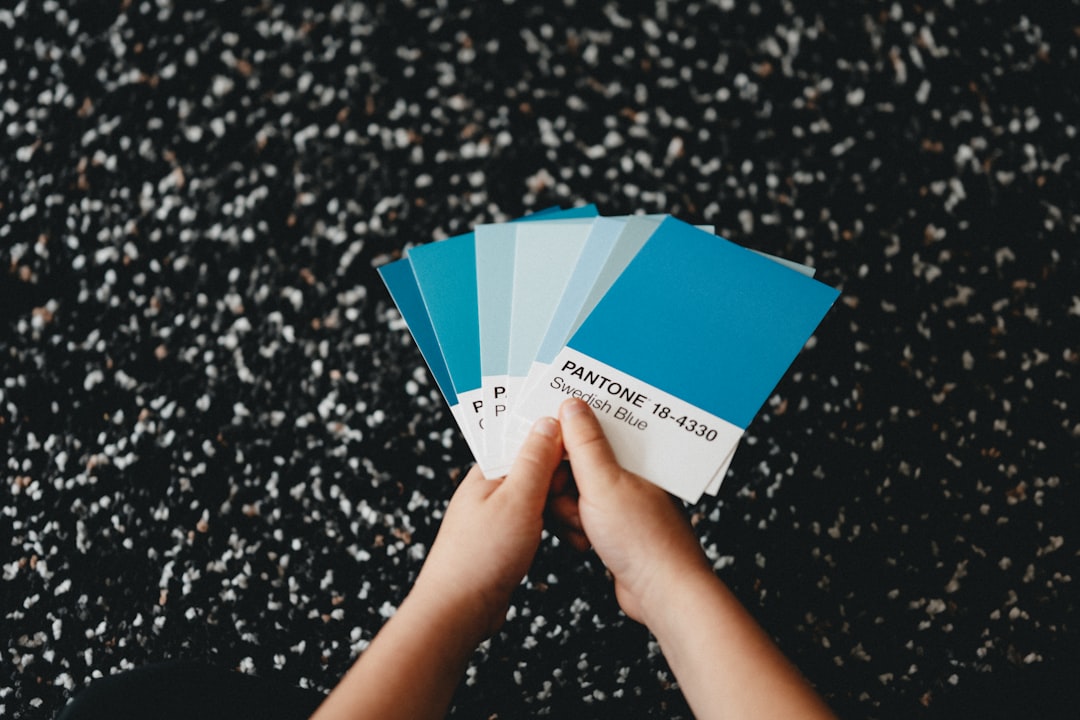
Design might sound intimidating, but don’t worry. You don’t need to be Picasso. Just keep a few simple tips in mind:
- Use large, clear fonts – Make sure people can read your name.
- Keep colors simple – 2 or 3 colors max is ideal.
- Stay on brand – Use your nonprofit’s logo or color scheme if you have one.
- Don’t clutter – White space is your friend!
The goal isn’t to impress with dashes and glitter. It’s to represent yourself clearly and warmly.
Credibility = Confidence
Let’s be real—walking into a room full of funders, community leaders, and partners can feel intimidating. A polished business card can boost your confidence. It shows you are organized and professional.
Imagine you’re chatting with someone over coffee at a conference. Just as you’re wrapping up your elevator pitch, you pull out your sleek, mission-driven card. Boom 💥 That quick handoff leaves a lasting impression. It’s small, but powerful.
Print or Digital—Do I Need Both?
Yes and no. A printed card is a must for physical events. But there’s no harm in having a digital version too.
Some tools let you create digital cards with QR codes. These can link to your fundraising page, video intro, or personal message.
Check out:
- HiHello – Great for creating sharable digital contact cards.
- QR Code Generator – Add a QR code to your real card that links to your site.
Pro tip: If your nonprofit is eco-friendly, mention it. Use recycled paper or digital-only cards as part of your green mission.
Keep a Few Handy at All Times
Keep your cards in your wallet, bag, or even your phone case. You never know who you’ll meet.
Having a card ready shows you’re always prepared to talk about your cause. It makes people take you—and your mission—seriously.
Let the Card Match Your Cause
Your card shouldn’t just say who you are. It should reflect what you believe in. If your nonprofit supports the environment, try soft earth-tones. If you serve kids, go bright and playful. Military support group? Bold, clean, and respectful.
If you’re a nonprofit leader, your card can even become a conversation starter. Add a short quote or mission line to spark curiosity.
Summing It All Up
Business cards may be old-school, but they still matter—a lot. Especially when you’re leading a nonprofit, every moment counts. Make the most of your meetings and build long-term relationships with a pocket-sized handshake.
Remember:
- Use an easy design tool like Canva, Vistaprint, or Moo
- Keep the info clear and clean
- Let your mission shine through your card
- Always be ready to hand one out!
Get out there and share the good work you do—with confidence—and a beautiful little business card to match.