Google Maps has evolved far beyond a simple navigation app. Today, it’s a powerful ecosystem of tools that help businesses streamline route planning, monitor assets in real time, and improve visibility in local search results. Whether you manage a delivery fleet, operate a service-based company, or run a brick-and-mortar store, leveraging the right Google Maps tools can significantly improve efficiency and online presence.
TLDR: Google Maps offers powerful tools for route optimization, location tracking, and local SEO growth. The top four tools include Google Maps Platform, Google Business Profile, Google Location Sharing, and Google Maps Timeline. Together, they help businesses optimize delivery routes, monitor teams in real time, and dominate local search results. Using them strategically can reduce costs, improve customer experience, and increase visibility.
In this guide, we’ll explore the top four Google Maps tools and show how they work individually—and together—to boost operational efficiency and local marketing performance.
1. Google Maps Platform (For Route Optimization & Advanced Routing)
The Google Maps Platform is a suite of APIs and SDKs that allows businesses to integrate Google Maps features directly into websites, apps, and internal systems. While casual users rely on the standard Maps app, businesses can unlock powerful customization and automation tools through the platform.
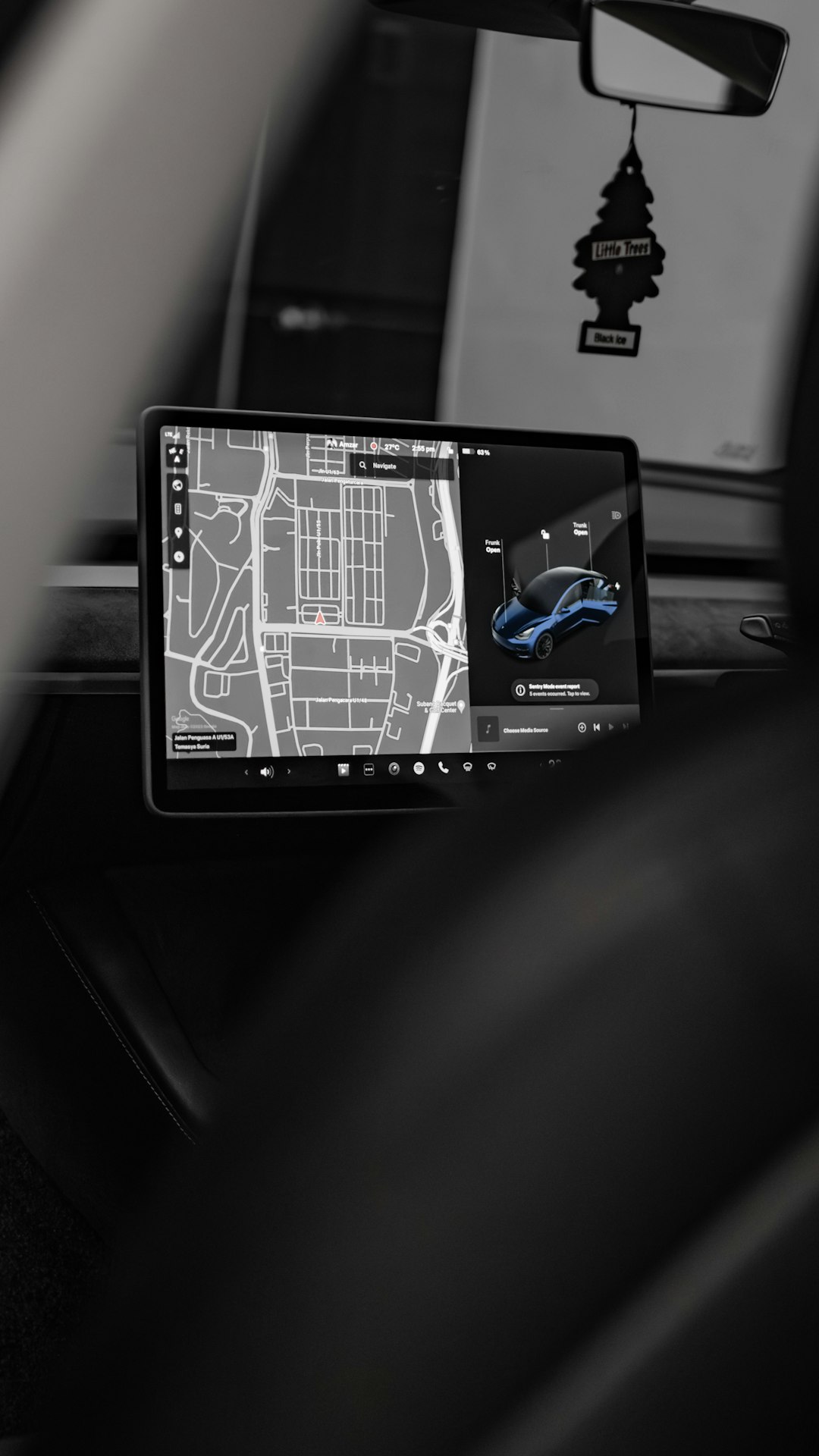
For route optimization, the key feature is the Routes API. It enables:
- Multi-stop route planning
- Real-time traffic prediction
- Distance and time matrix calculations
- Fuel cost estimation
- Dynamic rerouting
For example, a delivery company can automatically calculate the most efficient order for stops across multiple destinations, significantly reducing fuel costs and delivery times.
Why it matters for businesses:
- Reduces operational expenses
- Improves on-time delivery rates
- Enhances customer satisfaction
- Supports scalability for growing fleets
Additionally, the Distance Matrix API allows logistics teams to compare travel times between multiple origin and destination points at once. This is particularly valuable for dispatch systems that must assign drivers based on proximity and traffic conditions.
While it requires development resources to integrate, the long-term cost savings and efficiency improvements can be substantial.
2. Google Business Profile (For Local SEO & Visibility)
When it comes to local SEO, nothing is more important than your Google Business Profile (formerly Google My Business). This tool directly influences how your business appears in:
- Google Maps search results
- Local “Map Pack” listings
- Knowledge Panels
- Mobile searches with local intent
If someone searches for “plumber near me” or “best coffee shop in Chicago,” Google Business Profiles dominate the visual results.
Core optimization features include:
- Business categories and services
- Photo and video uploads
- Customer reviews and responses
- Posts and updates
- Q&A management
Strong profile optimization increases visibility and trust. Reviews, in particular, play a critical role in driving conversions. Businesses with higher ratings and active engagement often outrank competitors—even if their website SEO is weaker.
Pro tip: Keep your NAP (Name, Address, Phone Number) consistent across your website and directories. Consistency strengthens local ranking signals.
Additionally, businesses can analyze insights such as:
- Search queries used to find the business
- Customer actions (calls, website visits, directions)
- Photo views compared to competitors
This data makes Google Business Profile not just a visibility tool, but also a performance analytics resource.
3. Google Location Sharing (For Real-Time Location Tracking)
For teams that operate in the field—such as technicians, real estate agents, or delivery drivers—Google Location Sharing offers simple and effective real-time tracking.
This feature allows users to share their live location with selected contacts for a defined period of time. While often used personally, businesses can leverage it for lightweight tracking coordination without investing in expensive fleet management systems.
How it helps:
- Dispatchers can monitor team movement
- Customers can track estimated arrival times
- Managers can improve accountability
- Teams can coordinate meetups efficiently
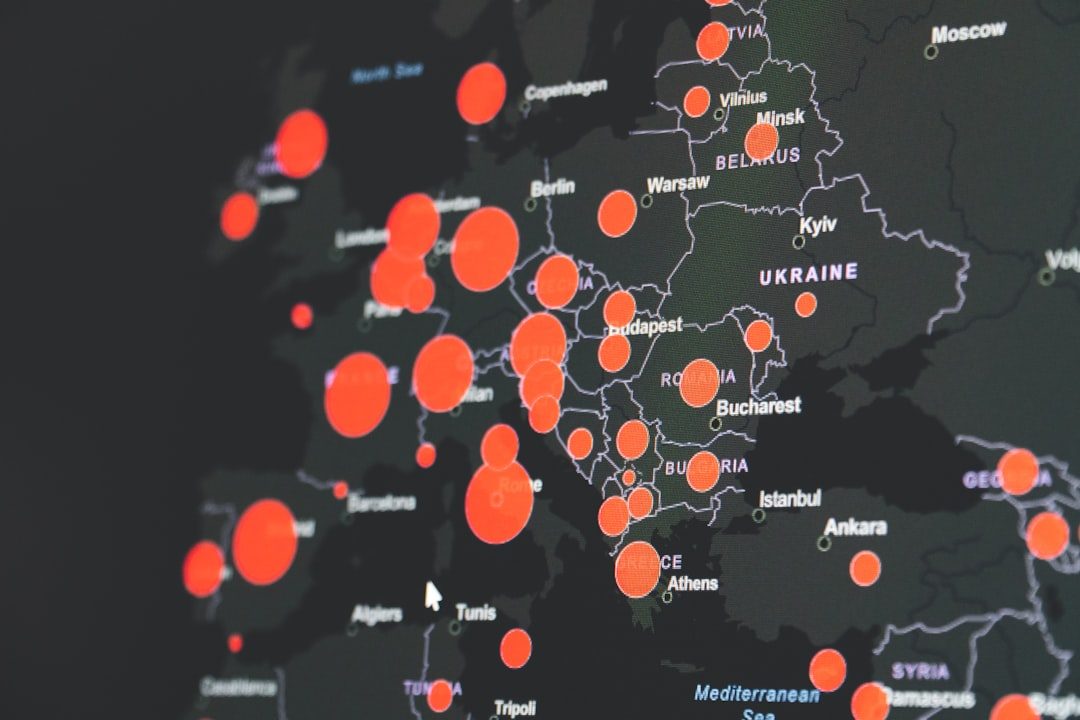
Although it lacks advanced fleet analytics, it’s ideal for small businesses or startups that need a budget-friendly tracking solution.
Security considerations:
- Ensure tracking is consent-based
- Define clear privacy policies
- Limit sharing duration when possible
For growing companies, Location Sharing can serve as a stepping stone before adopting enterprise-level telematics systems.
4. Google Maps Timeline (For Data Insights & Movement History)
The Google Maps Timeline automatically records places visited, routes taken, and travel times—provided location history is enabled. While often overlooked, this tool can be extremely valuable for operational reviews and reporting.
Business applications include:
- Verifying completed site visits
- Tracking travel patterns
- Analyzing delays and bottlenecks
- Generating mileage reports
For freelancers and independent contractors, this feature can simplify expense tracking and reimbursements by reconstructing routes taken for client work.
Important note: Timeline data depends on user-enabled location history and may not be appropriate for all corporate privacy policies. Always confirm compliance requirements before relying on it.
Comparison Chart: Top Google Maps Tools
| Tool | Primary Use | Best For | Cost | Technical Skill Required |
|---|---|---|---|---|
| Google Maps Platform | Advanced route optimization & API integration | Logistics companies, delivery services, enterprise apps | Usage-based pricing | High |
| Google Business Profile | Local SEO & search visibility | Local brick and mortar businesses | Free | Low |
| Google Location Sharing | Real-time GPS tracking | Small field teams, startups | Free | Very Low |
| Google Maps Timeline | Location history & reporting | Freelancers, field professionals | Free | Very Low |
How These Tools Work Together
While each tool can function independently, the real power lies in combining them strategically.
For example:
- A plumbing company uses Google Business Profile to rank locally.
- New job requests trigger dispatch scheduling via Google Maps Platform.
- Technicians share live positions using Location Sharing.
- Management reviews historical travel data using Timeline.
This integrated approach improves:
- Marketing performance
- Customer communication
- Route efficiency
- Operational transparency
Businesses that treat Google Maps as an ecosystem rather than a standalone navigation tool gain a considerable competitive advantage.
Key Takeaways for Businesses
If you’re unsure where to start, follow this step-by-step approach:
- Claim and optimize your Google Business Profile first. This produces the fastest ROI.
- Use Location Sharing to improve team coordination.
- Leverage Timeline for performance insights and reporting.
- Scale up to Google Maps Platform APIs when operations grow more complex.
By implementing these tools in stages, companies can grow efficiently without overwhelming their systems or budgets.
Final Thoughts
Google Maps is no longer just about directions. It’s a multifaceted platform supporting logistics optimization, real-time tracking, and powerful local SEO performance.
Whether you’re a small business owner trying to rank higher in local searches or a logistics manager overseeing dozens of daily deliveries, these four tools provide practical, scalable solutions. The smartest businesses recognize that mastering digital visibility and operational efficiency go hand in hand.
When used strategically, Google Maps doesn’t just guide customers to your door—it helps you reach them faster, smarter, and more effectively than your competition.