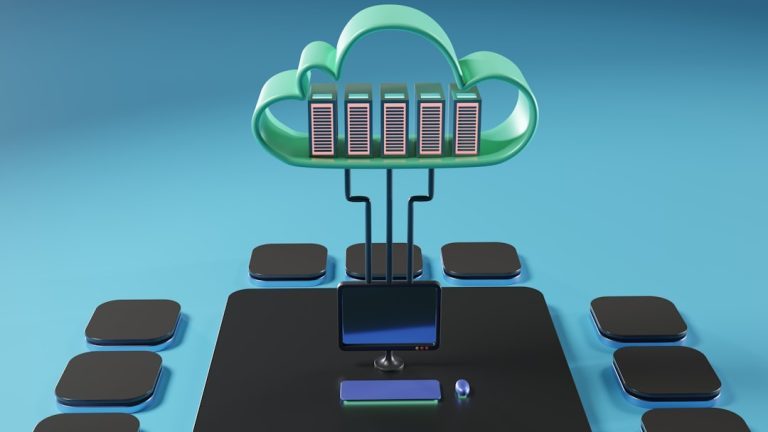
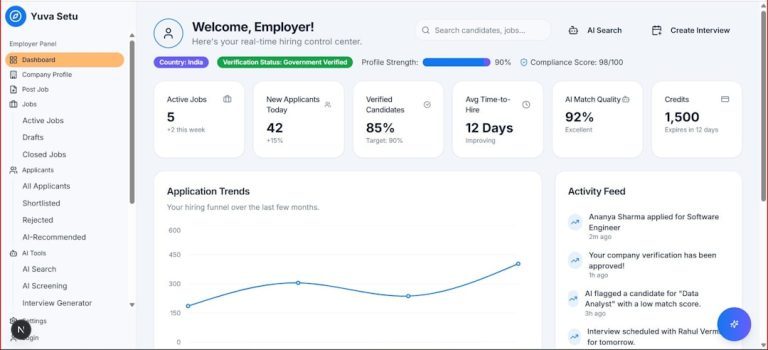
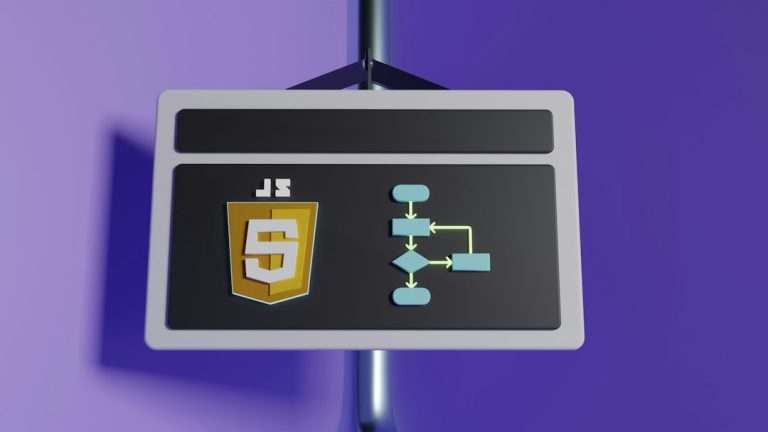
Put small, urgent logic near the payload, and send big, slow work to a pipeline. That is the simple rule. Payload computing is great when a system must react right now. Data pipelines are better when the work can wait, grow, and be checked later. TLDR: Payload processing handles data while the message…