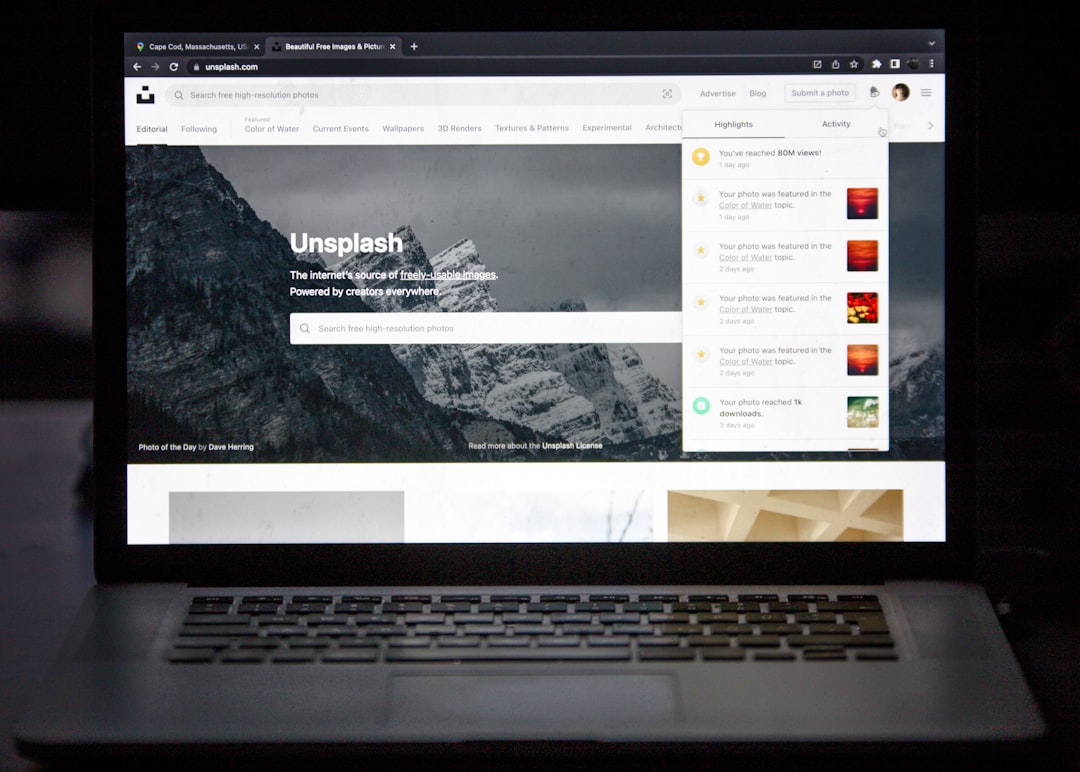
No code website builders simplify web development by turning weeks of technical work into hours of visual editing, testing, and publishing. They remove much of the friction that slows down small businesses, freelancers, marketers, and founders who need a site but do not want to wrestle with code, hosting settings, or endless plugin conflicts.
TLDR: No code website builders help users create professional websites faster by replacing manual coding with visual tools, templates, built-in hosting, and automation. For example, a small bakery could launch a five-page website with a menu, contact form, and online ordering setup in two days instead of hiring a developer for three weeks. In many teams, this can cut launch time by 50% to 80%, especially for landing pages, portfolios, and simple business sites.
11 Ways No Code Website Builders Can Simplify Web Development
Building a website used to mean hiring a developer, learning HTML and CSS, or trying to fix a theme that broke the moment you changed one setting. Honestly, it feels silly when a business owner has to spend six hours figuring out why a button moved three pixels to the left. No code tools reduce that pain by giving users clear controls, reusable parts, and ready-made systems that handle the hard bits in the background.
1. They remove the need to write code
The biggest benefit is simple: you do not need to code from scratch. Instead of writing HTML, CSS, JavaScript, and backend logic, you work with visual blocks. You can add sections, edit text, change colors, move images, and publish updates from one screen.
This does not mean coding skills are useless. Developers can still add custom features when needed. But for common websites, such as service pages, blogs, portfolios, booking pages, and campaign landing pages, no code builders cover most needs out of the box.
2. They speed up the design process
No code platforms often include professionally designed templates. These give users a strong starting point instead of a blank page. You can choose a template for a restaurant, consultant, coach, agency, online store, or event page.
Templates save time because the layout is already structured. Headlines, service sections, testimonials, pricing areas, forms, and footers are ready to edit. You only need to fit the design to your brand. That can turn a full design phase from several days into one focused afternoon.
3. They make edits easier for nontechnical teams
Marketing teams often need to update headlines, swap images, add testimonials, or fix pricing. Waiting for a developer for every small change slows campaigns down. It drives me crazy that some teams still send a support ticket just to change a sentence on a landing page.
With a no code builder, approved team members can make edits themselves. This gives control back to the people closest to the content. A marketing manager can test a new headline. A founder can update a product description. A designer can adjust spacing without opening a code editor.
4. They include responsive design tools
A website must work on phones, tablets, and desktops. No code builders usually include responsive controls that show how each page looks across screen sizes. Users can adjust spacing, font size, image placement, and section order for mobile views.
This is a huge time saver. Manual responsive coding can be slow and fussy. One small layout change can create problems on another screen size. Visual editors make these changes easier to spot and fix before the site goes live.
5. They offer built-in hosting and publishing
Traditional web development often includes domain setup, hosting accounts, file uploads, security certificates, server settings, and deployment steps. That is a lot for someone who just wants a clean website.
Many no code builders bundle hosting with the platform. You design the site, connect a domain, and click publish. The platform handles server maintenance, SSL certificates, content delivery, and updates. This removes a whole layer of technical work.
6. They provide ready-made content blocks
Most websites share common building pieces. Think hero sections, feature grids, contact forms, image galleries, FAQ areas, pricing cards, and testimonial sliders. No code platforms turn these into reusable blocks.
This makes page creation faster and more consistent. Instead of rebuilding the same section again and again, you can insert a block and edit the content. It also helps maintain design quality across the site.
- Hero sections for strong first impressions
- Contact forms for lead capture
- Product cards for sales pages
- FAQ blocks for support and conversion
- Blog layouts for publishing articles
7. They simplify SEO basics
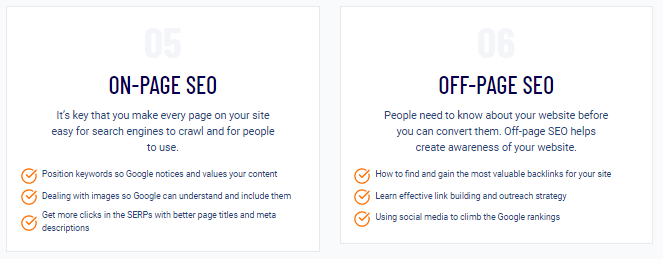
Search engine optimization can get complex, but the basics should not be painful. No code builders often include fields for page titles, meta descriptions, image alt text, URL slugs, redirects, and structured headings.
These tools help users follow good SEO habits without installing extra software. Some platforms also flag missing descriptions, long titles, or poor heading order. That can prevent common mistakes before they hurt search performance.
8. They connect with useful business tools
A website rarely works alone. It may need email marketing, payment processing, analytics, scheduling, customer chat, customer relationship management, or automation tools. No code builders often include direct integrations for these services.
For example, a personal trainer can connect a booking calendar, payment tool, and email list to one landing page. When a visitor signs up, the system can confirm the booking, take payment, and send a welcome email. No manual spreadsheet copying. No late-night admin mess.
9. They reduce development costs
Hiring a skilled developer is often worth it for complex projects. Custom platforms, advanced web apps, and large ecommerce systems need careful planning and expert work. But not every website needs that level of build.
No code builders can reduce costs for small and mid-sized projects. A business can launch a solid site with a lower upfront budget, then invest in branding, copywriting, ads, or photography. For startups, this can be the difference between launching this month and waiting until the budget grows.
10. They support faster testing and iteration
Websites are rarely perfect on day one. Headlines need testing. Forms may need fewer fields. Pricing pages may need a clearer layout. No code tools make it easier to change and test these details quickly.
A team can create several landing page versions for different ads or audiences. They can update calls to action, move content blocks, and publish changes in minutes. This supports better decision-making because teams can respond to real user behavior instead of guessing for weeks.
11. They make maintenance less stressful
Website maintenance can be tedious. Plugins expire. Themes conflict. Security patches pile up. A simple update can break a layout. Expect to waste time on tiny fixes if your site depends on too many separate systems.
No code builders often centralize maintenance. The platform manages its own updates, security improvements, backups, and performance patches. Users still need to keep content fresh, check forms, and review analytics, but they avoid many technical chores.

What No Code Builders Are Best For
No code website builders are ideal for small business sites, portfolios, blogs, landing pages, event pages, online resumes, prelaunch pages, and simple ecommerce stores. They work best when the goal is speed, clarity, and a polished online presence.
They are also useful for agencies and developers. A developer can create custom components where needed, while content teams handle routine updates. This keeps expert time focused on high-value work instead of small text changes.
Where They May Fall Short
No code tools are not magic. Very complex projects may need custom development. If your website requires unusual database logic, advanced user permissions, custom checkout flows, or deep system connections, a no code builder may feel limiting.
Performance can also vary. Some builders add extra code behind the scenes, which may slow pages if the site is poorly built or packed with heavy media. Users should still compress images, avoid unnecessary animations, and test page speed before launch.
How to Choose the Right Builder
The best platform depends on your goals. Before choosing one, ask a few practical questions.
- What kind of site do you need? A store, blog, portfolio, booking site, or sales page?
- Who will update it? A founder, marketer, designer, or developer?
- What tools must connect? Payments, email, analytics, forms, or scheduling?
- How much design control do you need? Some builders are simple, while others offer finer control.
- Can the site grow with you? Check plan limits, CMS features, ecommerce options, and export rules.
No code website builders simplify web development by removing technical barriers, speeding up production, and giving more control to the people who manage the site every day. They will not replace every custom build, but they make professional web creation far more accessible. For many businesses, that means less waiting, fewer invoices for tiny edits, and a faster path from idea to live website.