Podcast editing does not have to feel like rocket science. You just need the right tool. If you love Hindenburg Journalist but want to explore other options, you are in the right place. There are many apps that can help you record, clean, edit, and publish your podcast without stress. Let’s look at five great alternatives that keep audio production simple and smooth.
TLDR: If you like Hindenburg Journalist, you will love these five podcast editing apps. Adobe Audition offers pro-level tools. Descript makes editing as easy as editing text. Reaper is affordable and flexible. Audacity is free and beginner-friendly. Alitu is built just for podcasters who want fast results. Each tool has its own style, so pick the one that fits your workflow.
What Makes Hindenburg Journalist Popular?
Before we jump in, let’s quickly look at why Hindenburg Journalist is so popular.
- Easy interface built for storytelling
- Automatic loudness control for consistent sound
- Non-destructive editing so you do not ruin your original files
- Voice profiling for clean, balanced audio
It focuses on spoken word content. That makes it perfect for podcasts and interviews. But it is not the only player in town.
1. Adobe Audition
Best for: Advanced users who want full control.
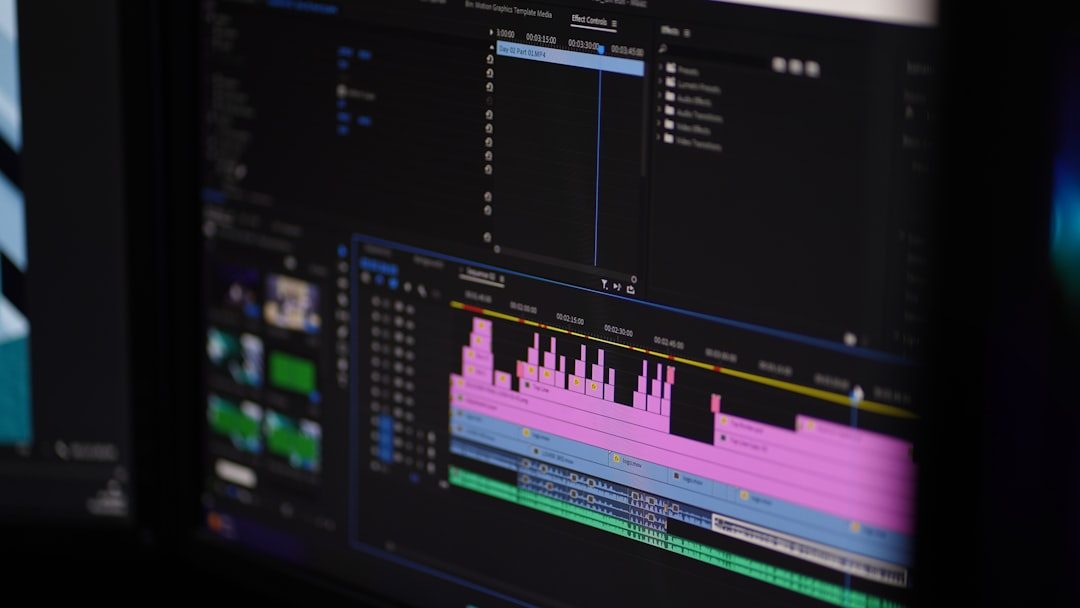
Adobe Audition is a powerful audio editor. It is part of the Adobe Creative Cloud. That means it works well with tools like Premiere Pro.
What makes it great?
- Advanced noise reduction
- Multi-track editing
- Detailed waveform controls
- Professional effects and filters
You can remove background hum. You can fix awkward pauses. You can even repair damaged audio.
But here is the catch. It can feel overwhelming at first. There are many buttons. Many panels. Many options.
If you enjoy learning powerful tools, you will love it. If not, you may prefer something simpler.
Pricing: Subscription-based. Monthly payment required.
2. Descript
Best for: Editors who want speed and simplicity.
Descript changes the game. It turns your audio into text. Then you edit the text to edit the audio.
Yes, really.
If you delete a sentence in the transcript, that sentence disappears from the audio. It feels like editing a Word document.
- Automatic transcription
- Filler word removal
- Overdub voice cloning
- Screen recording support
It is perfect for beginners. It is also great for teams.
One small downside? Transcriptions are not always perfect. You may need to fix small errors.
Still, Descript makes podcast editing much faster.
3. Reaper
Best for: Budget-conscious creators who want flexibility.
Reaper is affordable. Very affordable. But do not let the low price fool you. It is powerful.
It offers:
- Customizable interface
- Multi-track recording
- Advanced audio routing
- Plugin support
You can tweak almost everything. Colors. Layout. Shortcuts.
That is both good and bad.
If you love customization, Reaper is your playground. If you want something ready to go out of the box, it may take extra setup time.
It does not look as polished as some other apps. But it gets the job done.
Pricing: Low-cost license with generous trial period.
4. Audacity
Best for: Beginners and hobby podcasters.
Audacity is free. Completely free. That makes it very attractive.
It is open-source software. It works on Windows, Mac, and Linux.
Here is what you get:
- Simple waveform editing
- Basic noise reduction
- Multi-track support
- Plugin compatibility
The interface looks a bit old-school. Do not expect flashy design.
But it is reliable. Many podcasters started with Audacity.
You may outgrow it later. But it is a fantastic place to begin.
5. Alitu
Best for: Podcasters who want automation.
Alitu is designed specifically for podcast production. It focuses on speed.
You upload your file. It automatically:
- Reduces noise
- Levels audio
- Adds music
It feels more like a podcast assistant than an editing tool.
You do not need technical knowledge. You just follow simple steps.
The trade-off? You have less control compared to tools like Adobe Audition or Reaper.
Still, for busy creators, it is a lifesaver.

Quick Comparison Chart
| Tool | Best For | Ease of Use | Price | Key Strength |
|---|---|---|---|---|
| Adobe Audition | Professionals | Moderate to Hard | Subscription | Advanced audio repair |
| Descript | Fast editing | Easy | Subscription | Text-based editing |
| Reaper | Flexible workflows | Moderate | Low one-time fee | Customization |
| Audacity | Beginners | Easy | Free | Cost-effective |
| Alitu | Automation lovers | Very Easy | Subscription | Automatic processing |
How to Choose the Right One
Feeling unsure? That is normal.
Ask yourself a few simple questions:
- Are you a beginner or advanced user?
- Do you enjoy tweaking settings?
- Do you want automation?
- What is your budget?
If you want simple and fast, try Descript or Alitu.
If you want professional-grade editing, choose Adobe Audition.
If you want affordable power, go with Reaper.
If you want free and functional, start with Audacity.
Final Thoughts
Podcasting should be fun. Editing should not feel like punishment.
Hindenburg Journalist is great. But it is not your only option. These five apps offer different paths to the same goal: clear, professional audio.
Think about your workflow. Think about your style. Then test a few options.
Most of these tools offer free trials. Use them.
Your perfect editing companion is out there. And once you find it, your podcast production will feel faster, smoother, and a lot more enjoyable.
Now grab your mic. Hit record. And start creating.