Creating a convincing car livery is no longer limited to professional motorsport studios. Racing games, esports teams, modding communities, and wrap shops now use specialized editors and design software to test colors, sponsor layouts, number panels, and full vehicle graphics before anything goes on track or into production. The best tool depends on whether you need a game-ready design, a print-ready wrap file, or a realistic preview for client approval.
TLDR: If you design liveries mainly for racing games, start with built-in editors such as Forza Motorsport, Gran Turismo 7, or iRacing with Trading Paints. If you need real vehicle wrap production, use professional vector tools like Adobe Illustrator or CorelDRAW. For example, a small esports team creating five seasonal car designs could cut review time by 30–40% by preparing sponsor layouts in Illustrator first, then adapting them inside the game editor.
1. Forza Motorsport Livery Editor
The Forza Motorsport livery editor is one of the most accessible tools for players who want to create detailed racing designs without leaving the game environment. It uses a layer-based system that allows users to combine shapes, decals, numbers, colors, and sponsor-style graphics directly on the vehicle model.
Its biggest advantage is immediate visual feedback. Designers can rotate the car, check how graphics flow over panels, and test the livery under realistic lighting. This makes it useful for sim racers, content creators, and casual designers who want professional-looking results without learning complex production software.
- Best for: in-game racing liveries and community sharing
- Strength: easy editing with real-time previews
- Limitation: not intended for print-ready vehicle wrap files
2. Gran Turismo 7 Livery Editor
Gran Turismo 7 offers a highly polished livery editor with strong attention to realistic vehicle presentation. It supports decal placement, paint finishes, racing numbers, and custom SVG uploads, which gives designers more control than many standard game editors.
The SVG support is especially valuable. A team logo or sponsor mark can be prepared in a vector program, exported correctly, and then applied in-game with clean edges. This helps maintain a more professional look, especially for esports teams and online racing leagues that want consistent branding across multiple cars.
- Best for: realistic console-based livery creation
- Strength: custom decal upload and strong visual presentation
- Limitation: file preparation rules can be restrictive
3. iRacing Paint Shop and Trading Paints
For competitive sim racing, iRacing deserves serious consideration. Its built-in Paint Shop handles basic colors and schemes, while Trading Paints greatly expands creative control by allowing custom liveries to appear in races for other users who have the service installed.
This combination is widely used by league racers, esports drivers, and teams that want realistic car identity across a full racing season. Designers commonly use external tools such as Photoshop, Illustrator, or GIMP to work on templates, then upload the finished files through Trading Paints.
- Best for: serious sim racing teams and league vehicles
- Strength: strong community adoption and realistic templates
- Limitation: requires external software for advanced designs
4. Adobe Illustrator
Adobe Illustrator is a professional standard for vector-based vehicle wrap design. Unlike many game livery editors, Illustrator is not limited to decorative placement on a virtual car. It can produce scalable artwork, accurate sponsor graphics, cutting paths, and production-ready files for print shops.
Illustrator is particularly useful when a livery must move from concept to real-world application. Vector artwork can be resized without losing quality, which is essential for large door graphics, hood logos, roof numbers, and full-side sponsor panels. It also integrates well with Adobe Photoshop for texture work and mockups.
- Best for: professional wrap design and sponsor artwork
- Strength: precise vector control and print compatibility
- Limitation: subscription cost and learning curve
5. CorelDRAW
CorelDRAW remains a trusted option among sign makers, wrap shops, and vehicle graphics professionals. It offers strong vector drawing tools, page layout control, color management features, and broad compatibility with production workflows.
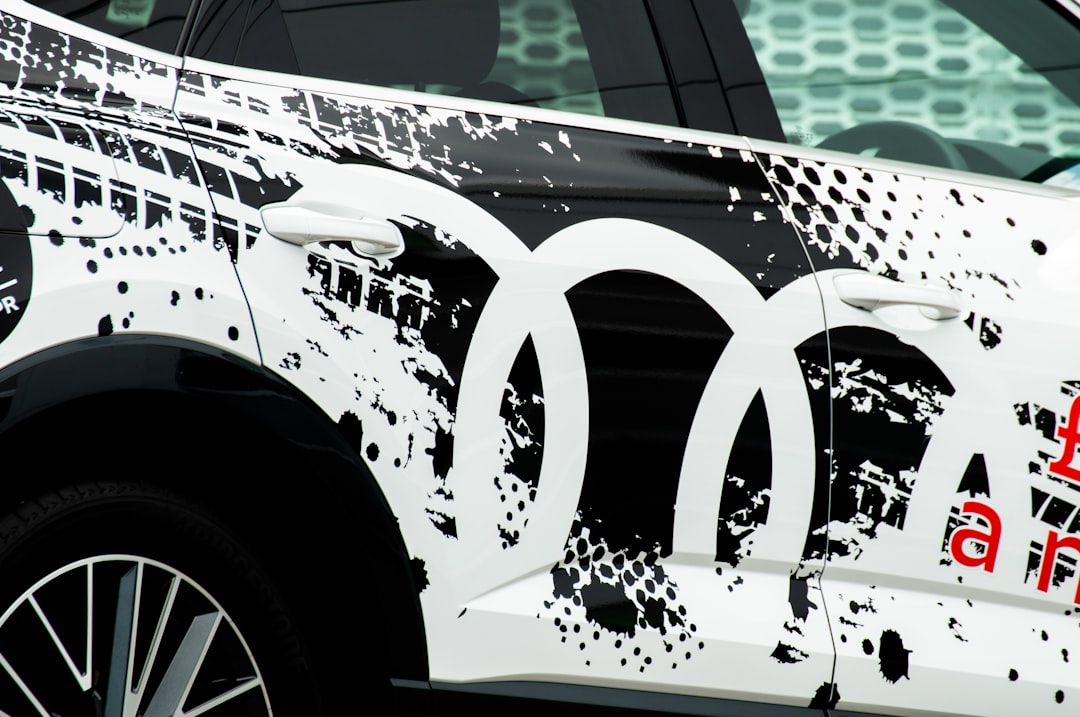
Many wrap professionals appreciate CorelDRAW because it is practical and efficient for large-format graphics. It can be used to create clean racing stripes, number plates, sponsor panels, and contour-cut decals. For businesses that produce actual vinyl wraps, its balance of design tools and production features makes it a serious alternative to Illustrator.
- Best for: sign shops and real vehicle wrap production
- Strength: strong large-format design workflow
- Limitation: less common in some game-modding communities
6. Adobe Photoshop
Adobe Photoshop is not always the first tool mentioned for vector wrap design, but it is extremely useful for texture-based racing liveries, game templates, weathering, carbon fiber effects, gradients, and realistic mockups. Many iRacing and modding templates are distributed as layered PSD files, making Photoshop a natural choice.
Its strength is visual control. Designers can adjust shadows, add surface effects, refine reflections, and create high-quality promotional images. However, for physical wraps, Photoshop should be used carefully because raster files can lose quality if scaled incorrectly. It is often most effective when paired with Illustrator or another vector package.
- Best for: texture work, mockups, and game livery templates
- Strength: advanced image editing and layered files
- Limitation: not ideal as the only tool for scalable wrap production
7. Blender
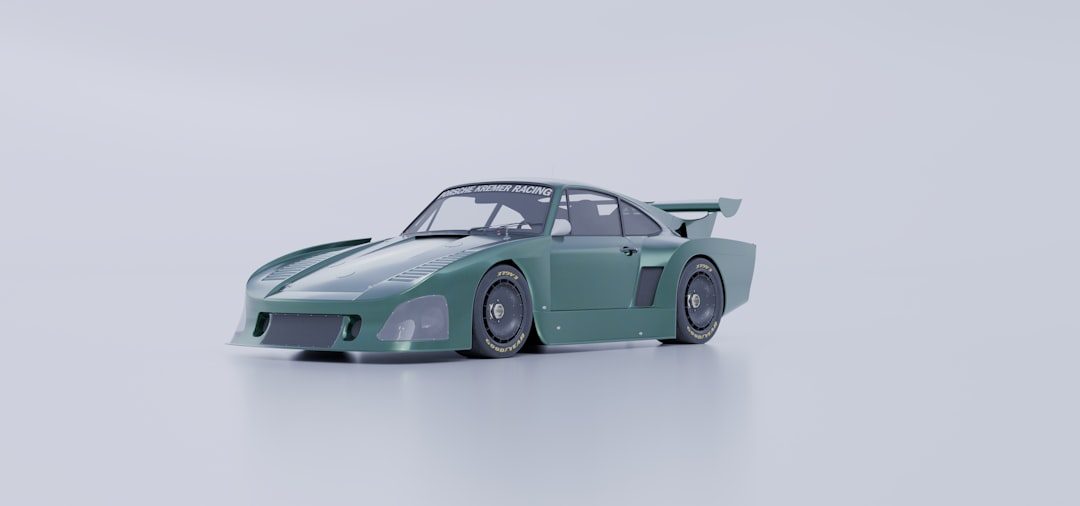
Blender is a powerful 3D tool for designers who want to preview liveries in a realistic environment before final approval. While it is not a dedicated livery editor, it can display car models with applied materials, decals, lighting, and camera angles. This makes it valuable for presentations, esports branding, and marketing visuals.
For vehicle wrap design, Blender can help identify visual problems that are difficult to see on flat templates. A stripe may look correct in 2D but feel unbalanced once it wraps over wheel arches, bumpers, or curved doors. Using a 3D preview reduces the risk of awkward transitions and can improve client confidence before printing.
- Best for: 3D previews and realistic livery presentations
- Strength: high-quality visualization and lighting control
- Limitation: not a replacement for production design software
How to Choose the Right Livery Tool
The right choice depends on your final output. If the livery will only be used inside a racing game, a built-in editor may be enough. If the design is for a competitive sim racing league, consider combining a game template with Photoshop or Illustrator. If the artwork will be printed and installed on a real car, use professional vector software and work with accurate vehicle templates.
For serious projects, it is also wise to create a simple workflow: first define the branding, then build the design in flat view, then preview it on the car, and finally test readability from distance. In motorsport, a livery must do more than look attractive in screenshots; it must remain clear at speed, under changing light, and from broadcast camera angles.
Final Thoughts
The best car livery maker tools serve different purposes. Forza Motorsport and Gran Turismo 7 are excellent for accessible in-game creativity, while iRacing with Trading Paints is better suited to serious sim racing. For real-world vehicle wrap design, Adobe Illustrator and CorelDRAW offer the precision required for production. When used together with Photoshop or Blender, these tools can support a complete process from concept to track-ready presentation.