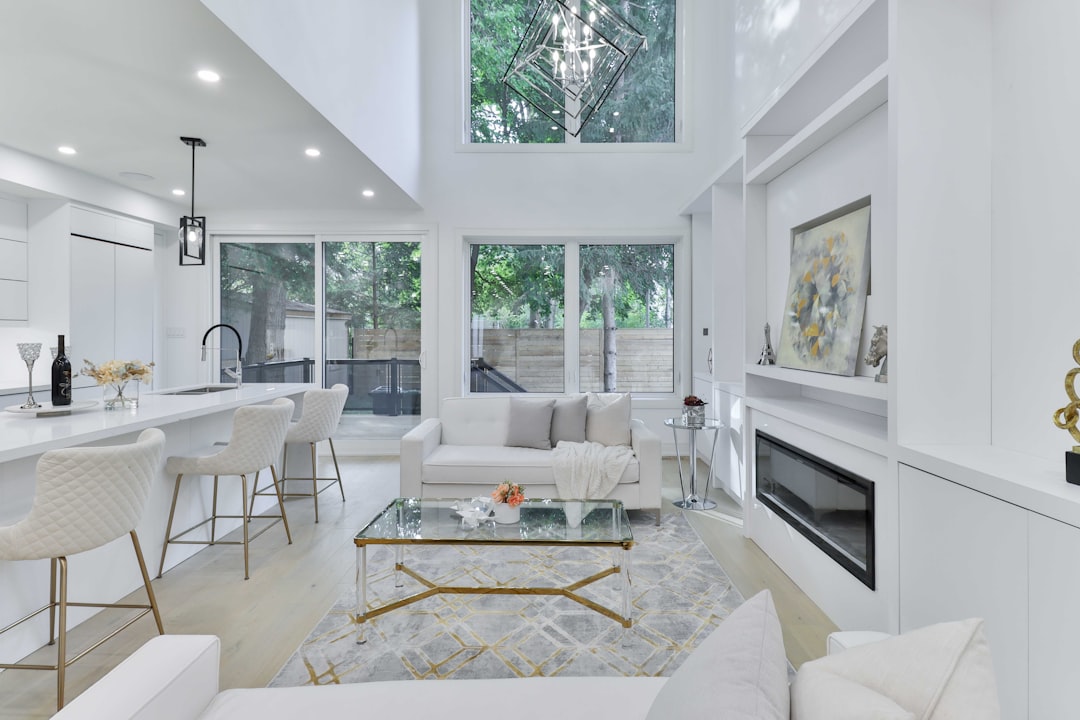
Real estate visuals have become one of the strongest sales tools in modern property marketing. Buyers often decide whether to schedule a showing based on the first few listing photos they see, which means realtors and property photographers need images that are bright, accurate, inviting, and professionally polished. AI photo editing apps now make it easier to enhance interiors, improve lighting, replace dull skies, remove distractions, and deliver listing-ready images faster than traditional editing workflows.
TLDR: The best AI photo editing apps for realtors and property photographers help improve property images quickly without sacrificing quality. Tools such as Adobe Lightroom, Photoshop, Canva, Photomatix, Luminar Neo, Aftershoot, and BoxBrownie can handle everything from color correction to sky replacement and virtual staging. The right app depends on whether the user needs quick listing edits, advanced retouching, bulk workflow support, or specialized real estate services.
Why AI Photo Editing Matters in Real Estate
Property photography is different from portrait, food, or lifestyle photography. A good real estate image must look attractive while still representing the property honestly. Rooms should appear clean and bright, windows should not be blown out, walls should remain true to color, and outdoor shots should feel welcoming without looking unrealistic.
AI tools help solve common real estate photography problems, including poor lighting, cluttered spaces, overexposed windows, flat colors, and gray skies. Instead of spending hours manually masking, correcting, and retouching, photographers can use AI-assisted features to speed up repetitive tasks. Realtors who manage their own listings can also use these apps to produce better marketing images without becoming full-time editors.
However, the best results still come from thoughtful editing. AI should support the photographer’s eye, not replace it. Over-edited photos can make rooms look artificial, misrepresent property conditions, or disappoint buyers during in-person showings.
What to Look for in an AI Photo Editing App
Before choosing a tool, realtors and property photographers should consider the type of editing they need most often. Some apps focus on fast enhancements, while others provide precise control for professional workflows.
- Batch editing: Essential for photographers who deliver dozens or hundreds of listing images per week.
- HDR support: Useful for balancing bright windows with darker interiors.
- Sky replacement: Helpful for exterior shots taken on cloudy or dull days.
- Object removal: Ideal for removing cords, trash bins, wall marks, or small distractions.
- Color correction: Important for keeping wall paint, flooring, and cabinetry accurate.
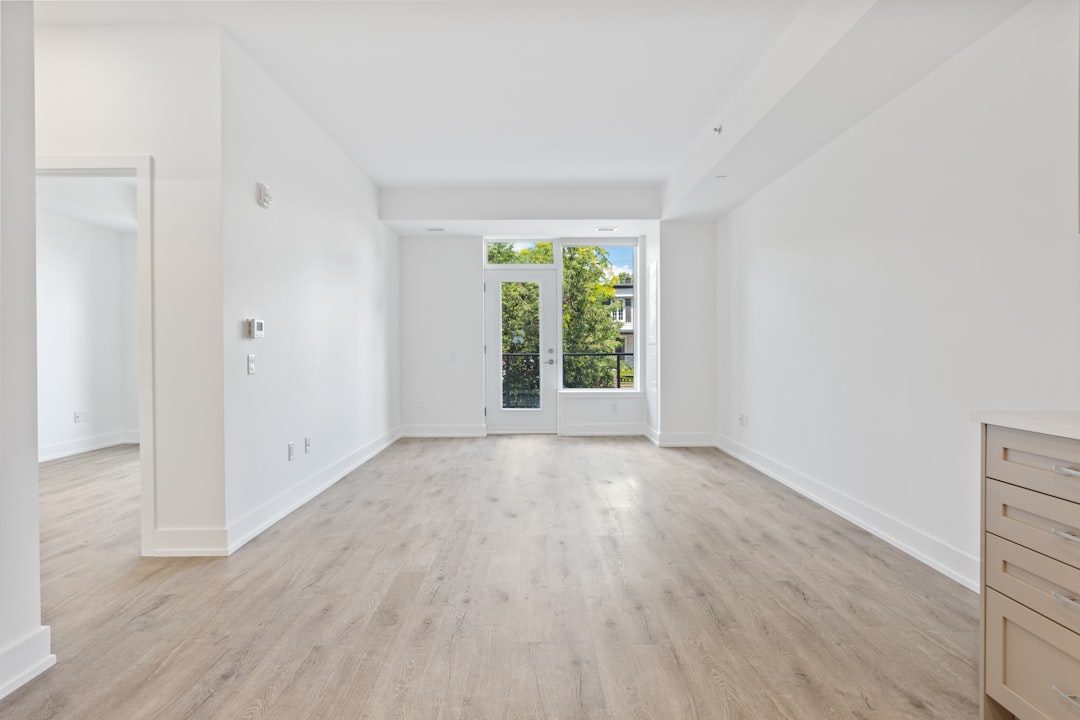
- Virtual staging: Valuable for vacant homes that need visual warmth and scale.
- Ease of use: Realtors may prefer simpler tools, while photographers often need advanced controls.
1. Adobe Lightroom
Adobe Lightroom remains one of the best all-around AI photo editing apps for real estate professionals. It combines powerful organization tools with advanced editing features, making it especially useful for photographers who shoot multiple properties each week.
Lightroom’s AI masking tools can automatically detect skies, subjects, and specific image areas. This allows editors to brighten a room, adjust window views, or enhance an exterior sky without manually painting complicated selections. Its batch editing features are also excellent. A photographer can edit one image, copy the settings, and apply them across a full set of listing photos.
Best for: Professional photographers, high-volume workflows, consistent color correction, and batch editing.
Potential drawback: Lightroom has a learning curve for beginners, and its full value is usually best realized with a subscription.
2. Adobe Photoshop
Adobe Photoshop is the industry standard for detailed retouching and advanced image manipulation. For real estate, its AI-powered features such as Generative Fill, content-aware tools, and automatic selections can save significant time when cleaning up property photos.
Photoshop is especially helpful when an image has specific distractions that need careful removal. For example, it can remove cables, reflections, stains, small furniture imperfections, or unwanted objects in a yard. It is also useful for blending multiple exposures, correcting perspective, and making complex edits that simpler apps cannot handle.
Best for: Advanced retouching, object removal, window pulls, image compositing, and detailed corrections.
Potential drawback: Photoshop can be too complex for quick listing edits if the user only needs basic improvements.
3. Luminar Neo
Luminar Neo is a popular AI-powered editor known for its user-friendly interface and dramatic enhancement tools. It offers features such as sky replacement, structure enhancement, noise reduction, and relighting. For real estate exteriors, its sky replacement feature can turn a dull image into a more appealing listing photo in seconds.
For interiors, Luminar Neo can help brighten shadows, improve contrast, and add clarity. Its tools are more approachable than those in Photoshop, making it a strong option for users who want polished results without a long technical learning curve.
Best for: Realtors and photographers who want fast, attractive edits with strong AI assistance.
Potential drawback: Some effects can look overdone if applied too heavily, so subtle adjustments are recommended.

4. Canva
Canva is not a traditional professional photo editor, but it is extremely useful for realtors who need fast marketing visuals. Its AI photo tools can enhance images, remove backgrounds, clean up small distractions, and create listing graphics for social media, brochures, flyers, and email campaigns.
For property marketing, Canva’s main strength is speed. A realtor can upload listing photos, apply simple enhancements, add branded text, and create open house graphics in one place. It is particularly helpful for agents who do not want to switch between multiple design and editing platforms.
Best for: Realtors creating social media posts, listing flyers, open house graphics, and quick visual content.
Potential drawback: Canva does not offer the same level of professional image control as Lightroom or Photoshop.
5. Photomatix Pro
Photomatix Pro is a strong choice for real estate photographers who rely on HDR photography. HDR editing is especially important for interiors because cameras often struggle to capture both bright window views and darker room details in a single exposure.
With Photomatix, photographers can merge bracketed exposures into one balanced image. This helps create natural-looking interiors where windows, furniture, walls, and floors all remain visible. Its presets can speed up the process, while manual controls allow experienced users to fine-tune the final result.
Best for: HDR real estate photography, interior exposure blending, and natural window detail.
Potential drawback: HDR images can look unnatural if the settings are pushed too far, so restraint is important.
6. BoxBrownie
BoxBrownie is a specialized real estate image editing service rather than a standard DIY app. It is popular among realtors and property marketers because it offers services tailored specifically to real estate, including image enhancement, virtual staging, floor plan redraws, day-to-dusk editing, item removal, and 360-degree virtual tour editing.
Its virtual staging service is particularly useful for vacant properties. Empty rooms can feel cold or difficult to understand in photos. By adding realistic furniture and decor, BoxBrownie helps buyers imagine how a room could function. This can be especially valuable for new construction, investment properties, and vacant homes.
Best for: Virtual staging, day-to-dusk edits, outsourced real estate editing, and listing image enhancement.
Potential drawback: Because it is service-based, it may not be ideal for users who want instant hands-on control over every edit.
7. Aftershoot
Aftershoot is best known as an AI culling and editing workflow tool for photographers. While it is often used by wedding and portrait photographers, real estate photographers can benefit from its ability to sort images quickly and reduce time spent selecting the best shots.
When a photographer shoots multiple angles, brackets, and detail images, sorting can become time-consuming. Aftershoot helps identify duplicates, blurry images, and weaker shots, allowing the photographer to focus on the strongest images for final editing. This is especially useful for high-volume property photography businesses.
Best for: Image culling, workflow speed, large shoots, and photographers managing many files.
Potential drawback: It is not a complete replacement for a dedicated real estate editing app, but it works well as part of a larger workflow.
8. Pixlr
Pixlr is a browser-based AI photo editor that offers quick tools for enhancement, background removal, object removal, and basic retouching. It can be useful for realtors who need a lightweight editor without installing advanced software.
For simple property photo improvements, Pixlr can handle basic brightness, contrast, cropping, and cleanup tasks. It is not as powerful as professional editing platforms, but it is convenient for quick fixes and occasional listing updates.
Best for: Quick browser-based edits, simple cleanup, and users who need an accessible option.
Potential drawback: It may not provide the precision required for premium real estate photography.
9. Fotor
Fotor is another easy-to-use AI photo editing platform that offers image enhancement, object removal, color adjustments, and design templates. Realtors may find it useful for improving listing photos and creating promotional materials without needing advanced editing skills.
Its one-click enhancement tools can make images brighter and cleaner, while its design features help turn photos into marketing assets. For agents working on tight deadlines, Fotor can be a practical solution for everyday content creation.
Best for: Beginner-friendly editing, listing graphics, and quick photo improvements.
Potential drawback: Like many simple AI editors, it may produce inconsistent results on difficult interior lighting.
Best AI Apps by Use Case
Different professionals have different needs. A luxury property photographer may need advanced exposure blending and detailed retouching, while a busy realtor may simply need fast, attractive listing photos.
- Best overall for real estate photographers: Adobe Lightroom
- Best for advanced retouching: Adobe Photoshop
- Best for sky replacement: Luminar Neo
- Best for HDR interiors: Photomatix Pro
- Best for virtual staging: BoxBrownie
- Best for social media marketing: Canva
- Best for fast browser editing: Pixlr
- Best for simple beginner edits: Fotor
Tips for Better AI Real Estate Photo Editing
Even the best AI app cannot fully fix a poorly photographed property. Strong results begin with good lighting, clean rooms, straight compositions, and proper exposure. AI editing should enhance these foundations rather than compensate for careless shooting.
- Keep edits realistic: Photos should attract buyers without creating false expectations.
- Avoid extreme colors: Oversaturated grass, skies, or interiors can make a listing look artificial.
- Correct vertical lines: Straight walls and door frames make images look more professional.
- Use virtual staging responsibly: Staged images should be disclosed where required and should not misrepresent room dimensions.
- Maintain consistency: A full listing gallery should have a cohesive brightness, color tone, and style.
Final Thoughts
AI photo editing apps have become essential tools for realtors and property photographers who want to create stronger listing images in less time. Lightroom and Photoshop remain top choices for professionals who need control and precision, while Luminar Neo, Canva, Pixlr, and Fotor offer faster, more approachable options. For specialized real estate needs, BoxBrownie and Photomatix Pro can handle tasks such as virtual staging and HDR blending with impressive results.
The best choice depends on the user’s workflow, budget, skill level, and listing volume. A realtor who posts occasional listings may prefer a simple AI editor, while a full-time property photographer may rely on a combination of Lightroom, Photoshop, HDR software, and outsourcing services. When used carefully, AI editing can help property photos look clean, professional, and compelling while still giving buyers an honest view of the home.
FAQ
What is the best AI photo editing app for real estate photography?
Adobe Lightroom is often the best overall choice because it offers batch editing, AI masking, color correction, and professional workflow tools. Many photographers pair it with Photoshop for advanced retouching.
Can AI photo editing replace a professional real estate photographer?
AI can improve images, but it does not replace strong photography skills. Composition, lighting, camera height, lens choice, and property preparation still play major roles in creating effective listing photos.
Is virtual staging allowed in real estate listings?
Virtual staging is commonly used, but rules vary by market and listing platform. Realtors should disclose virtual staging when required and avoid edits that misrepresent the size, structure, or condition of the property.
Which app is best for replacing gray skies in exterior photos?
Luminar Neo is one of the easiest tools for AI sky replacement. Photoshop also offers advanced options for users who want more manual control.
What is the best AI tool for vacant homes?
BoxBrownie is a strong option for vacant homes because it specializes in virtual staging and real estate-focused image enhancement.
Should real estate photos be heavily edited?
No. Real estate photos should be polished but realistic. Heavy editing can make a property look misleading, which may reduce buyer trust during showings.
What app is best for quick social media listing graphics?
Canva is one of the strongest options for creating quick social media posts, open house announcements, and listing flyers using edited property photos.