Gaming monitors are wild in 2026. Screens are faster. Colors are brighter. Prices are less scary. The best part? You do not need a giant wallet to get a great display. You just need to know what matters.
TLDR: If you play casual games, get a 1080p 144Hz or 180Hz monitor. If you want the best balance, buy a 27 inch 1440p 180Hz to 240Hz display. If you want the dream setup, go for OLED, mini LED, or 4K 240Hz. Match the monitor to your graphics card, not your fantasy shopping cart.
What Makes a Gaming Monitor Good in 2026?
A good gaming monitor should feel fast, look sharp, and not hurt your eyes. Simple enough.
Here are the big things to check:
- Resolution: This is how sharp the image looks.
- Refresh rate: This is how smooth motion feels.
- Response time: This helps reduce blur and ghosting.
- Panel type: This affects color, contrast, and speed.
- Size: This decides how much screen you get.
- Adaptive sync: This stops screen tearing.
Do not panic. You do not need to become a tech wizard. Think of it like pizza. Resolution is the size. Refresh rate is how fast it arrives. OLED is the fancy cheese.
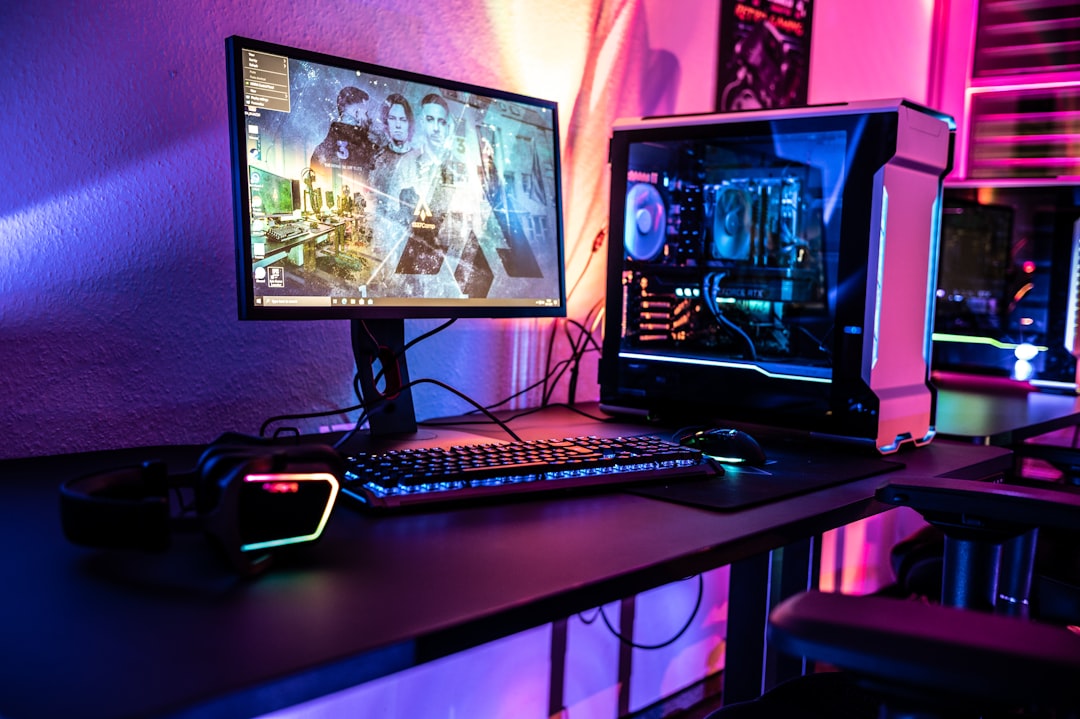
Best Budget Gaming Monitors Under $150
This is the “I need something good, but rent exists” category. Good news. Budget monitors are much better now.
Look for a 24 inch 1080p monitor with at least 144Hz. In 2026, you may also find 165Hz or 180Hz models at this price. That is great for Fortnite, Valorant, Rocket League, Minecraft, and many indie games.
Best type to buy: 24 inch, 1080p, IPS panel, 144Hz or higher.
Why it is great:
- Very affordable.
- Easy for most PCs to run.
- Great for competitive games.
- Small enough for tight desks.
What to avoid: Do not buy a 60Hz gaming monitor unless it is almost free. Also be careful with cheap curved VA panels. Some are fine. Some have dark smearing. That can make fast games look like soup.
This budget is perfect for students, younger gamers, and backup setups. It is also great if you play on an older gaming laptop.
Best Cheap Console Monitor Under $200
If you play on a PlayStation, Xbox, or Switch, you can still save money. A good 1080p 120Hz monitor is enough for many console players.
For PS5 and Xbox Series X, make sure the monitor supports 120Hz over HDMI. This is very important. Some monitors hit high refresh rates only through DisplayPort. Consoles do not use that.
Best type to buy: 24 or 27 inch, 1080p, 120Hz or higher, HDMI 2.0 or better.
Good for:
- Sports games.
- Call of Duty.
- Fortnite.
- Racing games.
- Bedroom console setups.
If you sit close, choose 24 inches. If you sit farther away, choose 27 inches. Easy.
Best Sweet Spot Monitor: 1440p 180Hz to 240Hz
This is the golden zone. The happy middle. The “wow, this looks expensive” choice.
For most PC gamers in 2026, the best pick is a 27 inch 1440p gaming monitor. It looks much sharper than 1080p. It is much easier to run than 4K. It also works with many mid range graphics cards.
Refresh rates like 180Hz, 200Hz, and 240Hz are common now. They feel smooth. Very smooth. Like butter on ice skates.
Best type to buy: 27 inch, 1440p, IPS or fast VA, 180Hz to 240Hz.
Why gamers love it:
- Sharp image without huge GPU demands.
- Fast enough for esports.
- Great for single player games.
- Good size for most desks.
If you can only buy one monitor, buy this type. It is the safest pick for most people.

Best Premium Monitor: 4K 144Hz to 240Hz
Now we enter the shiny zone. A 4K gaming monitor is all about detail. Armor looks cleaner. Trees look richer. Tiny text is easier to read. Your desktop also looks amazing.
In 2026, a strong premium choice is a 32 inch 4K monitor with 144Hz or higher. If your graphics card is powerful, 4K 240Hz is stunning. It is also expensive. Your GPU may cry a little.
Best type to buy: 32 inch, 4K, 144Hz to 240Hz, HDMI 2.1, DisplayPort.
Best for:
- High end gaming PCs.
- PS5 and Xbox Series X.
- Open world games.
- Racing games.
- Content creation too.
Do you need 4K? No. Is it beautiful? Yes. Very yes.
Best OLED Gaming Monitor
OLED is the movie star of gaming monitors. Blacks are truly black. Colors pop. Motion is incredibly clean. Horror games look terrifying. Space games look endless. Neon games look like a cyberpunk snack.
In 2026, OLED gaming monitors come in many forms. You can find 27 inch 1440p OLED, 32 inch 4K OLED, and wide ultrawide OLED screens.
Best type to buy: 27 inch 1440p OLED for speed, or 32 inch 4K OLED for beauty.
Why OLED rocks:
- Perfect black levels.
- Very fast response times.
- Great HDR impact.
- Rich colors.
What to watch: OLED can have burn in risk. Most modern models have screen care tools. Use them. Hide static taskbars if needed. Do not leave the same image up for ten hours every day. Your monitor has feelings. Sort of.
Best Mini LED Monitor
Mini LED is another premium option. It gets very bright. It is great for HDR. It has strong contrast. It is also safer than OLED for static desktop use.
A good mini LED monitor is great if you play in a bright room. It also works well if you use your monitor for school, work, editing, and gaming.
Best type to buy: 27 or 32 inch, 1440p or 4K, many dimming zones, high HDR brightness.
Best for:
- Bright rooms.
- HDR games.
- Work and gaming setups.
- Users worried about OLED burn in.
Mini LED is not always as perfect as OLED in dark scenes. You may see blooming around bright objects. But a good model still looks fantastic.
Best Ultrawide Gaming Monitor
Ultrawide monitors are for people who want to feel swallowed by the game. In a good way.
The most popular size is 34 inches with a 3440 x 1440 resolution. It gives you more side view. Racing games feel faster. RPGs feel bigger. Space games feel huge.
Best type to buy: 34 inch ultrawide, 144Hz or higher, OLED or fast IPS.
Great for:
- Racing games.
- Flight sims.
- Story games.
- Productivity.
- Streaming setups.
One warning. Not every game supports ultrawide perfectly. Some games show black bars. Some menus look odd. Most big PC games are fine, but check before buying.
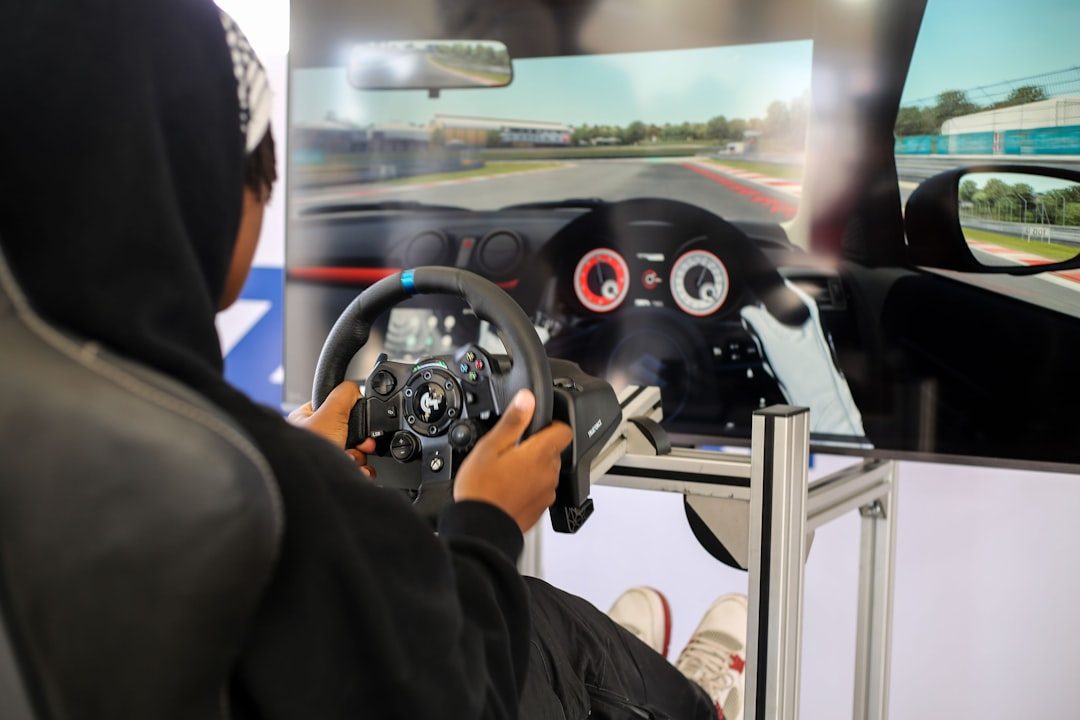
Best Esports Monitor
Esports monitors care about speed. Not beauty. Not drama. Speed.
If you play Valorant, Counter Strike, Apex Legends, Overwatch, or Fortnite at a serious level, look for 240Hz, 360Hz, or even higher. Many esports players still use 24 or 25 inch 1080p monitors. Why? Because they are fast and easy to scan with your eyes.
Best type to buy: 24 to 27 inch, 1080p or 1440p, 240Hz to 500Hz plus.
Choose 1080p if:
- You want the highest frame rates.
- You play competitive shooters.
- You sit close to the screen.
Choose 1440p if:
- You want sharp visuals too.
- Your PC is powerful.
- You play both ranked and casual games.
For most players, 240Hz is already excellent. Higher is fun, but it will not turn your bronze aim into wizard aim. Sadly.
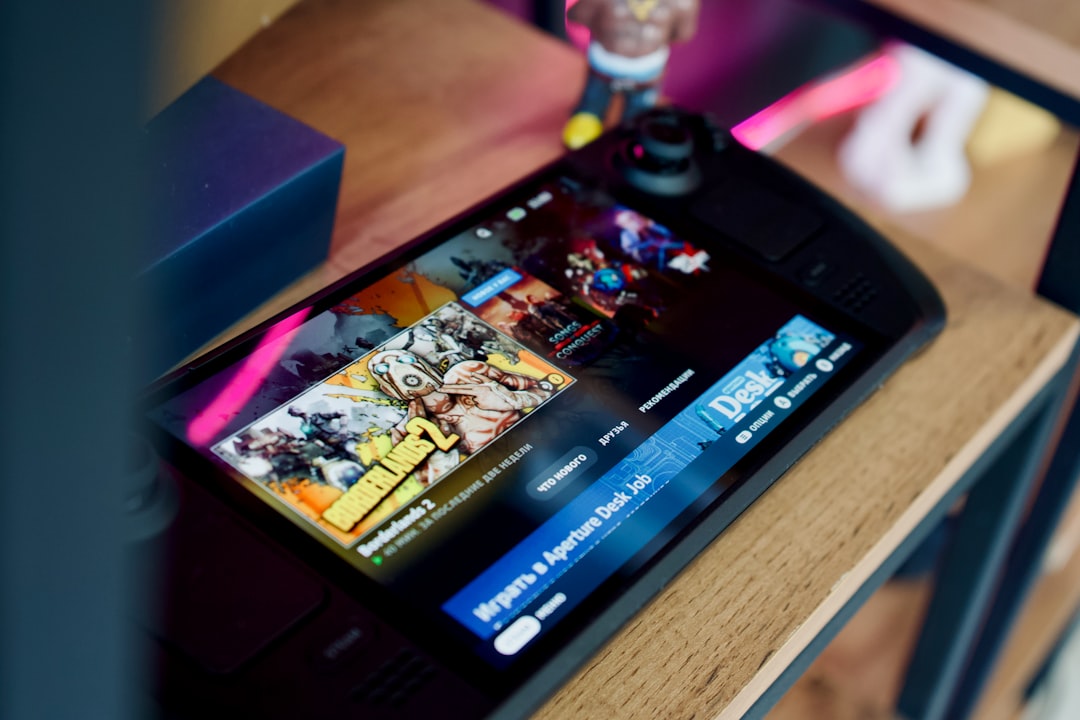
Best Monitor for Steam Deck, Switch, and Small Setups
Small setup? No problem. A compact 24 inch 1080p monitor is perfect. It is cheap. It is sharp enough. It fits almost anywhere.
For handheld PCs and smaller consoles, you do not need 4K. You need low input lag, good color, and simple connections. USB C is a nice bonus if the monitor has it.
Best type to buy: 24 inch, 1080p, IPS, 100Hz to 180Hz, HDMI and USB C if possible.
This is also a smart pick for dorms, shared rooms, and travel desks.
OLED vs IPS vs VA vs Mini LED
Panel names can sound boring. Here is the simple version.
- IPS: Great color. Good viewing angles. Safe choice.
- VA: Strong contrast. Some models have blur in dark scenes.
- OLED: Best contrast and motion. More expensive. Burn in risk exists.
- Mini LED: Very bright. Great HDR. Some blooming can happen.
If you are confused, buy IPS for budget or mid range. Buy OLED if you want the best image. Buy mini LED if you want bright HDR and less worry.
What Refresh Rate Should You Get?
Here is the easy cheat sheet:
- 75Hz to 100Hz: Better than basic, but not ideal for gaming.
- 144Hz to 180Hz: Great for most gamers.
- 240Hz: Excellent for competitive games.
- 360Hz and above: For esports fans and speed demons.
More Hz feels smoother. But your PC must create enough frames. A 240Hz monitor is not magic if your game runs at 62 FPS.
What Size Should You Buy?
Size matters, but bigger is not always better.
- 24 inches: Best for 1080p and esports.
- 27 inches: Best for 1440p and most desks.
- 32 inches: Best for 4K.
- 34 inches ultrawide: Best for immersion.
Do not buy a huge monitor if you sit very close. Your neck will start doing side quests.
Quick Picks by Budget
- Under $150: 24 inch 1080p IPS, 144Hz or higher.
- $150 to $250: 24 or 27 inch 1080p, 165Hz to 240Hz.
- $250 to $400: 27 inch 1440p, 180Hz to 240Hz.
- $400 to $700: Better 1440p, entry OLED, ultrawide, or mini LED.
- $700 to $1,000: 4K 144Hz, premium ultrawide, or strong OLED.
- $1,000 plus: 4K OLED, 4K 240Hz, high end mini LED, or giant ultrawide.
Features Worth Paying For
Some features are useful. Some are just sticker glitter.
Worth it:
- Height adjustable stand.
- Good warranty.
- Low input lag.
- Adaptive sync.
- HDMI 2.1 for consoles.
- USB C if you use laptops or handhelds.
Not always worth it:
- Built in speakers.
- Fake HDR with low brightness.
- Extreme curves on small screens.
- RGB lights on the back if the panel is bad.
Final Advice
The best gaming monitor in 2026 depends on your games, your desk, and your budget. For most people, the winner is still a 27 inch 1440p high refresh monitor. It is sharp, fast, and not too expensive.
If you are on a tight budget, get a 1080p 144Hz or 180Hz display. If you want luxury, go OLED or 4K. If you want speed, chase 240Hz or higher.
Most of all, buy smart. Do not pay for specs you cannot use. A great monitor should make your games feel better every day. It should not make your bank account uninstall itself.