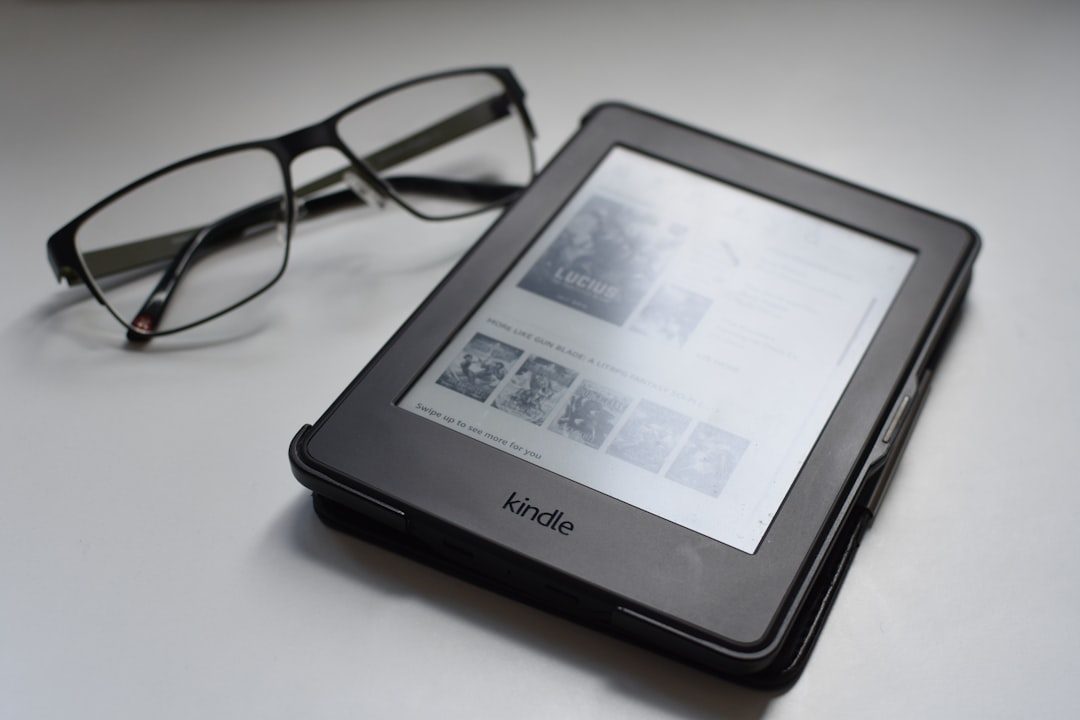
Have you ever wished your Kindle could read your book out loud while you relax your eyes? Good news. In many cases, it can. But the answer depends on your device, your app, and your book.
TLDR: Yes, many Kindle devices and apps can read books to you using text-to-speech or Audible narration. Not all Kindle models support this feature, and not every book has audio enabled. You can use VoiceView on Kindle e-readers or text-to-speech on the Kindle app. If a book has Audible, you can switch between reading and listening easily.
Let’s break it down in a simple way. No tech stress. Just clear answers.
What Does “Kindle Read to You” Mean?
When people ask this, they usually mean one of two things:
- Text-to-Speech (TTS) – A computer-generated voice reads the words on the screen.
- Audible Audiobook – A real human narrator reads the book.
These are not the same.
Text-to-speech sounds robotic but useful.
Audible narration sounds natural and expressive.
Kindle can offer one or both. It depends on the situation.
Do Kindle E-Readers Read Aloud?
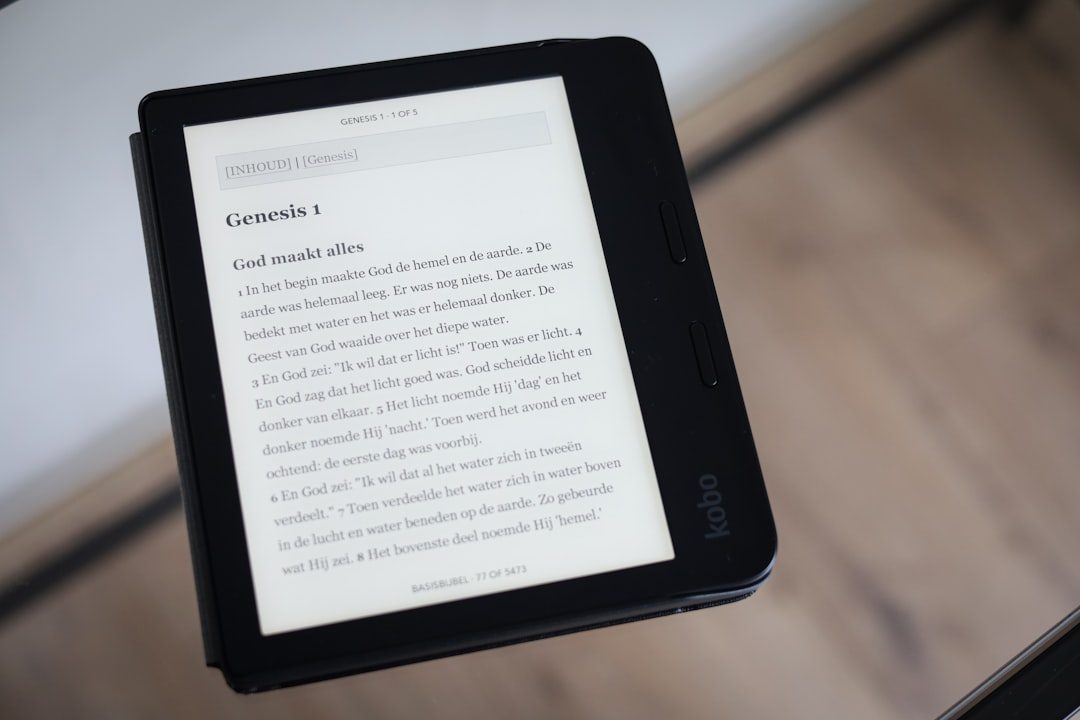
Yes. Many modern Kindle e-readers support a feature called VoiceView.
VoiceView is Amazon’s screen reader. It reads what’s on your screen. That includes books.
Here’s what you need:
- A compatible Kindle (like Kindle Paperwhite or Kindle Oasis)
- Bluetooth headphones or speaker
- VoiceView turned on in Accessibility settings
Once connected, VoiceView will read your book to you.
But remember:
- The voice is digital.
- It may not sound emotional.
- It reads exactly what is written.
Still, it works great if you want hands-free reading.
How to Turn On VoiceView
Here is a simple guide:
- Go to Settings.
- Tap Accessibility.
- Select VoiceView Screen Reader.
- Pair Bluetooth headphones.
- Turn it on.
That’s it.
Now your Kindle will read aloud.
Does the Kindle App Read to You?
Yes. And it might be even easier.
If you use the Kindle app on:
- iPhone
- iPad
- Android phone
- Android tablet
You can use your device’s built-in screen reader.
For Apple devices, it’s called VoiceOver.
For Android devices, it’s TalkBack.
Just turn on the accessibility feature in your phone settings. Then open your Kindle app. The device will read your book out loud.
The voice quality depends on your phone’s settings. Some sound quite natural.
What About Audible?
This is where things get exciting.
Some Kindle books have Audible narration available.
This means:
- A professional narrator reads the book.
- You hear emotion and character voices.
- The experience feels like storytelling.

If a Kindle book supports Audible, you may see:
- “Add Audible narration” on the book page
- A headphone icon in your Kindle app
You can switch between reading and listening. This feature is called Whispersync for Voice.
It keeps your place synced.
Read at night. Listen in the car. Pick up where you left off.
Does Every Kindle Book Have Audio?
No.
That is important.
Not every book supports:
- Text-to-speech
- Audible narration
Some publishers disable text-to-speech. Others simply do not offer an audiobook version.
Always check the book’s product page.
Look for:
- Text-to-Speech: Enabled
- Or Audible availability
Comparison Chart: Ways Kindle Can Read to You
| Method | Voice Type | Works On | Internet Needed? | Best For |
|---|---|---|---|---|
| VoiceView | Computer generated | Kindle e-readers | No (after setup) | Hands free reading |
| Phone Screen Reader | Computer generated | Kindle app on phones | No | Reading on the go |
| Audible Narration | Professional human voice | Kindle app and Audible | Download first | Immersive listening |
Is Text-to-Speech Free?
Usually, yes.
VoiceView and phone accessibility tools are built in. No extra charge.
But Audible narration costs money. You either:
- Buy the audiobook
- Use Audible credits
- Catch a discount bundle price
Sometimes adding Audible to a Kindle book is cheaper than buying it separately.
Does Kindle Read PDFs?
Yes. But with limits.
If your PDF is opened on a Kindle device with VoiceView, it can read it.
But complex layouts may confuse the voice reader.
Text-heavy PDFs work best.
Can Alexa Read Kindle Books?
Yes. And it feels magical.
If you own an Amazon Echo device, you can say:
“Alexa, read my Kindle book.”
Alexa will start reading your most recent book.
You can also say:
- “Alexa, pause.”
- “Alexa, next chapter.”
- “Alexa, resume my book.”
Alexa uses text-to-speech. So it is not a human narrator. But it works well.
Pros and Cons of Kindle Reading Aloud
Pros
- Great for tired eyes
- Perfect for commuting
- Helpful for multitasking
- Useful for people with vision challenges
Cons
- Robotic voice with text-to-speech
- Not all books supported
- Audible costs extra money
Still, many readers love the option.
Is Listening the Same as Reading?
Good question.
Some people feel listening is different. Others say a story is a story.
Research suggests you can understand and remember information well through audio. It just depends on how you focus.
If your goal is enjoyment, listening works beautifully.
If you need to study deeply, you might prefer reading with your eyes.
The best part? With Kindle, you can do both.
Tips for a Better Listening Experience
- Use good headphones.
- Adjust reading speed in settings.
- Download books before traveling.
- Use WhisperSync to switch formats easily.
Small changes make a big difference.
So… Does Kindle Read to You?
Yes. In several ways.
Here is the simple summary:
- Kindle e-readers use VoiceView.
- Kindle apps use phone screen readers.
- Audible add-ons provide professional narration.
- Alexa can read your Kindle library out loud.
You have options.
Some are free. Some cost extra.
But the flexibility is powerful.
Who Should Use Kindle’s Read Aloud Feature?
This feature is perfect for:
- Busy parents
- Long commuters
- People who get eye strain
- Anyone who loves multitasking
It turns books into a hands-free experience.
You can cook. Walk. Relax. All while enjoying your story.
Final Thoughts
Kindle is more than just a silent reading device.
It can speak. It can narrate. It can sync between formats.
Not every book will have every feature. But many do.
If you already own a Kindle or use the app, try turning on text-to-speech today. You might discover a new way to enjoy books.
Sometimes it’s nice to let someone else do the reading.
Even if that “someone” is your Kindle.