Google may understand your brand before your customers do, so keep your entity information clean, current, and painfully obvious. If Google has the wrong facts, search visibility can slip. Your brand can look smaller, older, or just plain confusing.
TLDR: The Google Knowledge Graph is Google’s giant fact machine. It connects your brand to people, places, products, logos, websites, and topics. If your company changes its name, CEO, address, or category, but Google sees mixed signals, your search results can get messy. For example, a local software firm that fixed its company description, schema, and social profiles saw branded clicks rise by 18% in 60 days because Google finally showed the right site, logo, and profile links.
What Is the Google Knowledge Graph?
The Google Knowledge Graph is a huge database of things. Not just keywords. Things.
Those things are called entities. An entity can be:
- A brand
- A person
- A product
- A place
- A movie
- A restaurant
- An organization
Google uses entity information to understand what something is, how it relates to other things, and why it matters. This is why a search for “Apple” can show a tech company, not a fruit basket. Most days, at least.
The Knowledge Graph helps power rich search features. These include knowledge panels, brand cards, local results, image panels, “People also ask” boxes, and even some AI-style answers.

Why Entity Changes Matter
Brands change all the time. They rebrand. They move offices. They launch new products. They merge. They hire a new CEO. They tweak their spelling because someone in a meeting got excited.
Google has to catch up.
The catch is, Google does not just take your word for it. It checks many sources. Your website. Your schema markup. Your social profiles. Business listings. News articles. Wikidata. Crunchbase. Review sites. App stores. Government records. Other trusted pages.
If those sources disagree, Google may hesitate. Or worse, it may pick the wrong version.
That can affect how your brand appears in search. It can also affect whether Google connects you to the right topics.
What Can Change in Entity Information?
Here are the big ones:
- Brand name: A new spelling, acronym, or parent company name.
- Logo: A new symbol, color, or image file.
- Website URL: A new domain or moved pages.
- Social profiles: Updated handles or verified profiles.
- Founder or CEO: Leadership changes.
- Business category: What your company actually does.
- Location: Office, service area, or local address.
- Products: New tools, apps, services, or plans.
- Descriptions: The short text Google may show about you.
Small edits can have big effects. A wrong category can be brutal. A marketing agency marked as a “software company” may lose local relevance. A SaaS brand described as a “blog” may look weak in commercial searches.
How This Affects Search Visibility
Search visibility is not only rankings. It is also how much space you own on the results page.
Clean entity data can help Google show:
- A correct knowledge panel
- Your official website
- Your logo
- Your social profiles
- Your founder or leadership details
- Product links
- Local pack listings
- Review details
- Related topics
Messy entity data can do the opposite. Google may show an old logo. It may link to a dead profile. It may mix your brand with another company. It may skip your knowledge panel completely.
Honestly, it feels like losing points in a game you did not know you were playing.
And users notice. If someone searches your name and sees old details, they may think your company is inactive. If your competitor has a clean panel and you do not, they look more real. That stings.
A Simple Example
Imagine a company called BrightCart. It used to sell ecommerce templates. Now it sells an AI shopping assistant.
The team updates the homepage. Great. But they forget the rest.
- LinkedIn still says “template marketplace.”
- Old blog posts say “theme seller.”
- Schema still lists “WebDesignService.”
- Crunchbase says “online store builder.”
- Google Business Profile has the old logo.
Google sees a mixed bag. So it may keep connecting BrightCart to templates, not AI shopping. That means fewer impressions for the new product area. The brand may also miss richer results for its new category.
Fix the signals, and things can improve. Not overnight. But the direction gets clearer.
Image not found in postmetaWhy Brand Understanding Is the Big Prize
Google does not only ask, “What does this page say?”
It also asks, “Who is saying this?”
That is where brand understanding matters. If Google understands your brand as an expert in payroll software, your content about payroll rules has a better frame. If Google sees you as a random blog, the frame is weaker.
This does not mean entity data is magic dust. It will not save bad content. It will not turn a thin website into a trusted source. But it helps Google connect the dots faster.
Think of it like a name tag at a party. Without it, people ask, “Who are you again?” With it, they say, “Oh, you are the inventory app people.” Much better.
Common Signs Google Is Confused
Watch for these warning signs:
- Your knowledge panel shows old details.
- Your logo is missing or outdated.
- Your brand is mixed with another company.
- Your social links are wrong.
- Your brand category feels off.
- Your branded search traffic drops after a rebrand.
- Google shows a rival when people search your product name.
- Your local listing has mismatched hours or addresses.
Expect to waste time on tiny details. One old profile can keep showing the wrong name for months. Annoying? Yes. Normal? Also yes.
How to Help Google Update Entity Information
You cannot force Google to believe you. But you can make the truth very easy to verify.
- Update your website first. Your homepage, about page, contact page, footer, and product pages should agree.
- Add clear schema markup. Use Organization, LocalBusiness, Product, Person, and sameAs where useful.
- Fix social profiles. Names, bios, logos, links, and categories should match.
- Update your Google Business Profile. Check address, hours, logo, phone, services, and categories.
- Clean up major directories. Use the same name and URL across trusted sites.
- Publish a rebrand or update page. Explain the change in plain English.
- Use redirects well. Old URLs should point to the right new pages.
- Get fresh mentions. A few accurate news, partner, or industry mentions can help confirm the change.
What to Track After a Change
Do not guess. Track it.
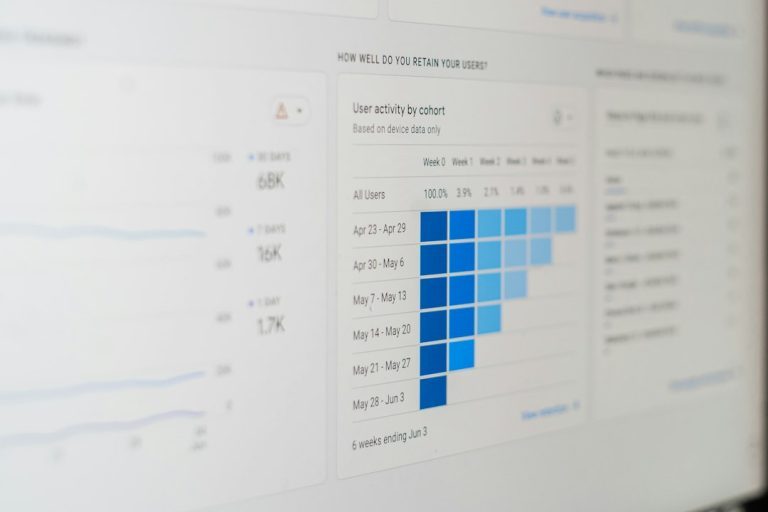
Use Google Search Console and analytics tools to watch:
- Branded impressions
- Branded clicks
- Click-through rate
- Knowledge panel appearance
- Logo changes in search
- Local pack rankings
- Traffic to updated pages
- Queries tied to the new category
A useful mini-report can be simple. Compare 30 days before and 30 days after the update. If branded impressions rise from 20,000 to 24,000, that is a 20% lift. If clicks stay flat, your search result may still need better titles, descriptions, or sitelinks.
Final Takeaway
The Google Knowledge Graph is not some dusty tech box. It shapes how people see your brand before they click.
If your entity information is clean, Google can understand you faster. If it is messy, search results can look weird. Sometimes very weird.
So keep your facts aligned. Use clear schema. Fix old profiles. Watch the data. Your brand deserves to look like itself in search.