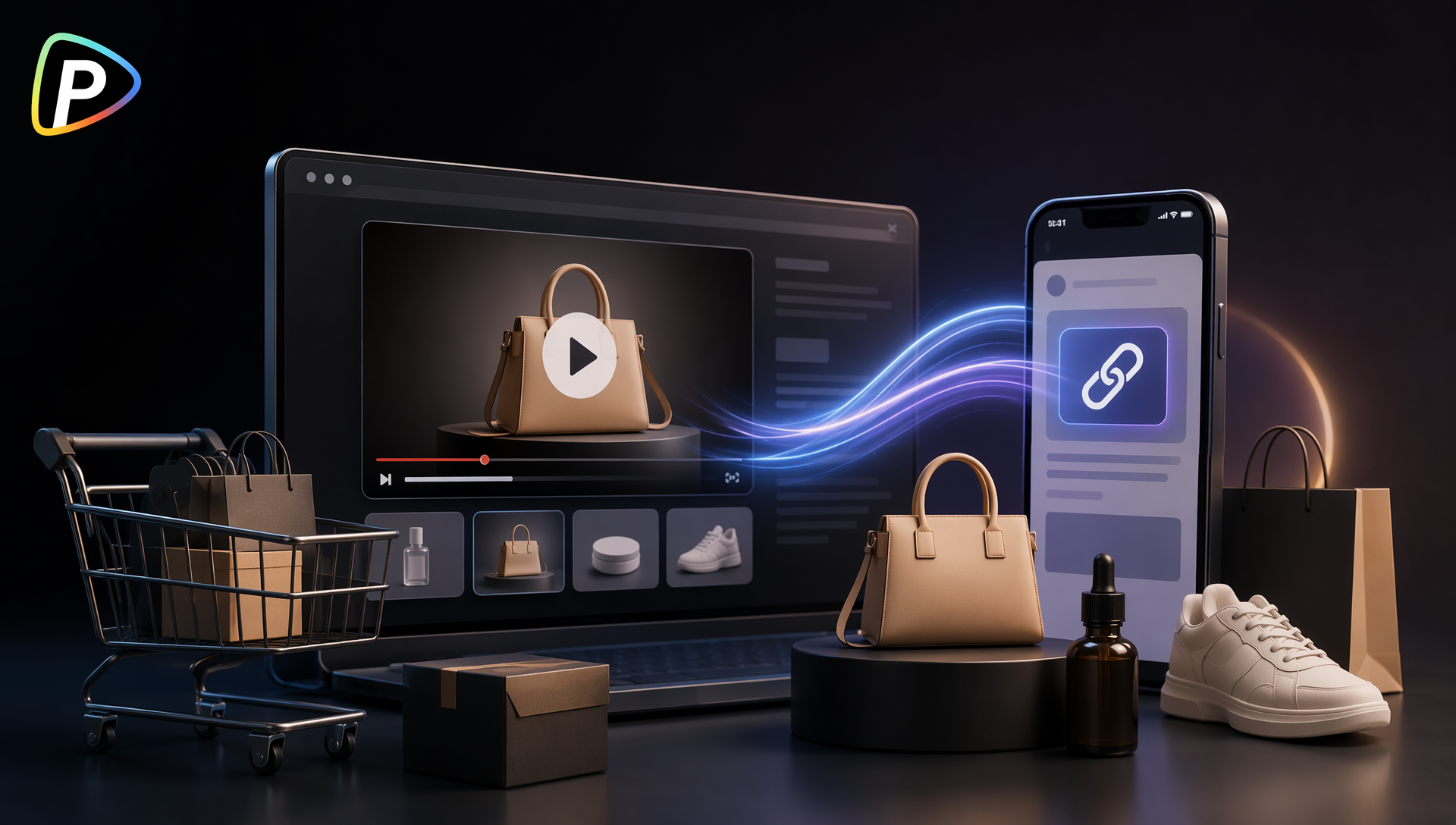
Online stores often have product photos, descriptions, prices, and customer reviews ready to use, but turning those assets into video ads can still take considerable time. Creating a separate script, filming product footage, and editing multiple versions may not be practical for stores that regularly launch products or update their catalogs.
URL to video ads offer a more direct workflow. Instead of building a video from scratch, an online seller can use an existing product page as the starting point and turn the information already available on that page into a promotional video.
Pollo AI’s URL to Video Ads tool is designed for this purpose. It can analyze a product URL and use the page’s available content to create product-focused video ads. The following guide explains how online stores can use the tool effectively, including what to prepare, how to guide the generation process, and what to check before publishing.
Why Online Stores Need URL to Video Ads and Why Choose Pollo AI?
Product videos can help online stores show how an item looks, works, or fits into everyday use. However, producing original videos for every product is often difficult, especially for small stores, growing brands, or teams managing large catalogs.
Many sellers already have useful product assets, but those assets remain limited to static listings. Product photos may be used on a store page, while descriptions and customer reviews stay in text form. Repurposing them into video content usually requires additional design or editing work.
Pollo AI’s URL to Video Ads addresses this gap by using an existing product page as the source for video creation. Users can paste a product URL rather than upload and organize every asset manually. The tool can extract available product information and turn it into a video ad based on the selected creative direction.
The tool also supports different advertising approaches, including product showcases, UGC-style videos, and unboxing-style content. This gives stores more flexibility when testing how the same product should be presented to different audiences.
For online sellers, the main benefit is not simply generating a video faster. It is being able to reuse existing product-page content, create multiple advertising concepts, and reduce the amount of work required to produce a first draft. The following steps explain how to prepare the source page and create a more useful result.
What to Prepare Before Creating URL to Video Ads
A complete and accurate product page gives the tool better material to work with. Before submitting a URL, the seller should check a few essentials. These preparations can also be useful when working with other video tools on Pollo AI, such as the DeepAI video generator.
1. Use a Direct Product Link
The URL should lead directly to one product page rather than a homepage, category page, or search-results page. The product page should be publicly accessible and load normally.
2. Check the Product Information
The product title, description, price, and promotional details should be current. If outdated information remains on the page, it may also appear in the generated video.
3. Review the Product Images
Clear images with visible product details are generally more useful than low-resolution or heavily cluttered images. If possible, the page should include more than one product view.
4. Choose One Main Message
Before generating the video, the seller should decide what the ad needs to communicate. It may focus on a key feature, a practical use case, a new-product launch, or a limited-time offer. Trying to cover every product benefit in a short video can make the message unclear.
How to Create URL to Video Ads with Pollo AI
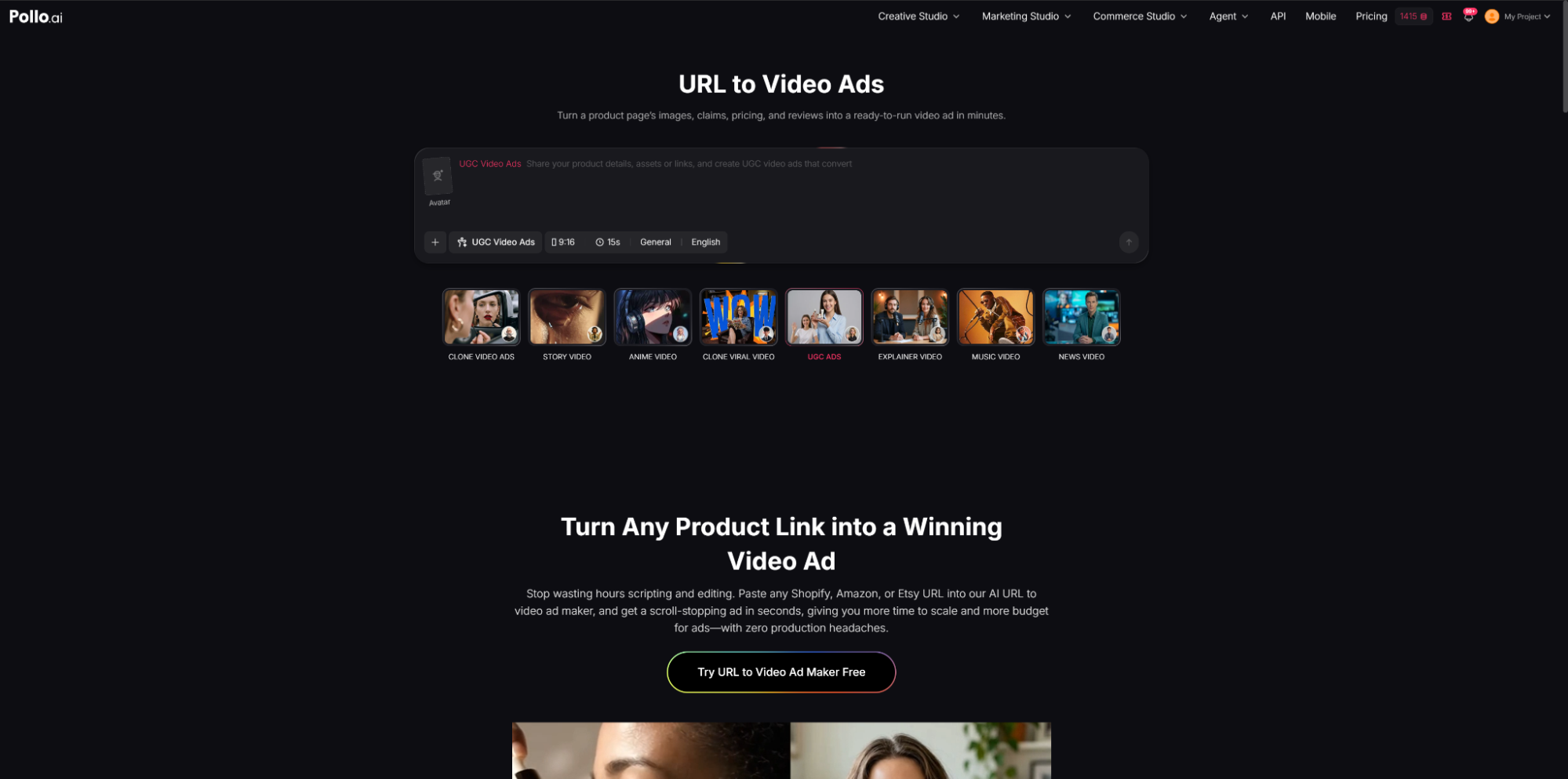
Step 1. Open the URL to Video Ads Tool
The user should open Pollo AI’s URL to Video Ads tool and locate the URL input field.
Before pasting the link, it is worth opening the product page in a separate browser tab. The seller should confirm that the page loads without requiring a login and that the correct product variation is displayed.
This matters because some stores use URLs that automatically redirect to another page or display different product options based on location. If the page does not show the intended item clearly, the generated video may use incomplete or incorrect information.
Step 2. Paste the Product URL
The user should copy the full product-page URL and paste it into the tool.
A direct product link usually works better than a shortened or redirected link because it provides a clearer source for the product information. The seller should also avoid using a collection page that contains several products, as the tool may not have a clear subject to focus on.
After submitting the URL, the system can analyze the available content on the page, including relevant product images and information.
Step 3. Add a Clear Creative Prompt
The product page explains what the product is, but it may not explain how the seller wants the advertisement to feel. The prompt is where the user can provide that direction.
A useful prompt should include the intended audience, video style, and primary message. For example:
“Create a short product video for busy home cooks. Show how the product simplifies daily meal preparation. Use a clean, practical style and keep the on-screen text concise.”
The prompt does not need to repeat every detail from the product page. It should add information that the URL does not provide, such as the target customer, desired tone, or marketing angle.
Vague instructions such as “make it engaging” may produce a usable result, but they give the tool little guidance. A specific use case usually leads to a more focused video.
Step 4. Select a Suitable Ad Style
Pollo AI supports different creative directions, including product showcases, UGC-style ads, and unboxing-style videos.
The seller should select a style based on the product and the intended audience rather than choosing a format simply because it is popular.
A product showcase may be more suitable when visual details, design, or key features need to be explained clearly. A UGC-style video may work better when the goal is to present the product through a casual, experience-based format. An unboxing-style approach may be useful when packaging, first impressions, or the contents of a product are important.
The style should also match the store’s existing brand identity. A highly casual video may not fit a premium brand, while an overly polished presentation may feel out of place for a product marketed through everyday social content.
Step 5. Generate the First Version
Once the URL and creative instructions are ready, the user can start generating the video.
The first output should be treated as a draft. It may provide a useful structure, but it should not be published without review. Stores should expect to make adjustments, particularly when testing a new product category or advertising style.
If the first result is too broad, the seller should revise the prompt instead of adding many unrelated instructions. It is usually more effective to clarify the main audience or product benefit and generate another version.
Step 6. Check the Video for Accuracy
Before using the video, the seller should compare it with the original product page.
The review should cover the product’s appearance, name, features, price, promotional details, and on-screen text. Any claims about performance, health, safety, or product results should also be checked carefully.
The seller should make sure that the video does not emphasize a feature that is no longer available or imply a result that the product page does not support.
Visual accuracy is equally important. If the product has several colors, sizes, or versions, the video should clearly match the variation being promoted.
Step 7. Review the First Few Seconds
The opening of a product video should make the subject clear quickly. If the product is not visible until late in the video or the opening focuses on a general message, viewers may not immediately understand what is being promoted.
The seller should check whether the first few seconds show the product, a recognizable use case, or a relevant problem. If the opening feels too generic, the prompt can be revised to place the product or its main benefit earlier.
Step 8. Create and Compare Alternative Versions
A single product does not always need one fixed advertisement. The same URL can be used to test different messages.
For example, one version may focus on product features, while another highlights a practical use case. A third version may use a more casual UGC-style presentation.
The seller should change one major element at a time when comparing versions. If the style, audience, message, and tone all change together, it becomes harder to identify which approach produced the stronger result.
Step 9. Export the Final Video
After selecting the preferred version, the user can export the video and prepare it for the intended marketing channel.
Before publishing, the seller should check the platform’s requirements for video length, aspect ratio, captions, and advertising content. A video that works well on a product page may need different formatting for a social-media campaign or paid advertisement.
The final version should also be checked on a mobile screen, since many customers will view the ad on a phone. Text that appears readable on a desktop may be too small or crowded on a smaller display.
Conclusion
URL to video ads give online stores a practical way to turn existing product pages into promotional video content. By using information and assets already available in a listing, sellers can reduce some of the work involved in creating product videos from scratch.
However, the quality of the source page and the clarity of the creative direction still affect the result. Sellers should use a complete product URL, define one main message, review the generated content carefully, and test alternative versions when needed.
With a clear workflow and proper review, Pollo AI’s URL to Video Ads tool can help online stores create additional product-video assets while keeping the process connected to the information already maintained on their product pages.