Operational risk grows whenever business processes depend on fragile handoffs, manual intervention, inconsistent timing, or disconnected systems. As organizations become more digital, the number of jobs, data transfers, batch processes, cloud tasks, and application workflows increases rapidly. Workload automation reduces that risk by coordinating these activities reliably, enforcing standards, improving visibility, and ensuring that critical work happens at the right time and in the right order.
TLDR: Workload automation reduces operational risk by replacing manual, error-prone tasks with controlled, repeatable, and observable workflows. It helps organizations prevent missed jobs, data delays, compliance gaps, and service disruptions. By centralizing scheduling, monitoring, alerting, and recovery, workload automation gives operations teams stronger control over complex business processes. The result is greater reliability, faster incident response, and more resilient digital operations.
What Workload Automation Means in Modern Operations
Workload automation refers to the use of software to schedule, trigger, monitor, and manage business and IT processes across applications, servers, databases, cloud platforms, and data pipelines. It is more advanced than simple job scheduling because it can coordinate complex dependencies, respond to events, integrate with multiple systems, and provide centralized governance.
In many organizations, daily operations involve thousands of tasks. These may include generating financial reports, moving data between systems, backing up databases, processing payroll, updating inventory, validating transactions, and refreshing analytics dashboards. When these activities are handled manually or through isolated scripts, operational risk increases. A single missed file, delayed batch, failed transfer, or undocumented change can create downstream disruption.
Workload automation lowers that exposure by creating a structured environment where processes are defined, sequenced, monitored, and documented. Instead of relying on individuals to remember tasks or respond manually, the organization relies on consistent automation rules and policy-based controls.
Reducing Human Error
One of the most common sources of operational risk is human error. Employees may forget to run a task, use the wrong input file, enter incorrect parameters, skip a validation step, or fail to notice that a job has not completed. Even skilled teams can make mistakes when they are under pressure, working across time zones, or managing repetitive activities.
Workload automation reduces this risk by removing unnecessary manual steps from routine processes. Once a workflow is configured, it can run according to precise rules. Tasks can be triggered by time, file arrival, database updates, business events, or completion of another process. This reduces dependency on memory, email instructions, spreadsheets, and informal procedures.
For example, a financial close process may require data extraction, validation, transformation, reconciliation, report generation, and distribution. If each step depends on manual action, the risk of delay or mistake is high. With workload automation, these steps can be linked into a controlled workflow where each task begins only after required conditions are met. If a validation fails, the workflow can pause, notify the right team, and prevent incorrect data from moving forward.
Improving Process Consistency
Operational risk often increases when similar processes are performed differently by different teams. One region may run a report at a different time, another may use a modified script, and another may follow an outdated checklist. Inconsistent execution makes it difficult to diagnose problems, ensure compliance, and maintain service quality.
Automation creates repeatability. Standardized workflows run the same way every time unless an approved change is introduced. This consistency is valuable for high-volume operations, regulated processes, and business-critical services. It also helps organizations scale because new workloads can be added using established patterns rather than reinventing procedures for every team.
Consistency does not mean rigidity. Modern workload automation platforms can support conditional logic, calendars, service-level agreements, and event-based triggers. This allows organizations to standardize control while still adapting to business rules, regional requirements, and operational exceptions.
Strengthening Visibility and Control
Many operational failures become serious because teams do not see them early enough. A failed data transfer may go unnoticed until a customer report is missing. A batch job may run longer than expected and delay the next process. A dependency may break after an application update, creating a chain reaction across multiple systems.
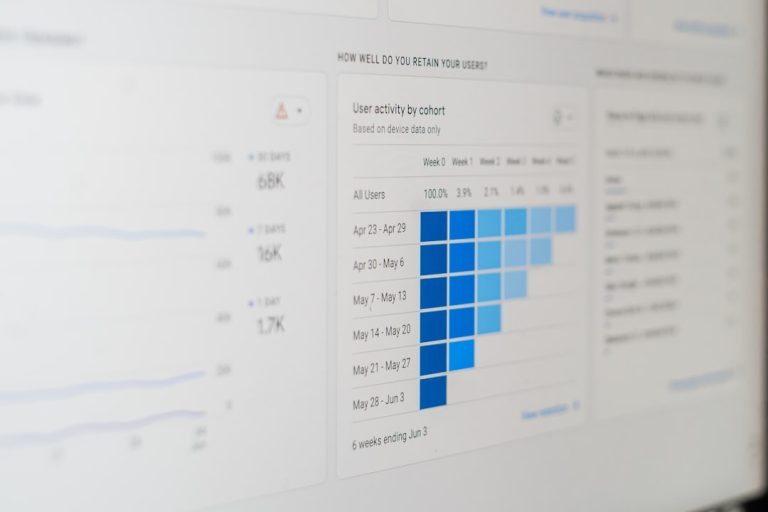
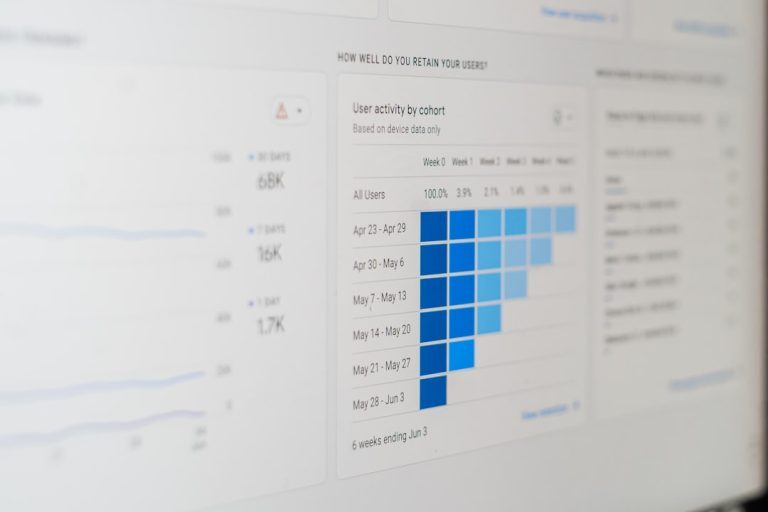
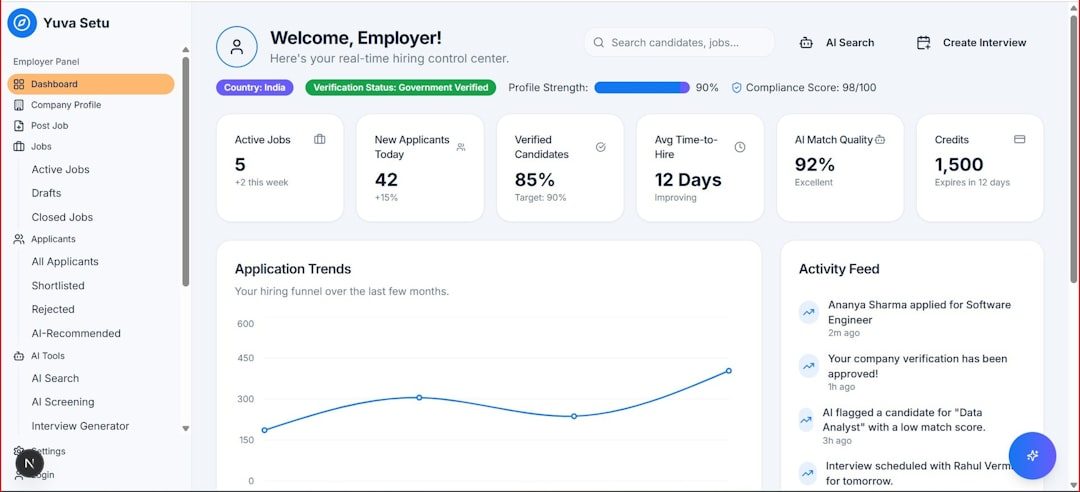
Workload automation improves visibility by centralizing monitoring. Operations teams can view workflow status, job history, dependencies, failures, delays, and completion times from a single interface. This reduces the need to check separate logs, servers, scripts, and application consoles.
- Real-time monitoring helps teams detect failures as they occur.
- Alerts and notifications ensure that the right people are informed quickly.
- Dashboards provide a clear view of business-critical processes.
- Audit trails record who changed what, when, and why.
- Dependency mapping shows how one job affects another.
This level of observability is essential for reducing operational risk. When teams understand the current state of operations, they can prevent small issues from becoming major incidents.
Preventing Missed Deadlines and SLA Breaches
Service-level agreements, internal deadlines, and regulatory reporting windows are common sources of pressure. Missing a deadline can result in financial penalties, customer dissatisfaction, compliance violations, or reputational damage. Manual scheduling and fragmented monitoring make it difficult to manage these obligations reliably.
Workload automation helps organizations align operational execution with business deadlines. Workflows can be assigned expected start times, completion windows, and escalation rules. If a task is running late, the system can alert support teams before the deadline is missed. Some platforms can also forecast whether a workflow is likely to breach an SLA based on current progress and historical runtimes.
This proactive approach changes operations from reactive firefighting to controlled risk management. Instead of discovering missed deadlines after the fact, teams gain time to intervene, reroute work, allocate resources, or communicate with stakeholders.

Supporting Compliance and Audit Readiness
Regulated industries such as banking, healthcare, insurance, telecommunications, and energy must demonstrate that critical processes are controlled, secure, and auditable. Manual procedures make compliance more difficult because evidence may be scattered across emails, spreadsheets, ticketing systems, and log files.
Workload automation supports compliance by creating a clear record of operational activity. It can show when a process ran, whether it succeeded, who approved changes, what data was processed, and how exceptions were handled. This documentation helps auditors verify that controls are working.
It also enables stronger change management. Access controls can limit who is allowed to create, modify, pause, or restart workflows. Approval processes can be required for changes to sensitive jobs. Version history can help teams compare current workflows with previous configurations.
In compliance-focused environments, automation is not only about efficiency. It is also a control mechanism that helps prove operational discipline.
Reducing Dependency on Key Individuals
Operational risk rises when critical knowledge is concentrated in a few people. If only one administrator understands a scheduling script or only one analyst knows the correct sequence for a data process, the organization becomes vulnerable to absence, turnover, or miscommunication.
Workload automation reduces this dependency by documenting workflows in a centralized system. Process logic, dependencies, calendars, parameters, credentials, and escalation steps can be stored and managed consistently. New team members can understand operational flows more easily because they are visible rather than hidden in personal notes or custom scripts.
This is especially important in large enterprises where teams change frequently and systems are distributed across departments. A centralized automation platform preserves institutional knowledge and makes operations less dependent on informal expertise.
Improving Incident Response and Recovery
No organization can eliminate every operational failure. Systems may go offline, networks may slow down, files may arrive late, APIs may fail, and applications may return unexpected errors. The goal is to reduce the likelihood of incidents and limit their impact when they occur.
Workload automation improves incident response in several ways. It can detect failed or delayed tasks immediately, trigger alerts, collect diagnostic information, and execute predefined recovery actions. For certain errors, the system may automatically retry a job, switch to an alternate path, or restart a service. For more complex issues, it can escalate to the appropriate team with relevant context.
- Detection: The platform identifies that a workflow has failed or exceeded its expected runtime.
- Notification: The responsible team receives an alert with job details and error information.
- Containment: Dependent workflows can be paused to prevent bad data or incomplete processing.
- Recovery: Automated retries or manual remediation steps restore normal processing.
- Review: Logs and reports help teams understand the root cause and improve the workflow.
This structured response reduces downtime and prevents confusion during high-pressure incidents.
Enhancing Data Reliability
Many business decisions depend on timely and accurate data. If data pipelines fail, reports may be incomplete, dashboards may show outdated information, and downstream systems may act on inaccurate inputs. Data-related operational risk is especially significant in organizations that rely on analytics, artificial intelligence, customer personalization, or real-time reporting.
Workload automation helps protect data reliability by controlling the movement and processing of information. It can ensure that files are received before transformation begins, that validation checks are completed before loading data, and that dependent reports are not generated until source systems are updated.
In practical terms, workload automation acts as a traffic controller for enterprise data flows. It ensures that each step happens in the correct order and that exceptions are handled before they affect business users.

Reducing Risk in Hybrid and Cloud Environments
Modern IT environments often include on-premises systems, private clouds, public clouds, SaaS applications, containers, and third-party services. Operations teams must coordinate jobs across these environments while maintaining security, reliability, and performance.
Without automation, this complexity can create gaps. A cloud data warehouse may depend on files from an on-premises system. A billing process may require coordination between an ERP platform, a payment gateway, and a reporting application. A failure in one environment may not be visible to the team responsible for another.
Workload automation provides a unified control layer across hybrid environments. It can connect disparate systems, orchestrate cross-platform workflows, and provide centralized monitoring. This reduces the operational risk created by fragmented tools and disconnected teams.
Supporting Business Continuity
Business continuity depends on the ability to keep essential processes running during disruption. Workload automation supports this objective by making workflows more resilient and easier to recover. Automated processes can be restarted, rerouted, or executed in alternate environments when needed.
For example, if a server becomes unavailable, an automated workflow may be redirected to another resource. If a file is delayed from a supplier, the system can notify stakeholders and hold dependent tasks. If a disaster recovery plan is activated, predefined automation can help restore critical processing in the correct sequence.
These capabilities reduce the risk that a localized issue will interrupt broader business operations.
Key Benefits for Operational Risk Reduction
- Fewer manual errors: Repetitive tasks are executed according to predefined rules.
- Greater transparency: Teams gain centralized visibility into workflows and dependencies.
- Faster response: Alerts and automated recovery actions reduce incident duration.
- Better compliance: Audit trails and access controls support governance requirements.
- Improved resilience: Workflows can handle exceptions, retries, and alternate paths.
- Reduced knowledge silos: Process logic is documented and accessible in a controlled platform.
- Stronger SLA management: Deadlines are monitored and escalations occur before breaches happen.
Best Practices for Implementing Workload Automation
To reduce operational risk effectively, organizations should treat workload automation as a strategic capability rather than a simple scheduling tool. A successful implementation usually involves process analysis, governance, integration planning, and continuous improvement.
- Identify critical workflows first: Priority should be given to processes that affect revenue, compliance, customers, or core operations.
- Map dependencies clearly: Understanding upstream and downstream relationships helps prevent cascading failures.
- Define ownership: Each workflow should have accountable business and technical owners.
- Use role-based access: Permissions should reflect operational responsibilities and security requirements.
- Establish alerting standards: Notifications should be meaningful, prioritized, and routed to the right teams.
- Review performance regularly: Runtime trends, failure rates, and SLA performance should be monitored over time.
- Document recovery procedures: Automated and manual remediation steps should be clear and tested.
When these practices are followed, workload automation becomes a foundation for stable, controlled, and scalable operations.
Conclusion
Workload automation reduces operational risk by bringing structure, consistency, visibility, and control to complex business and IT processes. It minimizes manual errors, prevents missed deadlines, strengthens compliance, and improves recovery when failures occur. As organizations operate across increasingly hybrid and data-driven environments, the ability to orchestrate workloads reliably becomes essential.
Rather than functioning as a background IT utility, workload automation serves as a strategic risk reduction capability. It helps organizations protect service quality, maintain trust, support regulatory obligations, and respond to change with greater confidence. In a business environment where delays and errors can quickly affect customers and revenue, automated workload management provides a practical path to more resilient operations.
FAQ
What is workload automation?
Workload automation is the use of software to schedule, coordinate, monitor, and manage tasks across applications, systems, databases, cloud platforms, and business processes.
How does workload automation reduce operational risk?
It reduces operational risk by limiting manual intervention, enforcing consistent workflows, monitoring dependencies, alerting teams to problems, and supporting faster recovery from failures.
Is workload automation only useful for IT teams?
No. While IT teams often manage the platform, workload automation supports business processes in finance, operations, human resources, supply chain, compliance, analytics, and customer service.
Can workload automation help with compliance?
Yes. It provides audit trails, access controls, change history, and process documentation, all of which support compliance and governance requirements.
Does workload automation replace employees?
Workload automation usually reduces repetitive manual work rather than replacing employees. It allows teams to focus on analysis, improvement, exception handling, and strategic activities.
What types of processes can be automated?
Common examples include data transfers, batch processing, report generation, payroll workflows, backups, database maintenance, cloud jobs, file monitoring, and application integrations.
Why is workload automation important in cloud environments?
Cloud and hybrid environments involve many interconnected services. Workload automation provides centralized orchestration and visibility, reducing the risk of fragmented processes and missed dependencies.