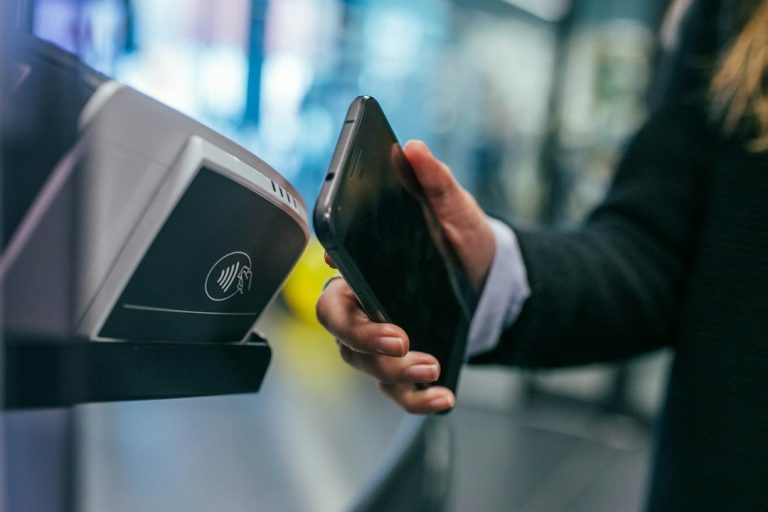
Zelle is not discontinued, but the standalone Zelle app has been phased out for sending and receiving money; Zelle still works through supported banks and credit unions, with more than 2,200 financial institutions in the network [source: Zelle].
TLDR: Zelle still exists, but you should check whether your bank supports it inside its own mobile app or online banking site. For example, if you pay a roommate $900 every month, using Zelle through Chase, Bank of America, Wells Fargo, or another enrolled bank may still be instant and fee free. If your bank does not support Zelle, compare Venmo, PayPal, Cash App, Apple Cash, or Wise based on fees, speed, limits, and protections. Do not assume the old Zelle app will save you; confirm support before you send money.
So, what actually happened to Zelle?
The short answer: Zelle did not shut down. The confusing part is that many people used the name “Zelle” to mean two different things:
- Zelle inside a bank app, such as a checking account app from a participating bank.
- The separate Zelle mobile app, used by people whose bank did not offer Zelle directly.
The bank-connected version remains active. The separate app is the part that caused the panic. If you opened your phone, searched for Zelle, and found warnings or reduced access, you were not imagining it. Honestly, it feels like this could have been communicated better. A payment app people use for rent, childcare, and family support is not the place for vague messages.
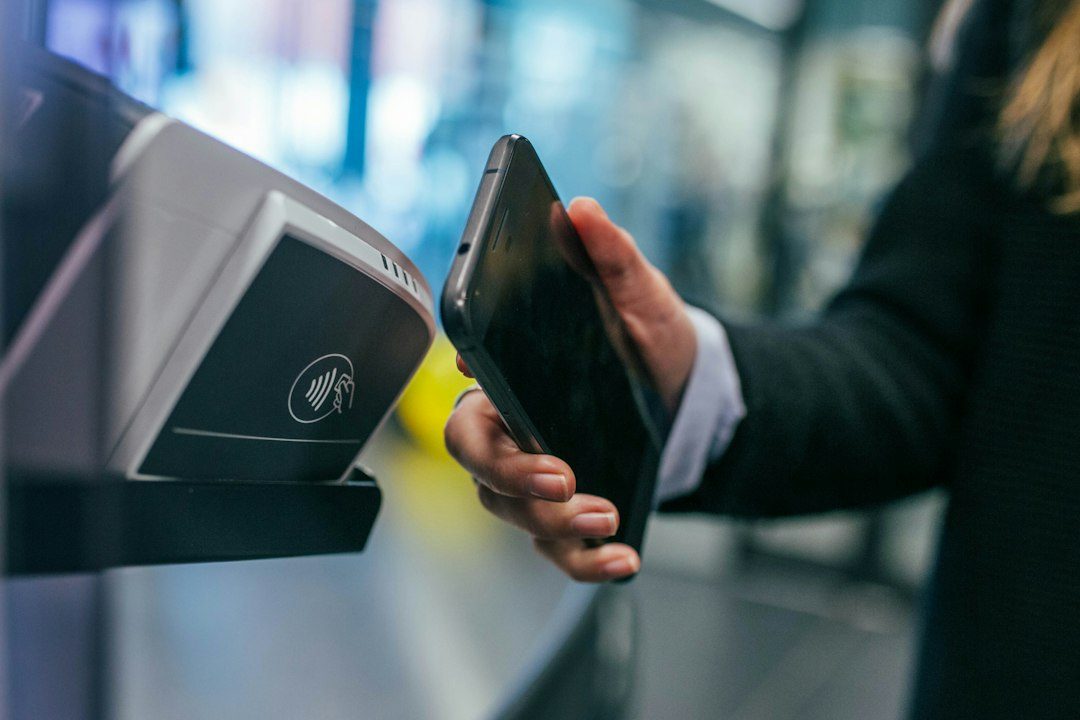
If your bank supports Zelle, you usually do not need a separate download. You open your bank’s app, tap something like “Send Money with Zelle”, choose a recipient, and send funds using an email address or U.S. mobile number.
How to check if your bank officially supports Zelle
Do not rely on a random blog post, a social media reply, or a friend’s screenshot. Payment support changes. Use official channels only.
- Check your bank’s mobile app. Search for “Zelle,” “Send money,” “Transfers,” or “Payments.” Banks often place Zelle under transfer menus, which is mildly annoying when you are in a hurry.
- Check your bank’s website. Look for a Zelle page in the personal banking section. The page should explain enrollment, limits, timing, and eligible accounts.
- Use Zelle’s bank search tool. Zelle maintains a list of participating banks and credit unions [source: Zelle].
- Call the number on your debit card. Do not call numbers from search ads. Use the official bank phone number printed on your card or statement.
- Ask about account type. Some banks support Zelle for personal checking but not savings, business accounts, prepaid cards, or trust accounts.
Expect to waste time on one detail: your phone number or email may already be enrolled elsewhere. If you used Zelle at an old bank, you may need to unlink that contact method before enrolling at a new one. That can add several minutes, and sometimes a support call, to what should be a 30-second setup.
Signs your Zelle access is safe
Your Zelle setup is likely fine if:
- You see Zelle inside your bank’s official app.
- Your bank shows your name, eligible account, and transfer limits.
- You receive confirmation messages from your bank, not an unknown sender.
- Your recipient appears after you enter their email or phone number.
- Your bank gives a warning before you send money to a new person.
That last warning matters. Zelle payments often move fast and may be hard to reverse. Treat them like cash. Send money only to people you know and trust.
When Zelle is still the best choice
Zelle is strong for simple U.S. bank-to-bank payments. It can be a great choice for:
- Rent between people who know each other
- Splitting utility bills
- Paying a babysitter, tutor, or family member
- Sending money between your own accounts at different banks
The appeal is clear. Money often arrives within minutes. There is usually no fee when using Zelle through a bank. Recipients do not need to hold a balance in a separate wallet app if their bank supports it.
Still, Zelle is not perfect. It is mainly for U.S. accounts. It is not built for shopping from strangers. Buyer protection is limited compared with some payment platforms. If someone on a marketplace says, “Pay with Zelle before pickup,” slow down. That is a red flag.
How Zelle compares with other payment apps
If your bank does not support Zelle, or you want more flexibility, compare the alternatives by use case rather than hype.
| App | Best for | Main drawback |
|---|---|---|
| Venmo | Friends, roommates, casual splitting | Instant bank transfers may cost extra |
| PayPal | Online purchases, invoices, broad acceptance | Fees can be confusing |
| Cash App | Quick peer payments, simple interface | Scams are common, and support can feel thin |
| Apple Cash | iPhone users sending money through Messages | Not useful for Android recipients |
| Wise | International transfers and currency exchange | Not ideal for instant local splitting |
Venmo is popular for social payments. It works well for dinner, groceries, and shared subscriptions. Just check privacy settings. Nobody needs to see your entire social payment history.
PayPal is better when commerce is involved. If you are buying from a seller, paying an invoice, or sending money across platforms, PayPal may offer more structure. The tradeoff is fees. Read the payment type before you tap send.
Cash App is fast and simple. That simplicity is also the issue. Scammers love it because payments can move quickly. Use security locks and avoid sending money to people you only met online.
Apple Cash is smooth for iPhone families. It is built into Messages, which makes it feel almost too easy. The downside is obvious: if half your group uses Android, it breaks the flow.
Wise is different. It is not trying to be the app for pizza money. It is useful when currency conversion matters. If you send money from the U.S. to Europe, Canada, or the U.K., compare Wise before using a traditional wire.
What to check before choosing an alternative
Before switching from Zelle, review five items:
- Fees: Standard transfers may be free, while instant transfers may cost a percentage.
- Speed: “Instant” and “available in your balance” are not always the same as “in your bank.”
- Limits: Daily, weekly, and monthly caps vary by app and account history.
- Protection: Friend payments usually have fewer protections than goods and services payments.
- Recipient access: The best app is useless if the other person refuses to sign up.
Practical recommendation
If your bank supports Zelle, keep using it for trusted U.S. contacts. It is still one of the cleanest ways to move money between bank accounts without extra steps. If your bank does not support it, pick a backup based on your real habits. Use Venmo for social payments, PayPal for purchases, Cash App for simple peer transfers, Apple Cash for iPhone-only circles, and Wise for international needs.
The key is simple: check official bank support first. Then choose the app that matches the payment, the recipient, and the risk. A few minutes of checking can save you from failed transfers, surprise fees, or a payment you cannot easily get back.