A VPN is the better choice for most people who need a Dutch IP address, while Smart DNS is mainly useful for streaming on devices that do not support VPN apps. A Netherlands VPN changes the user’s visible IP address, encrypts traffic, and can protect sessions on public Wi-Fi. Smart DNS may feel faster, but it does not provide the same privacy or security.
TLDR: A user in Germany who wants access to Dutch banking, local news, and streaming will usually get better results from a paid VPN with servers in Amsterdam or Rotterdam. In informal speed checks, Smart DNS may keep 90–98% of the original connection speed, while a strong VPN may keep around 70–90%, depending on distance and protocol. The tradeoff is clear: Smart DNS is quicker for video, but a VPN is safer and more useful. For example, a traveler using hotel Wi-Fi in Spain should pick a VPN, not Smart DNS, because login traffic needs encryption.
Netherlands VPN vs Smart DNS: the simple difference
A Netherlands VPN routes internet traffic through a VPN server in the Netherlands. Websites and apps see a Dutch IP address instead of the user’s real one. The connection is also encrypted, which helps hide browsing activity from local networks, public Wi-Fi operators, and some forms of tracking.
Smart DNS works in a narrower way. It changes DNS routing for selected services, often streaming platforms. It can make a device appear to be in the Netherlands for certain media checks, but it does not replace the user’s full IP address in the same way. It also does not encrypt traffic.
The catch is that both tools are often sold as if they solve the same problem. They do not. One is a privacy and location tool. The other is mostly a streaming workaround.
When a Dutch IP address is needed
A Dutch IP address can be useful for several common reasons. Dutch residents abroad may need access to local banking, government portals, subscription services, or regional sports coverage. Expats may want Dutch search results and local pricing. Businesses may test ads, websites, and payment flows as seen from the Netherlands.
- Streaming: Dutch TV, local libraries, and sports platforms may check location.
- Banking: Some banks flag sign-ins from unusual countries.
- Privacy: A VPN can hide activity on airport, hotel, or café Wi-Fi.
- SEO and ads: Teams can check Dutch search results and campaigns.
- Gaming: Some games and offers vary by region.
For most of these uses, a VPN gives broader coverage. Smart DNS fits a smaller group of tasks, mainly media playback on TVs and consoles.
Speed, stability, and streaming quality
Smart DNS often wins on raw speed because it does not encrypt the whole connection. A 300 Mbps home line may stay close to that speed with Smart DNS. With a VPN, the same line may drop to 220 Mbps or 260 Mbps through a nearby Dutch server. That is still more than enough for 4K streaming, which usually needs about 25 Mbps.
Still, speed is not the only issue. Streaming platforms sometimes detect VPN traffic, especially when too many users share one server IP. Good VPN services refresh their IP pools and offer streaming-optimized servers. Cheap or free VPNs are more likely to fail during login or buffer at the worst moment. It drives some users crazy when a show takes 20 seconds longer to start and then throws a location error anyway.
Smart DNS can also break. If a platform changes its location checks, playback may stop until the provider updates its routing. There is no perfect tool, but paid services with active support tend to recover faster.
Privacy and security: VPN has the clear edge
For privacy, a VPN wins by a wide margin. It encrypts the connection between the device and the VPN server. That means a hotel Wi-Fi operator may see a connection to a VPN, but not the exact sites or app traffic inside the tunnel.
Smart DNS does not offer that protection. The user’s ISP can still see much of the connection metadata. On public Wi-Fi, Smart DNS does not protect against unsafe networks, rogue hotspots, or basic snooping. It solves location checks for some services, not personal security.
A good Netherlands VPN should include these features:
- No-logs policy: The provider should not store browsing activity.
- Kill switch: The internet connection stops if the VPN drops.
- Modern protocols: WireGuard, OpenVPN, or IKEv2 are common choices.
- DNS leak protection: DNS requests should stay inside the VPN tunnel.
- Dutch servers: More than one Dutch location is better for speed and backup.
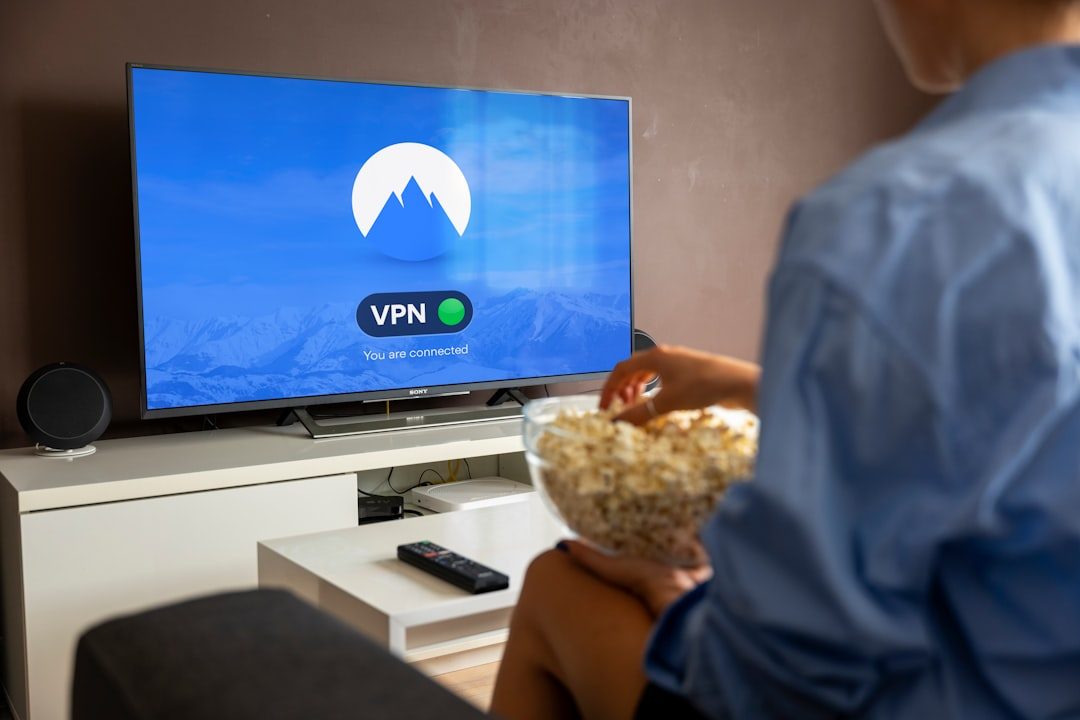
Device support and setup
VPN apps are simple on Windows, macOS, Android, iOS, and many routers. A user installs the app, selects the Netherlands, and connects. The setup usually takes under five minutes.
Smart DNS can be handy on smart TVs, Apple TV, PlayStation, Xbox, and older media boxes. Some of these devices make VPN setup awkward. Smart DNS may only require changing DNS numbers in network settings. Honestly, it feels like TV makers enjoy hiding those settings three menus deep, but it still works once configured.
There is one more option: a VPN on a router. That protects every device on the network and gives all of them a Dutch IP address. The downside is setup time. Some routers handle VPNs well. Others slow down badly.
Cost and value
Smart DNS is often cheaper than a full VPN, though many VPN providers include Smart DNS in higher plans. A decent VPN often costs less per month on a long subscription. Free VPNs should be treated with care. Many have data caps, weak speeds, crowded servers, or unclear privacy rules.
For a person who only watches Dutch TV on a living-room device, Smart DNS may be enough. For a traveler, remote worker, journalist, student, or anyone handling logins and payments, a VPN is worth the extra cost.
Which option should be chosen?
The best choice depends on the job.
- Pick a VPN for privacy, banking, public Wi-Fi, remote work, torrenting where legal, and full Dutch IP coverage.
- Pick Smart DNS for streaming on devices that do not support VPN apps, especially when privacy is not the main concern.
- Pick both if the service includes them and the household uses many device types.
A strong setup might use a Netherlands VPN on laptops and phones, plus Smart DNS on a smart TV. That gives security where it matters and easy playback where VPN apps are missing.

What to check before buying
Before paying for any provider, users should check Dutch server availability, refund terms, streaming support, and device limits. A 30-day refund window is useful because streaming access can change. Support chat also matters. If the service fails on a Sunday night, slow email support is not much help.
The provider should also publish clear privacy terms. Independent audits are a plus. A long privacy page full of vague language is not reassuring. Shorter, clearer terms are often better.
FAQ
Does a VPN give a real Dutch IP address?
Yes. A Netherlands VPN assigns an IP address from its Dutch server pool. Websites usually see that Dutch VPN IP instead of the user’s real IP address.
Is Smart DNS safer than a VPN?
No. Smart DNS does not encrypt traffic. A VPN is safer for public Wi-Fi, banking, work accounts, and private browsing.
Is Smart DNS faster than a VPN?
Usually, yes. Smart DNS often keeps more of the original connection speed because it does not encrypt all traffic. A good VPN is still fast enough for HD and 4K video.
Can a VPN unblock Dutch streaming services?
Often, but not always. Streaming platforms block some VPN IP addresses. A paid VPN with Dutch streaming servers has a better chance than a free VPN.
Should Dutch residents abroad use VPN or Smart DNS?
For banking, email, government portals, and public Wi-Fi, a VPN is the better option. For TV-only use on a smart TV, Smart DNS may be enough.
Can both tools be used together?
Yes, but not always at the same time on the same device. Many households use VPN apps on personal devices and Smart DNS on TVs or consoles.