Choose WordPress if your migrated site needs ownership, SEO control, custom features, or room to grow. Stay with Squarespace only if your site is small, design-led, and you want the least technical upkeep. A Squarespace to WordPress migration is not just a platform switch. It changes how you manage content, hosting, speed, plugins, search visibility, and long-term costs.
TLDR: WordPress is usually the better choice for businesses that need control, scale, and stronger SEO options after migration. Squarespace is easier for simple brochure sites, but it can feel restrictive once you need custom layouts, advanced forms, memberships, or complex integrations. For example, a 70-page service website that moved from Squarespace to WordPress could keep its URLs, add schema markup, and cut average page load time from 4.8 seconds to 2.1 seconds with proper hosting and optimization. If you expect your site to become a serious marketing asset, WordPress is the safer long-term pick.
Why businesses move from Squarespace to WordPress
Squarespace is polished. It gives you templates, hosting, security, and editing tools in one package. For many small sites, that is enough.
The problems start when the site grows. You may want better blog management, more control over SEO, custom post types, multilingual content, advanced ecommerce rules, or integrations that do not fit neatly into Squarespace’s system. That is where WordPress starts to make sense.
The catch is that WordPress asks more from you. You need hosting, backups, updates, plugins, and theme decisions. If those are handled well, the reward is flexibility. If they are handled badly, the site can become slow or fragile.

WordPress vs Squarespace: the core difference
Squarespace is a managed website builder. You work inside a closed system. Hosting, templates, updates, and core features are controlled for you. This lowers complexity, but it also limits what you can change.
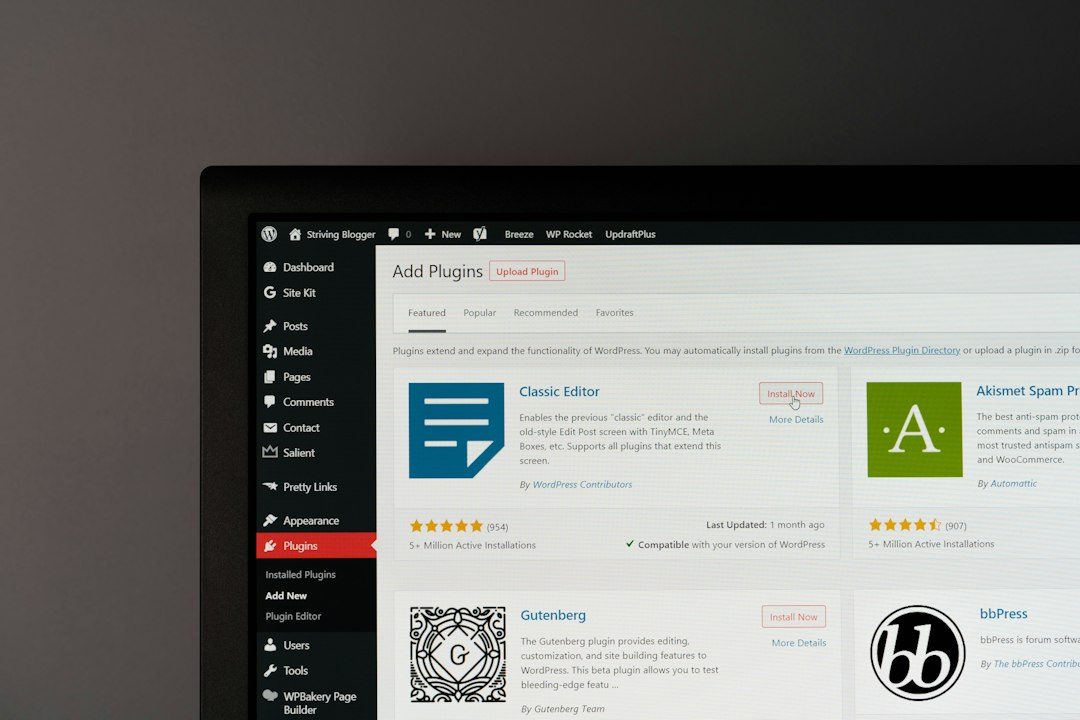
WordPress is an open content management system. You can choose hosting, themes, plugins, page builders, code, performance tools, and SEO settings. That control is the main reason companies migrate.
Think of Squarespace as renting a furnished office. It is clean and ready. You can move in quickly, but you cannot knock down walls. WordPress is closer to owning the building. There is more responsibility, but you can modify almost anything.
When WordPress is the better migration choice
WordPress is usually the stronger option if your website has serious business goals. That includes lead generation, publishing, ecommerce, course sales, directories, booking systems, or content marketing.
- You need better SEO control. WordPress gives you detailed control over metadata, schema, redirects, sitemaps, internal links, and indexing rules.
- You publish often. WordPress was built for content. Categories, tags, authors, custom fields, and editorial workflows are stronger.
- You need custom functionality. Plugins and custom development can support complex forms, portals, memberships, CRMs, and API connections.
- You want control over hosting and speed. With the right setup, WordPress can be much faster than a bloated builder site.
- You want to own your site structure. Your content, database, templates, and files are easier to move or modify later.
For growing companies, this matters. A website often starts as a digital brochure. Then someone asks for landing pages, tracking scripts, gated downloads, sales funnels, events, jobs, or support content. On Squarespace, those requests can become awkward fast.
When Squarespace still makes sense
Squarespace is not a bad platform. It is good for certain sites. A small portfolio, restaurant site, wedding site, local service page, or basic online store may not need WordPress at all.
If your priorities are low maintenance and fast publishing, Squarespace has real value. You do not need to care about plugin conflicts. You do not need to choose hosting. Security patches are not your problem.
But tradeoffs remain. You have fewer technical options. You depend on Squarespace’s feature set. If a design block refuses to behave, it can be maddening. Honestly, it feels like you sometimes spend 20 minutes fighting spacing that should have taken 20 seconds.
SEO after migrating from Squarespace to WordPress
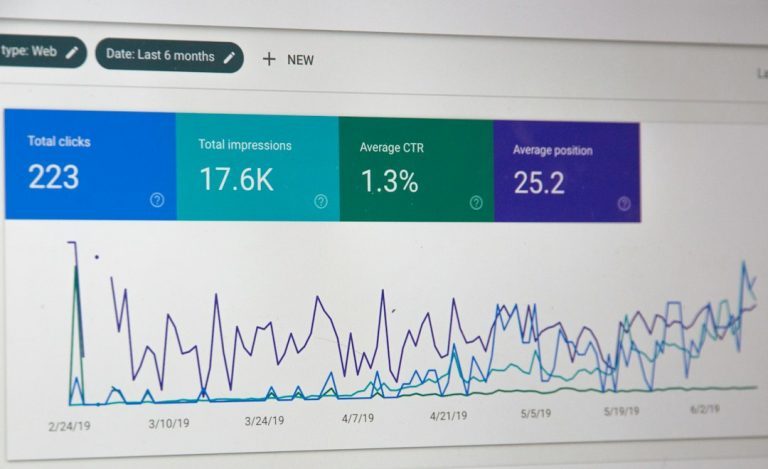
SEO is one of the biggest reasons to handle migration carefully. A migration can improve search performance, but it can also damage rankings if URLs, metadata, headings, redirects, or internal links are lost.
Before moving, create a full URL inventory. Export or crawl every page, blog post, image URL, title tag, meta description, and key redirect. After launch, each old URL should point to the correct new URL with a 301 redirect.
WordPress gives you stronger SEO tools, but tools do not fix poor planning. You still need clean site architecture, optimized content, image compression, structured data, and a reliable redirect map.

Content migration: what moves cleanly and what does not
Basic pages and blog posts can be moved from Squarespace to WordPress, but the process is rarely perfect. Text usually transfers more easily than layouts. Images may need manual checks. Galleries, product data, forms, style settings, and custom blocks often need rebuilding.
Expect to review the site page by page. That sounds slow because it is. But skipping review is risky. Broken images, missing calls to action, odd formatting, and weak mobile spacing can hurt conversions right after launch.
A practical migration checklist should include:
- Exporting Squarespace content where possible
- Setting up WordPress hosting and SSL
- Choosing a lightweight theme or builder
- Rebuilding key templates
- Importing pages, posts, and images
- Creating 301 redirects
- Testing forms, menus, search, and mobile layouts
- Submitting the new sitemap in Google Search Console
Cost comparison: cheap is not always cheaper
Squarespace pricing is simple. You pay a monthly or annual fee. Hosting, templates, support, and basic features are included. That makes budgeting easy.
WordPress costs vary. You may pay for hosting, premium plugins, a theme, security tools, backups, developer help, and maintenance. A small WordPress site can be inexpensive. A business-critical site may cost more than Squarespace each month.
The question is not only price. It is value. If WordPress helps your team launch better landing pages, measure leads, rank for more search terms, or connect to sales tools, the extra cost can be justified.
Performance and reliability
Squarespace performance is largely controlled by Squarespace. You can optimize images and avoid excess scripts, but you do not get deep server control.
WordPress performance depends on setup. Good hosting, caching, image optimization, a clean theme, and careful plugin use can produce excellent results. Too many plugins or a heavy builder can do the opposite.
This is where discipline matters. Do not install a plugin for every tiny feature. Do not use a theme packed with effects you will never use. Keep the build lean.
Security and maintenance
Squarespace handles platform security for you. That is a strong benefit for non-technical owners.
WordPress security is manageable, but it must be managed. Core files, themes, and plugins need updates. Backups should run automatically. Admin accounts should use strong passwords and two-factor authentication. A firewall or security plugin is often sensible.
If you do not want to maintain WordPress yourself, use managed WordPress hosting or hire a maintenance provider. Ignoring updates is asking for trouble.

Who should not migrate?
Do not migrate just because WordPress is popular. If your Squarespace site works, ranks well, loads acceptably, and supports your business goals, moving may not help.
You should also wait if you cannot commit time to quality control. A rushed migration can cause traffic drops, broken pages, and lost leads. The new platform should solve a clear business problem.
Final recommendation
Migrate from Squarespace to WordPress when control matters more than convenience. WordPress is the better platform for complex sites, serious SEO, custom features, and long-term growth. Squarespace is better for simple sites that need minimal upkeep.
For most established businesses, WordPress offers the stronger foundation. Just treat the migration as a serious project, not a quick copy-and-paste job. Plan the URLs, protect SEO assets, test every key page, and launch only when the new site is ready to perform.