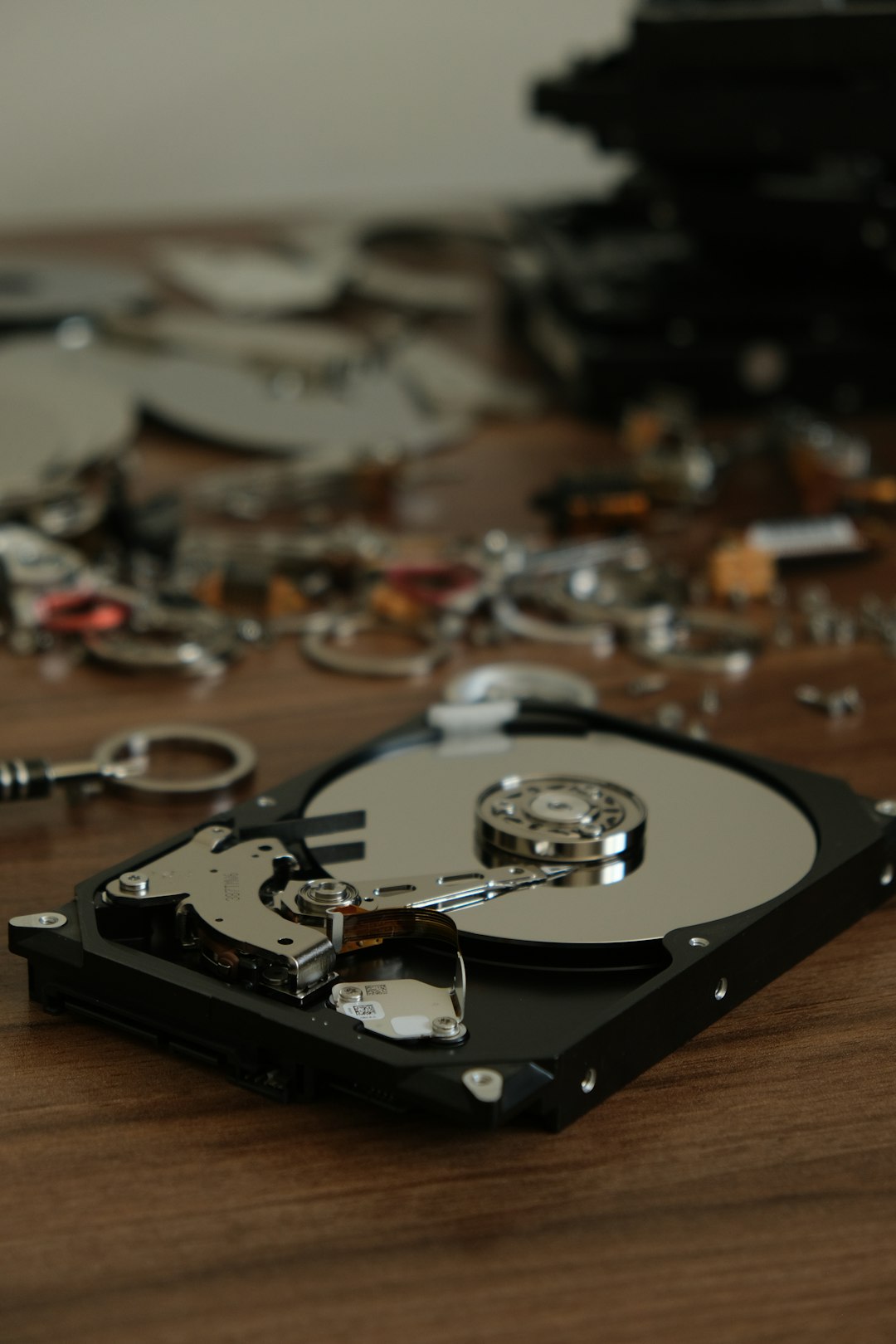
Imagine this: You’re working on an important project, and suddenly, your system crashes or your drive becomes unreadable. Panic? Not if you’ve got the right portable data rescue tools on your USB stick. With just a bootable or plug-and-play USB device, you can access lifesaving utilities that recover data quickly, efficiently, and — most importantly — without needing to install anything.
TLDR (Too Long; Didn’t Read):
Want to be ready for a data emergency? Keep one or more of these powerful, portable data recovery tools on a USB stick. They’re lightweight, don’t need installation, and can help recover lost, deleted, or damaged files even when your operating system fails. From partition recovery to deep file scanning, these tools are a must-have in every tech-savvy user’s digital toolkit.
1. PhotoRec – File Recovery That Dives Deep
PhotoRec is a freeware data recovery software designed to recover lost files including documents, archives, videos, and photos from hard disks, CD-ROMs, and lost pictures from camera memory. It works great with a wide range of file systems such as FAT, NTFS, exFAT, ext2/ext3/ext4, and HFS+.
The strength of PhotoRec lies in its ability to ignore the file system and go after the underlying data — recovering files even when your media is deeply corrupted or formatted improperly. Part of the TestDisk suite, PhotoRec presents a terminal interface, but don’t let that scare you. Its wizard-driven step-by-step process makes it surprisingly approachable, even for non-techies.
- Portability: Completely portable — runs right from USB.
- Strengths: Excellent for raw recovery of many file types.
- Drawback: No graphical user interface by default (although third-party GUIs exist).
This is a favorite among IT professionals due to its forensic-level scanning and minimal footprint.
2. Recuva Portable – Your Friendly File Recovery Sidekick
Recuva, by the creators of CCleaner, is a well-known name in data recovery. Its portable version is one of the easiest tools to use in data loss situations. Whether you accidentally deleted a file, formatted an SD card, or had a system crash, Recuva can help pull your files back from the void.
The program supports recovery from hard drives, USB sticks, memory cards, and other rewritable media. Recuva not only recovers a wide range of file types but also shows you the probability of a successful recovery based on overwrite status. The application features both a basic recovery wizard and an advanced mode with folder structures and previews.
- Portability: Perfect for USB drives — just unzip and run.
- Strengths: User-friendly interface, preview feature, recover probability rating.
- Drawback: Not as effective for severely corrupted files or drives.
For casual users and non-technical people facing sudden data woes, Recuva is often the go-to choice.
3. TestDisk – The Swiss Army Knife of Disk Repair
TestDisk is an open-source tool known for its powerful disk partition recovery abilities. While PhotoRec focuses on file recovery, TestDisk deals with fixing the very structures that make your disks and drives readable.
If you’ve accidentally deleted a partition, overwritten a file table, or encountered a drive that your system can’t mount, TestDisk is designed to detect and fix these issues. It supports a massive list of partition types and file systems.
Sure, it has a command-line interface — but like PhotoRec, it guides users step-by-step. It’s often used in tandem with PhotoRec (both are included together in downloads).
- Portability: Absolutely — this is built to be portable.
- Strengths: Strong partition recovery, boot sector repairs, and ability to rebuild partition tables.
- Drawback: No GUI — might intimidate some users at first.
If you’re in a situation where your system can’t see a drive or partitions have vanished, TestDisk is one of the few free tools that consistently saves the day.

4. Hiren’s BootCD PE – The All-In-One Recovery Toolkit
If you want more than just a file recovery tool, Hiren’s BootCD PE is the ultimate rescue suite. It’s a pre-installed Windows environment on a bootable USB with a huge collection of diagnostic, backup, and recovery tools. Among its offerings are data recovery apps, disk partition tools, antivirus scanners, and system repair utilities — all ready to run right off the USB.
This is especially useful in situations where your main operating system is corrupt or non-bootable. Simply plug the USB in, boot into the Hiren’s PE environment, and use the built-in tools like Recuva, Wise Data Recovery, or DiskGenius to get your data back.
- Portability: USB-bootable OS with full portable toolkit.
- Strengths: Includes multiple recovery options, plus system diagnostics and repair tools.
- Drawback: Large download size (~2GB+) and requires initial setup to create bootable USB.
Hiren’s BootCD PE is the jack-of-all-trades that’s beloved by IT support teams across the globe. You’re not just recovering data — you’re rebuilding entire systems.
Essential Tips for Using Portable Recovery Tools Wisely
- Avoid writing to the target drive: Data recovery is most effective when the drive hasn’t been altered — even browsing the affected drive can reduce chances of success.
- Have multiple tools handy: One tool may detect files another can’t. Each software has its strengths and weakness when it comes to file system compatibility and damage types.
- Keep your USB stick updated: Recovery tools are constantly improved. Refresh the tools on your USB at least once a year.
Having portable recovery utilities ready to run on demand from USB makes you a digital first responder. Whether you’re a tech enthusiast or someone who just wants to be prepared, these tools provide a smart, lightweight fallback that can save hours of frustration — or rescue priceless files from oblivion.
Conclusion
When disaster strikes your data, speed and functionality matter. These four portable tools — PhotoRec, Recuva Portable, TestDisk, and Hiren’s BootCD PE — offer incredible value without taking up more than a few megabytes (or a couple of gigabytes, in the case of Hiren’s). They don’t require installation, they fit on a flash drive, and in many cases, they can recover data you thought was gone forever.
If you’ve ever lost a critical file or faced a broken storage device, you know how precious a recovery tool can be. Integrate one (or all) of these into your USB recovery kit and give yourself an edge when things go wrong. Because it’s not if data disasters will happen — it’s when.