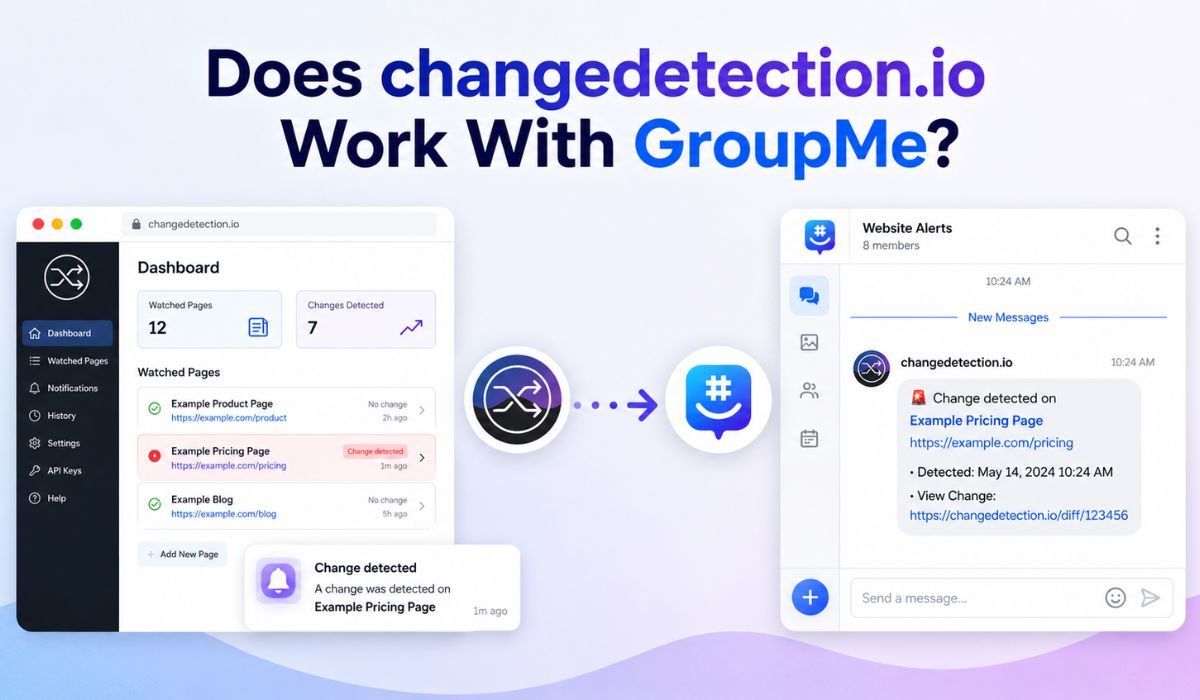
Connecting changedetection.io to your daily GroupMe chats sounds confusing at first. A lot of old internet guides give terrible advice about this. They tell you to build custom scripts or complex webhook bridges.
That information is totally outdated and completely wrong. You can easily link these two tools together in five minutes.
Here is the exact trick. You will learn how to bypass complex coding and safely get instant chat alerts.
Does changedetection.io Work With GroupMe?
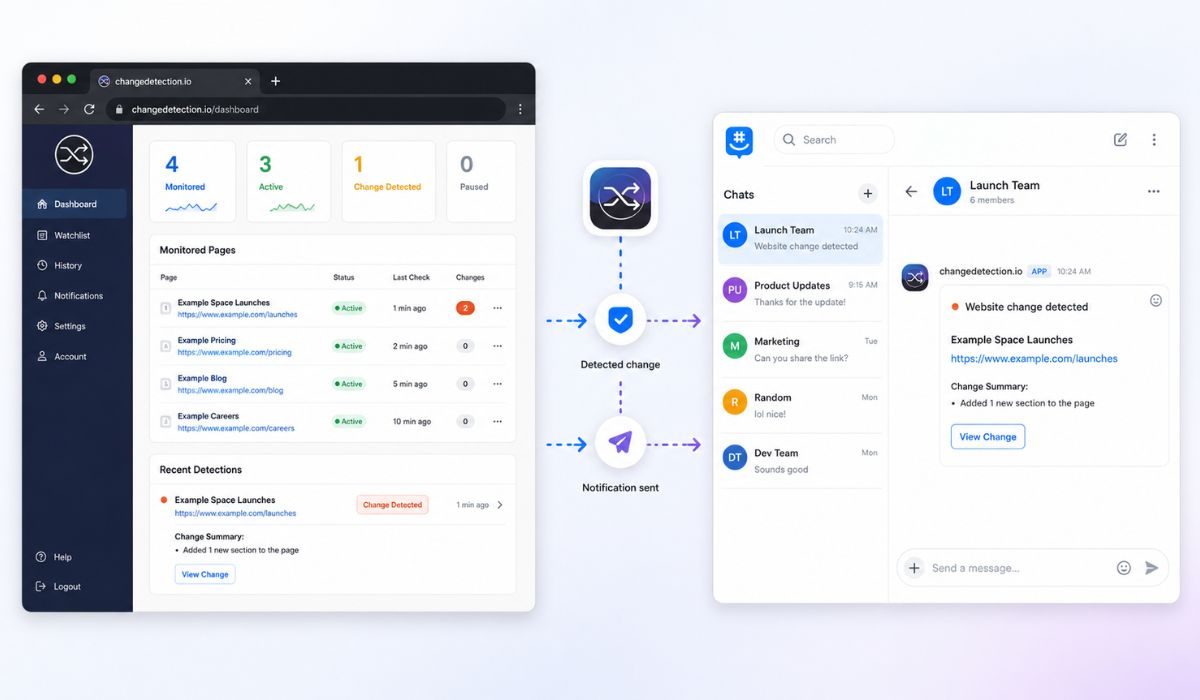
Yes, you can absolutely connect them today. You never need to write custom code or build a weird server bridge.
The monitoring tool uses a powerful notification engine called Apprise. This engine has direct built-in support for GroupMe accounts.
You only need to make a quick developer bot for your group chat. You grab the bot’s secret ID number and paste it into your dashboard. The website alerts will instantly pop up in your group.
Understanding the Monitor Tool
changedetection.io is a highly precise website tracker. You hand it a specific webpage link and tell it to watch the screen.
It scans that page constantly for any visual or text changes. It immediately fires off a warning when something looks different.
People mostly use it for simple daily tracking.
- Restock Tracking: Catching the exact second a sold-out item returns.
- Price Drops: Watching an expensive product for sudden flash sales.
- Job Hunting: Monitoring a company’s career page for brand new roles.
- School Updates: Keeping an eye on public team schedules and notices.
It saves you hours of boring work. You never have to manually refresh a website ever again.
The Secret Apprise Engine
The tracking tool does not actually build direct integrations for every single app. That would take way too much time. It uses the Apprise library instead.
Apprise is a clever system that formats warning messages perfectly. It handles Slack, Discord, Telegram, and GroupMe natively.
You just need to format the web address correctly. The exact magic format for this trick is groupme://{bot_id}. It is super easy once you see it in action.
Steps to Set Up the Connection
You definitely do not need a computer science degree for this. Just follow these basic steps closely.
- Log into the official GroupMe developer portal. Create a new bot and link it to your target chat room.
- Look at the developer screen to find your exact Bot ID string. Copy it completely.
- Go to the notification settings inside your changedetection.io account.
- Type groupme:// and paste your exact Bot ID directly after the slashes.
- Click the test button and check your phone immediately.
Comparing Chat App Setups
GroupMe is completely fine to use. But the setup takes slightly more effort than other modern chat tools.
| Chat Tool | Setup Effort | Connection Method |
|---|---|---|
| Discord | Extremely Easy | Paste a normal channel webhook link |
| Slack | Extremely Easy | Use a basic incoming webhook URL |
| Telegram | Easy | Enter a quick bot token and chat ID |
| GroupMe | Medium | Build a developer bot and copy the ID |
| Very Easy | Just type your normal email address |
Fixing Broken Chat Alerts
Sometimes your test goes smoothly, but the real alerts refuse to show up. This usually happens for a few incredibly simple reasons.
- Wrong Bot ID: You probably copied the wrong text. Try pasting the bot string again without any sneaky blank spaces.
- Hidden Notifications: The bot is actually posting the messages fine. But your phone settings are hiding the GroupMe alerts.
- Tiny Page Changes: The target website simply has not changed enough to trigger the system yet.
- Firewall Blocks: Your server hosting provider is actively blocking outgoing connections to the chat API.
Always look at your mobile push settings first. GroupMe loves to automatically mute busy group chats.
When to Use Other Apps
GroupMe is absolutely perfect if your friends already use it daily. But it is definitely not the fastest setup for total beginners.
You literally have to visit a developer website to make it work. That completely scares some people off.
Discord and Telegram are much friendlier alternatives. Discord gives you a quick copy-paste link in two seconds. Telegram delivers incredibly fast push notifications directly to your home screen.
Final Summary
You can easily connect changedetection.io straight to your GroupMe app. You absolutely do not need weird scripts or complicated bridges.
The secret is just using the Apprise engine correctly. Make a quick bot on the developer site and grab that ID. Paste it into your dashboard using the exact groupme:// format.
Just test the connection once to verify it. Switch over to Discord or standard email if the bot creation process feels too annoying.