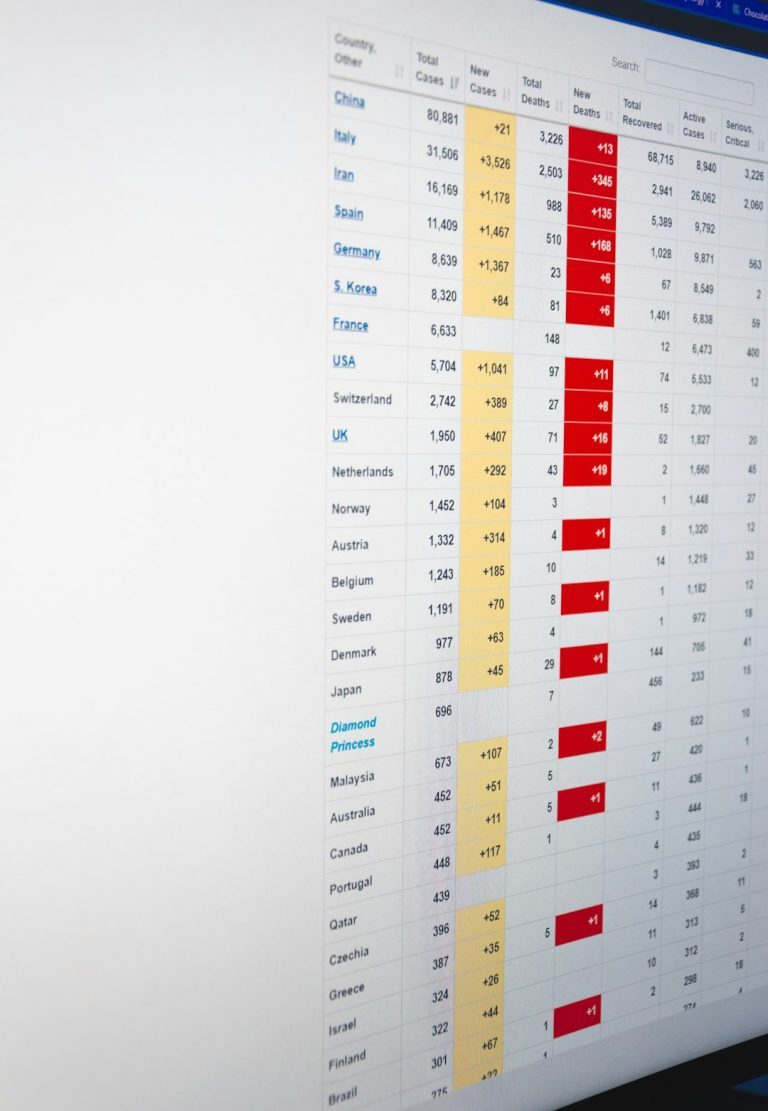
Use Wolfram Alpha for the math-heavy chemistry questions, and use ChemDoodle when the problem depends on structures, drawings, or visual chemical reasoning. That is the clean split. Wolfram Alpha is built to compute answers from typed input, while ChemDoodle is built around chemical structures, formulas, spectra, and lab-style visuals. Wolfram Alpha also supports chemistry queries such as molar mass, balancing equations, and reaction data, which makes it handy for quick checking [source: Wolfram Alpha].
TLDR: If you have 20 chemistry problems, Wolfram Alpha may help with about 12 to 15 of the calculation-based ones, such as pH, molar mass, stoichiometry, or gas laws. ChemDoodle is better for the 5 to 8 problems that need molecule drawing, stereochemistry, spectra, or clean reaction schemes. For example, a student solving “How many grams of NaCl form from 2.5 mol Na?” should start with Wolfram Alpha, but a student drawing aspirin and checking functional groups should use ChemDoodle. The fastest workflow is not choosing one forever; it is using both for the right job.
What Wolfram Alpha does best
Wolfram Alpha is the better chemistry helper for direct problem solving. Type a question, formula, equation, or unit conversion, and it usually returns a computed result. It feels like a smart calculator with chemistry knowledge added on top.
It is especially useful for:
- Molar mass checks, such as finding the mass of glucose or calcium carbonate.
- Stoichiometry, including mole ratios and limiting reagent work.
- Equation balancing for common reactions.
- pH and concentration calculations.
- Unit conversions, like liters to milliliters or grams to moles.
- Thermochemistry, when standard data is available.
The biggest win is speed. You can test an answer in seconds. If your calculator says 18.02 g/mol for water, Wolfram Alpha can confirm it instantly. That matters when homework has 30 tiny questions and your patience is already gone.
Still, it can be fussy. Honestly, it feels like the tool sometimes punishes you for writing like a normal person. A query such as “grams oxygen from 4 moles hydrogen combustion” may need rewriting before it behaves. Expect to spend an extra 10 to 30 seconds cleaning up vague input if the question has several parts.
What ChemDoodle does best
ChemDoodle is strongest when chemistry becomes visual. It is not mainly a “type a word problem and get an answer” tool. It is more like a chemical drawing board with serious science features.
Use ChemDoodle when you need to:
- Draw organic structures for reports, worksheets, or lab notes.
- Show stereochemistry with wedges, dashes, rings, and chair forms.
- Create reaction schemes that look neat and readable.
- Work with spectra, molecular models, or structure files.
- Prepare publication-style figures for class or research.
ChemDoodle’s advantage is clarity. A hand-drawn benzene ring on a scanned worksheet often looks like a sad hexagon. ChemDoodle fixes that. It also helps avoid structure mistakes, especially in organic chemistry, where one misplaced bond can change the entire answer.
The catch is that ChemDoodle will not explain many textbook questions step by step. If you ask it to solve a limiting reagent problem, you may feel stuck. It gives you a better way to represent chemistry, not always a full answer engine.
Side by side: which tool wins?
| Task | Better choice | Why |
|---|---|---|
| Balance a simple equation | Wolfram Alpha | Fast typed answers and useful checks. |
| Draw caffeine or aspirin | ChemDoodle | Clean structure tools and chemical formatting. |
| Find molar mass | Wolfram Alpha | Instant formula-based calculation. |
| Create a lab report figure | ChemDoodle | Better visuals and export-ready drawings. |
| Check pH math | Wolfram Alpha | Good with numbers, logs, and units. |
For students: the best workflow
If you are doing general chemistry, start with Wolfram Alpha. It helps with the problems that eat time: moles, masses, solutions, acids, bases, gases, and energy. Use it as a checker, not as a brain replacement. Write the steps yourself, then compare the result.
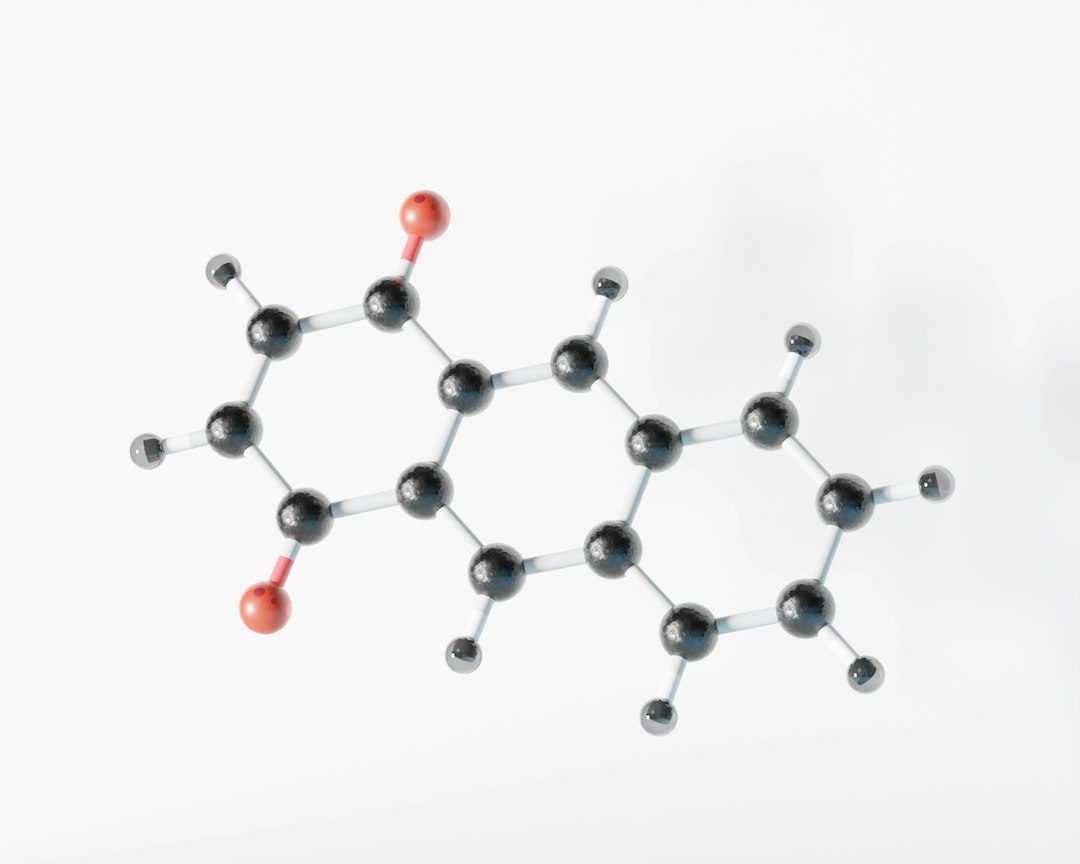
If you are doing organic chemistry, add ChemDoodle early. Organic chemistry is full of structure recognition. Functional groups, resonance, stereochemistry, and reaction arrows are easier to see when the drawing is clean. A messy structure can cost points even when your idea is right.
A simple study setup looks like this:
- Solve the math by hand first. This keeps you from copying blindly.
- Check the number in Wolfram Alpha. Watch units closely.
- Draw molecules in ChemDoodle. Use it for clarity and labels.
- Put both into your notes. One page should show the calculation and the structure.
For teachers and tutors
Wolfram Alpha is helpful for building answer keys quickly. It can reduce grading prep for routine numeric work. But it may skip the explanation style you want students to learn. That means you still need to write the reasoning.
ChemDoodle is better for handouts, quizzes, and lab instructions. Clean diagrams make questions fairer. Students should not lose time guessing whether a rough sketch is a methyl group or an ethyl group.
There is also a classroom integrity angle. Wolfram Alpha can give answers too quickly. ChemDoodle is less risky in that way because it helps students present chemistry rather than simply answer a calculation.
Final pick
Choose Wolfram Alpha if your main pain is solving numeric chemistry problems. Choose ChemDoodle if your main pain is drawing, reading, or presenting chemical structures. If chemistry is a full semester course, using both is the smarter move.
Think of it this way: Wolfram Alpha is your calculation checker. ChemDoodle is your chemistry sketchpad. One helps you get the answer. The other helps you show the chemistry clearly.