Kling is the better free pick when realism matters, while Hailuo is faster for quick social clips and playful tests. Both can turn a still image into motion, but they feel different in daily use. Kling tends to give cleaner camera movement and more stable subjects. Hailuo feels more casual, quicker to try, and better when you just need a fun draft. Hailuo is built by MiniMax, a Chinese AI company that has pushed hard into consumer video generation [source: MiniMax].
TLDR: Use Kling if you want a free image-to-video result that looks more cinematic, especially for product shots, portraits, travel photos, or mood clips. Use Hailuo if you want fast experiments and do not mind fixing weird motion later. For example, a creator making 20 short TikTok drafts from product photos may save around 30–40 minutes by testing ideas in Hailuo first, then rebuilding the best 3–5 clips in Kling. The smart workflow is simple: Hailuo for speed, Kling for polish.
The phrase “Imagen a Video Gratis” usually means one thing: you want movement from a still image without paying first. That is fair. Nobody wants to burn credits just to see if a cat photo can wink, a sneaker can spin, or a food image can turn into a smooth ad clip. The catch is that free AI video tools often come with queues, watermarks, limited credits, or short clip lengths. Expect to waste time on retries. It is part of the deal.
Kling: best for realistic image-to-video clips
Kling has become one of the stronger free options for AI video generation. It is especially good when your input image has a clear subject. Think a face, a car, a product photo, or a wide travel shot. The model often keeps the main object intact better than many free rivals.
Its biggest strength is motion control. You can ask for a slow push-in, a gentle pan, wind in hair, light movement, or a small camera orbit. When it works, it feels less like a filter and more like a real short clip.
Best uses for Kling:
- Product demos: Make a bottle, shoe, gadget, or package feel alive.
- Portrait animation: Add subtle expression, hair movement, or blinking.
- Cinematic scenes: Turn concept art or travel photos into moody shots.
- Brand clips: Make short video loops for ads, reels, or landing pages.
Honestly, it feels like Kling makes you wait just long enough to get annoyed, then hands you a better clip than expected. Queue times can vary. Free credits may also run out fast if you keep testing small prompt changes.
Hailuo: best for fast tests and casual clips
Hailuo is easier to enjoy if your goal is speed. Upload an image, write a prompt, generate, and see what happens. It is less fussy. That makes it great for social media ideas, meme-style clips, quick mood tests, and first drafts.
Hailuo can produce fun motion from very simple prompts. A food photo can steam. A city image can glow with moving lights. A character can turn slightly or react. But the tradeoff is consistency. Hands may warp. Faces can shift. Backgrounds sometimes move in strange ways. It can be funny. It can also be useless.
Best uses for Hailuo:
- Short social clips: Good for TikTok, Shorts, Reels, and story posts.
- Idea testing: Try several motion styles before making a final version.
- Creative prompts: Push surreal, funny, or stylized scenes.
- Low-pressure drafts: Great when perfect anatomy is not required.

Kling vs Hailuo: which free workflow is better?
If you want one answer, pick Kling for quality and Hailuo for speed. Kling is better when the image must stay faithful. Hailuo is better when you need many variations fast.
| Feature | Kling | Hailuo |
|---|---|---|
| Realism | Usually stronger | Good, but less steady |
| Speed | Can feel slower | Often better for quick tests |
| Prompt control | Better for camera motion | Better for playful ideas |
| Free workflow | Good for final drafts | Good for experiments |
| Main annoyance | Waiting and credit limits | Unstable motion and odd faces |
A smart free workflow
The best free workflow is not choosing only one tool. Use both. Start with Hailuo because it lets you test the idea quickly. Then use Kling for the version you care about.
- Pick a clean image. Use a sharp photo with one clear subject.
- Test 3–5 prompts in Hailuo. Try camera push, slow zoom, head turn, wind, or light motion.
- Choose the best motion idea. Ignore ugly drafts. Focus on movement.
- Recreate the best prompt in Kling. Make it cleaner and more controlled.
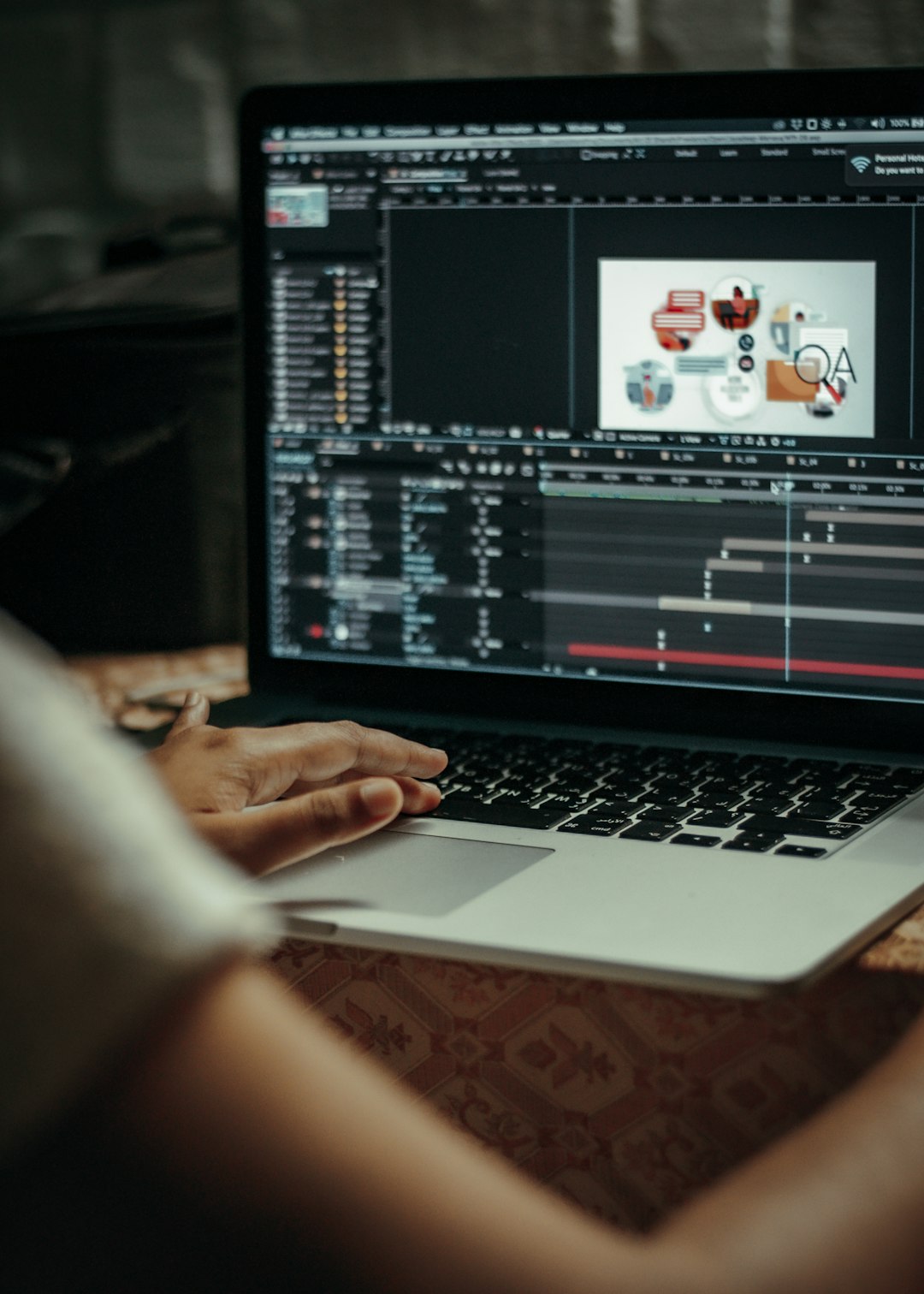
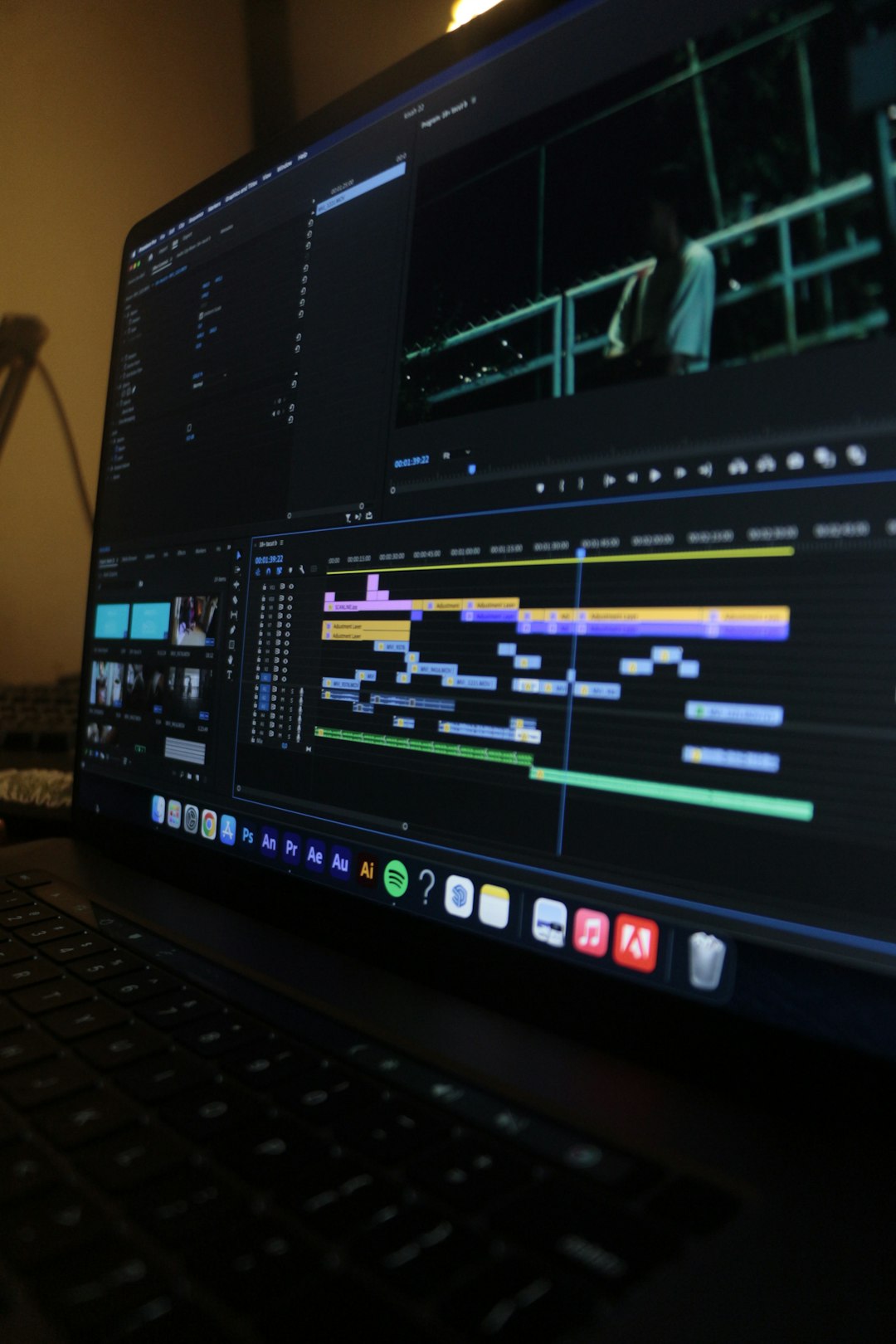
- Edit the final clip. Trim it, add music, captions, or reverse effects.
For editing, simple tools still matter. If you want to flip the final clip for a loop effect, this guide to reverse video online tools is useful. If you are finishing the clip on mobile, these apps to add music to video on iPhone can help turn a plain AI render into a usable post.
Prompt tips that actually help
Bad prompts create messy motion. Keep them short. Describe the subject, camera, mood, and movement.
Try prompts like:
- “Slow cinematic push in, soft light, natural face movement, realistic motion.”
- “Product rotates slightly on a clean studio background, smooth camera pan.”
- “Gentle wind, hair moving softly, warm sunset light, subtle smile.”
- “City street at night, moving lights, slow handheld camera feel.”
Avoid asking for too much. When you request a walking person, flying camera, changing outfit, moving hands, and dramatic background shift in one free generation, the model often falls apart. Keep the motion narrow.
Final verdict
Kling wins for polished free AI image-to-video clips. It is the better choice for creators who care about realistic movement, stable faces, and cleaner camera work. Hailuo wins for fast idea testing. It is fun, quick, and useful when you need options.
The best answer is to pair them. Use Hailuo to find the idea. Use Kling to make it presentable. Then edit the result with music, captions, and trimming. That gives you a free workflow that feels practical, not perfect, and that is usually enough to make a still image worth watching.