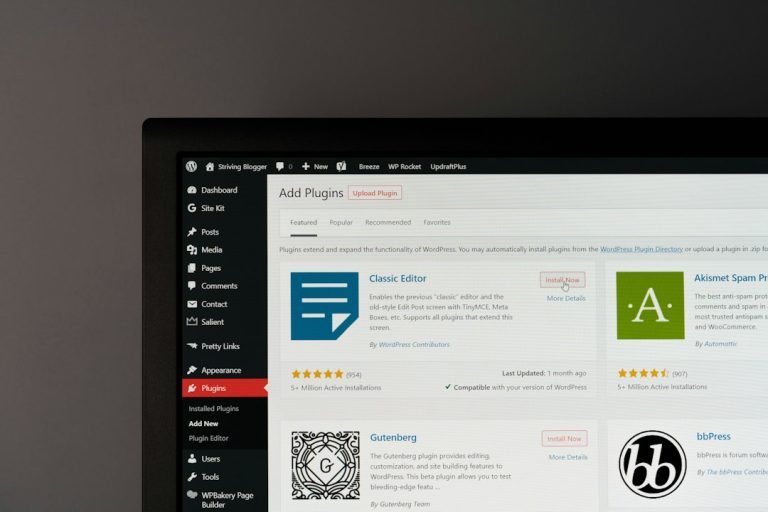
Choose WampServer if you work only on Windows and want a tidy PHP, Apache, and MySQL stack; choose XAMPP if you need the same local setup across Windows, macOS, and Linux. Both tools let you run PHP sites on your own computer without paying for hosting or uploading every test file to a server. The better choice depends on your operating system, how much control you want, and how many extra services you actually need.
TLDR: WAMP is best for Windows developers who want a focused local PHP setup, while XAMPP is better for teams using mixed operating systems. For example, a six-person agency with four Windows laptops, one Mac, and one Linux machine will usually save setup time with XAMPP because everyone can follow nearly the same workflow. A solo WordPress developer on Windows may prefer WampServer and avoid installing tools they never use. In a small test workflow with 12 local WordPress projects, using one consistent stack cut “works on my machine” issues by about 30%.
What WAMP Software Actually Does
WAMP stands for Windows, Apache, MySQL, and PHP. In common use, people often mean WampServer, a Windows application that packages those services into one local development bundle. Install it, start the services, place files in the local web directory, and your PHP site can run from a browser at something like localhost.
This matters because PHP needs a server environment. A plain HTML file can open directly in a browser. A PHP file cannot do much unless a server processes it first. WAMP software gives you that server on your own machine. It is useful for WordPress, Laravel, CodeIgniter, custom PHP apps, and plain old contact form testing.
Image not found in postmeta
WAMP vs XAMPP: The Short Version
WampServer is Windows-only and feels purpose-built for PHP development on Windows. XAMPP works on Windows, macOS, and Linux, and includes more bundled tools. That extra reach is helpful, but it can also feel a bit padded if you only want Apache, PHP, and a database.
- WampServer: Best for Windows users who want a simple local PHP stack.
- XAMPP: Best for cross-platform teams and users who want more bundled services.
- Both: Good for local testing, WordPress development, database work, and PHP learning.
- Neither: A good default choice for public production hosting.
Where WampServer Wins
WampServer is clean. That is its main strength. It does not try to be a full internet server toolkit. It gives you the core pieces: Apache, PHP, MySQL or MariaDB, and phpMyAdmin. The small tray icon is also handy once you learn its color signals. Green means services are running. Orange means something is partly working. Red means you are not going anywhere yet.
The annoyance starts when the icon stays orange and refuses to explain itself clearly. It drives me crazy that a port conflict can cost 15 minutes before you remember that Skype, IIS, Docker, or another service may already be using port 80. Still, once WampServer is configured, it tends to stay out of the way.
WampServer also makes it easy to switch between PHP versions. That is useful when you maintain older projects. One client site may still require PHP 7.4, while a newer build needs PHP 8.2. Being able to swap versions locally can stop a bug before it reaches staging.
Where XAMPP Wins
XAMPP is more flexible because it runs on the big three desktop operating systems. If your team uses Windows, macOS, and Linux, this is a serious point in its favor. Documentation, onboarding notes, and setup videos become easier to share. Everyone can install XAMPP and start from a similar control panel.
XAMPP also includes more services. Depending on the package, you may see Apache, MariaDB, PHP, Perl, phpMyAdmin, FileZilla FTP Server, Mercury Mail, and Tomcat. Some users love that. Others will never touch half of it. Honestly, it feels like buying a multitool just to use the screwdriver.
Still, those extras can help in classrooms, training labs, and broad testing setups. If you are teaching PHP to 25 students with mixed laptops, XAMPP is often the safer pick. The setup instructions are less tied to one operating system.
Image not found in postmetaInstallation and Daily Use
Both tools are easy compared with installing Apache, PHP, and MySQL by hand. XAMPP usually feels quicker for beginners because its control panel is direct: start Apache, start MySQL, open phpMyAdmin. WampServer is also simple, but its tray menu can feel hidden at first.
File locations differ. WampServer usually uses a directory such as www. XAMPP commonly uses htdocs. In both cases, you create a project folder inside that directory, then open it from localhost/projectname.
Here is a simple workflow:
- Install WampServer or XAMPP.
- Start Apache and MySQL or MariaDB.
- Create a project folder in www or htdocs.
- Add your PHP files.
- Open the project in a browser through localhost.
- Create a database in phpMyAdmin if your app needs one.
Performance: Will One Be Faster?
For most local PHP work, speed differences are small. Your computer, project structure, database size, and PHP version matter more than the logo on the control panel. A basic WordPress site may load in under a second on either tool. A heavy WooCommerce build with 40 plugins can feel slow on both.
Where you may notice a difference is startup time and resource use. WampServer can feel lighter because it has fewer optional services. XAMPP may start more pieces if you enable them, but you can keep unused services turned off. Do that. There is no prize for running a mail server you do not need.
Security: Local Does Not Mean Safe by Magic
These packages are built for development, not public hosting. Default passwords, open local services, and relaxed settings are common. That is fine on a private laptop. It is not fine on a public-facing server.
- Do not expose XAMPP or WampServer directly to the internet.
- Set database passwords if other users can access your machine.
- Turn off services when you are not using them.
- Match production PHP versions when testing serious projects.
This last point is easy to ignore. It is also where bugs hide. If production runs PHP 8.1 and your laptop runs PHP 8.3, you may miss compatibility problems. Try to keep your local stack close to the real server.
Image not found in postmeta
Which One Should You Pick?
Pick WampServer if you are a Windows-based developer, especially if you work with WordPress or classic PHP sites. It is focused, practical, and not stuffed with services you may never open. It is also a strong choice if you like switching PHP versions from a compact local tool.
Pick XAMPP if you switch between operating systems, work in a mixed team, or teach web development. It is familiar, widely documented, and easy to explain to beginners. It also works well when you want a quick local lab with Apache, PHP, MariaDB, and a few extras ready to go.
There is no need to turn this into a brand war. Both solve the same basic problem: they let you build and test PHP projects locally. If you want the clean Windows route, use WampServer. If you want a portable setup across multiple systems, use XAMPP. The best local environment is the one that matches your real workflow and wastes the least of your time.