
Artificial intelligence is no longer just about chatbots and image generators. Today, AI is being woven directly into the tools businesses use every day to automate tasks, connect apps, and streamline workflows. One platform leading this integration is Make AI, an evolution of the popular visual automation platform Make. But what exactly is Make AI, how does it work, and how are people using it in the real world?
TLDR: Make AI is an AI-enhanced automation platform that allows users to build intelligent workflows connecting apps, data, and services. It combines visual automation tools with AI-powered features such as text generation, data extraction, decision-making, and predictive logic. Businesses use it for customer support, marketing automation, data processing, e-commerce management, and more. By merging automation with intelligence, Make AI helps companies save time while making smarter decisions at scale.
What Is Make AI?
Make AI is an advanced version of the Make automation platform that integrates artificial intelligence directly into workflow creation. Make itself is known for its visual, drag-and-drop system that connects thousands of apps without requiring heavy coding. With AI capabilities added, users can now embed intelligent decision-making and content generation directly into automated processes.
Instead of simply moving data from one app to another, Make AI allows workflows to:
- Understand text through natural language processing
- Generate content such as emails, product descriptions, or summaries
- Extract information from documents and images
- Classify data automatically
- Make decisions based on predictive logic
This transforms automation from rule-based repetition to intelligent orchestration.
How Make AI Works
At its core, Make AI builds on three fundamental components: modules, scenarios, and AI services.
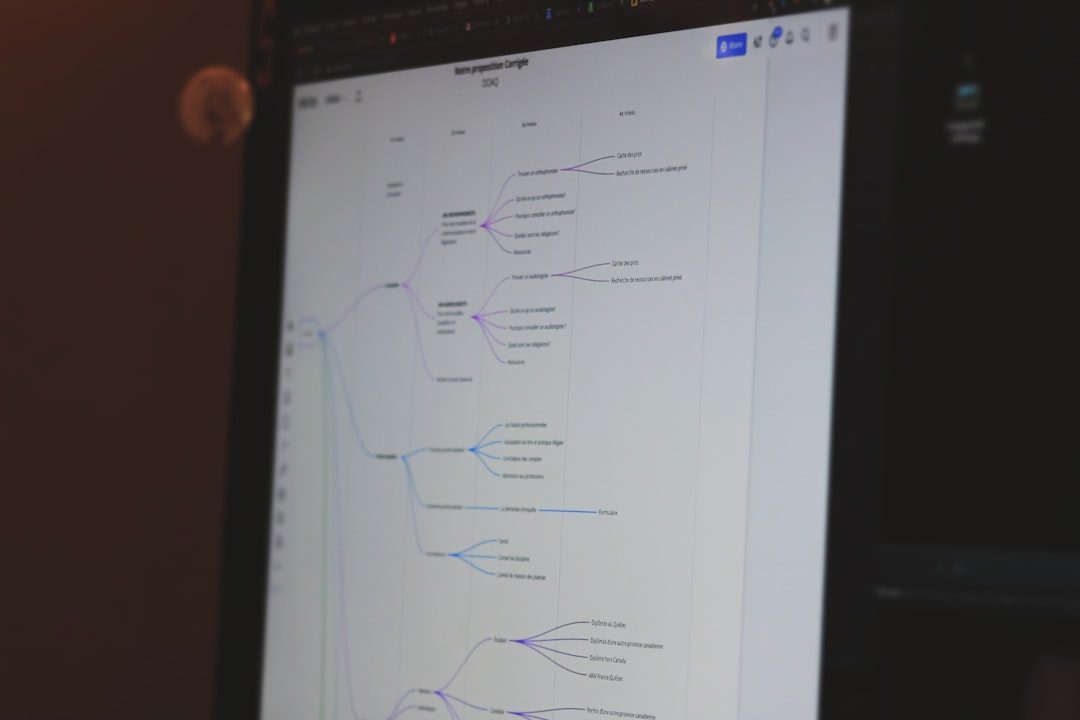
1. Visual Scenario Builder
Users create “scenarios,” which are visual workflows consisting of interconnected modules. Each module represents an action, such as:
- Receiving a webhook
- Retrieving rows from a spreadsheet
- Sending an email
- Calling an AI model
The interface displays these steps as connected bubbles, making it easy to see how data flows from one step to another.
2. AI Modules
The AI component allows users to integrate machine intelligence into any part of a workflow. These modules can:
- Generate text using large language models
- Analyze sentiment in customer messages
- Summarize long documents
- Translate content into multiple languages
- Categorize incoming requests
Rather than writing complex scripts, users configure prompts and define inputs and outputs directly inside the visual system.
3. Data Transformation and Logic
Make AI also supports powerful data transformation tools. Filters, routers, and conditional logic allow the system to branch workflows depending on AI results. For example:
- If sentiment = negative → escalate to support manager
- If invoice amount > $5,000 → send to accounting review
- If lead score > 80 → notify sales team
This combination of logic and intelligence enables fully automated yet context-aware processes.
Key Features of Make AI
What sets Make AI apart is how seamlessly it blends automation and artificial intelligence. Here are its most notable features:
1. No-Code and Low-Code Flexibility
Make AI is designed for both technical and non-technical users. Drag-and-drop modules make it accessible to beginners, while developers can add custom API calls and advanced scripting where needed.
2. Multi-App Integration
The platform connects with thousands of popular tools across categories such as:
- CRM systems
- E-commerce platforms
- Project management tools
- Marketing software
- Databases and cloud storage
AI can be layered into these integrations without rebuilding the entire workflow.
3. Customizable AI Prompts
Users can tailor AI prompts to match their brand voice, tone, and objectives. For example, a marketing team can instruct the AI to:
- Write in a friendly, conversational style
- Limit responses to 150 words
- Include relevant keywords
This ensures consistency while maintaining automation efficiency.
4. Scalability
Whether processing 100 tasks per day or 100,000, Make AI can scale with business growth. The workflows remain consistent, reducing human intervention even as volume increases.
5. Real-Time Monitoring and Logs
Users can track scenario execution, diagnose errors, and refine workflows. AI-powered steps are logged just like any other module, making troubleshooting transparent.
Real Use Cases of Make AI
Understanding features is helpful, but the real value of Make AI becomes clear when we look at how businesses actually use it.
1. Intelligent Customer Support Automation
Companies often receive large volumes of support emails, chat messages, and tickets. Make AI can:
- Read incoming emails
- Analyze intent and sentiment
- Categorize the issue
- Draft a suggested response
- Escalate urgent cases automatically
For example, if a customer message is flagged as urgent and negative in tone, the system can immediately notify a human manager instead of sending a standard reply.

2. Marketing Content Generation
Marketing teams frequently need product descriptions, ad copy, newsletters, and social media posts. With Make AI, businesses can automate:
- Generation of product descriptions from spreadsheet data
- Email campaigns triggered by user behavior
- Personalized follow-up sequences
For instance, when a new product is added to an online store, Make AI can generate a product summary, optimize it for SEO, and publish it across multiple channels automatically.
3. Lead Qualification and Scoring
Sales teams benefit from AI-driven lead evaluation. When new leads enter a CRM:
- The system analyzes job title and company size
- Reviews past interactions
- Assigns a lead score
- Routes high-scoring prospects directly to sales reps
This reduces manual sorting and ensures attention is focused on the highest-value opportunities.
4. Document and Invoice Processing
Finance departments can automate document-heavy tasks. Make AI can:
- Extract data from PDF invoices
- Verify totals against purchase orders
- Update accounting systems
- Flag discrepancies for review
What used to take hours of manual entry can now be completed in seconds.
5. E-Commerce Order Management
Online retailers use Make AI to streamline order handling by:
- Categorizing incoming orders
- Detecting high-risk transactions
- Sending personalized confirmation emails
- Updating inventory automatically
AI-driven fraud detection and sentiment-aware communication enhance both security and customer experience.

Benefits of Using Make AI
The combination of automation and artificial intelligence delivers several major advantages:
- Efficiency: Reduces repetitive tasks and manual review
- Consistency: Ensures standardized responses and outputs
- Speed: Processes large volumes of data quickly
- Improved Decision-Making: Uses AI insights rather than static rules
- Cost Savings: Minimizes labor required for routine operations
By embedding intelligence into workflows, businesses move from reactive task-handling to proactive optimization.
Limitations and Considerations
While powerful, Make AI is not without challenges. Users should consider:
- Prompt Design: Poorly written prompts can lead to inaccurate outputs
- Data Privacy: Sensitive data should be handled carefully within AI modules
- Testing Requirements: AI-driven decisions should be monitored and refined
- Operational Costs: High-volume AI processing can increase usage costs
Best practice involves starting with smaller workflows, testing outputs carefully, and gradually scaling.
Who Should Use Make AI?
Make AI is particularly well-suited for:
- Small and medium businesses seeking automation without heavy development
- Marketing teams managing multi-channel campaigns
- Sales departments prioritizing high-quality leads
- E-commerce brands handling large product catalogs
- Operations leaders improving workflow efficiency
It bridges the gap between simple automation tools and complex enterprise AI infrastructure.
The Future of AI-Driven Automation
The rise of platforms like Make AI signals a shift in how businesses approach technology. Instead of building custom AI systems from scratch, organizations can embed intelligence directly into everyday operations.
As AI models become more advanced, we can expect:
- More contextual decision-making
- Predictive workflow triggers
- Deeper personalization at scale
- Greater integration across business functions
This evolution means automation will no longer just execute tasks—it will understand them.
Final Thoughts
Make AI represents a powerful step forward in automation technology. By combining visual workflow design with artificial intelligence, it empowers businesses to operate more intelligently, efficiently, and competitively. From customer support to marketing to finance, its applications are broad and impactful.
As companies continue searching for smarter ways to streamline operations, platforms like Make AI will likely become central to digital transformation strategies. The real advantage is not just in saving time—but in unlocking smarter workflows that adapt, learn, and scale alongside your business.