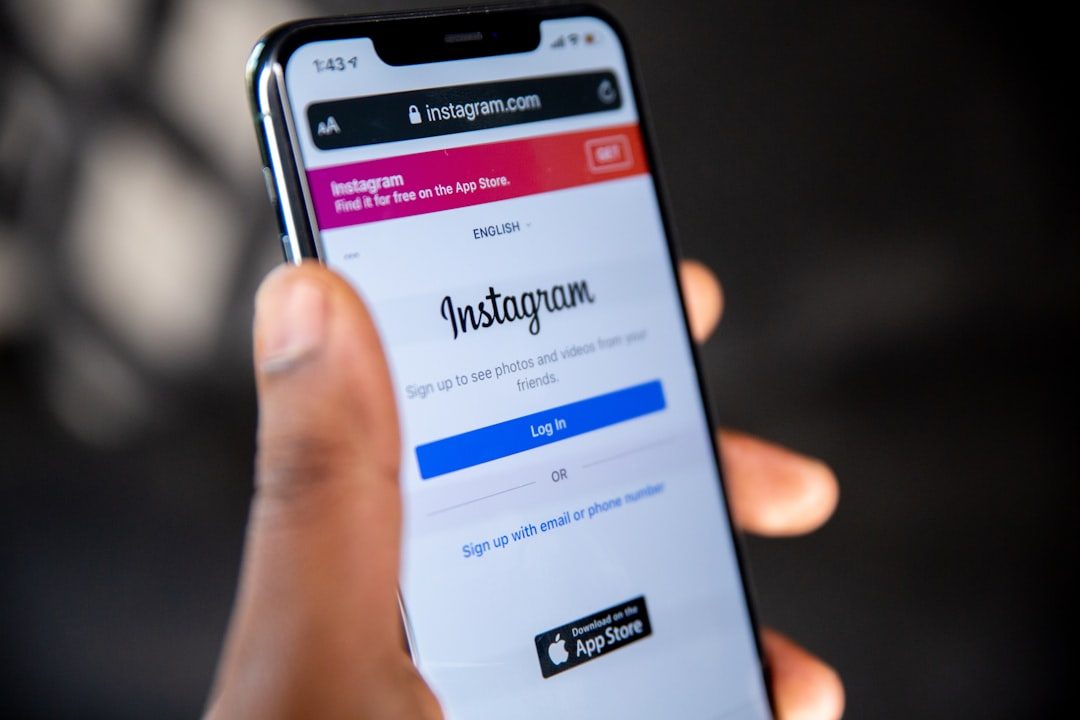
Instagram is built for connection: following friends, discovering creators, shopping from brands, and sharing everyday moments. But wherever attention gathers, spam follows. Instagram spam can look like a harmless comment, a fake giveaway, a strange direct message, or even a convincing copy of a real brand account. Understanding how it works is the easiest way to protect your privacy, money, and account.
TLDR: Instagram spam is unwanted or deceptive activity designed to get clicks, follows, personal information, or money. You can spot it by looking for suspicious links, unrealistic offers, fake profiles, repetitive comments, and urgent messages. Stay safe by avoiding unknown links, turning on two factor authentication, reporting spam, and keeping your account information private.
What Is Instagram Spam?
Instagram spam refers to unwanted, repetitive, misleading, or malicious content shared through the platform. It may come from bots, fake accounts, compromised real accounts, or scammers pretending to be brands, influencers, support teams, or ordinary users.
Not all spam is equally dangerous. Some spam is simply annoying, such as comments saying “Promote it on this page” or random accounts liking dozens of your posts. Other spam is much more serious, especially when it tries to steal your login details, trick you into sending money, or infect your device through a suspicious link.
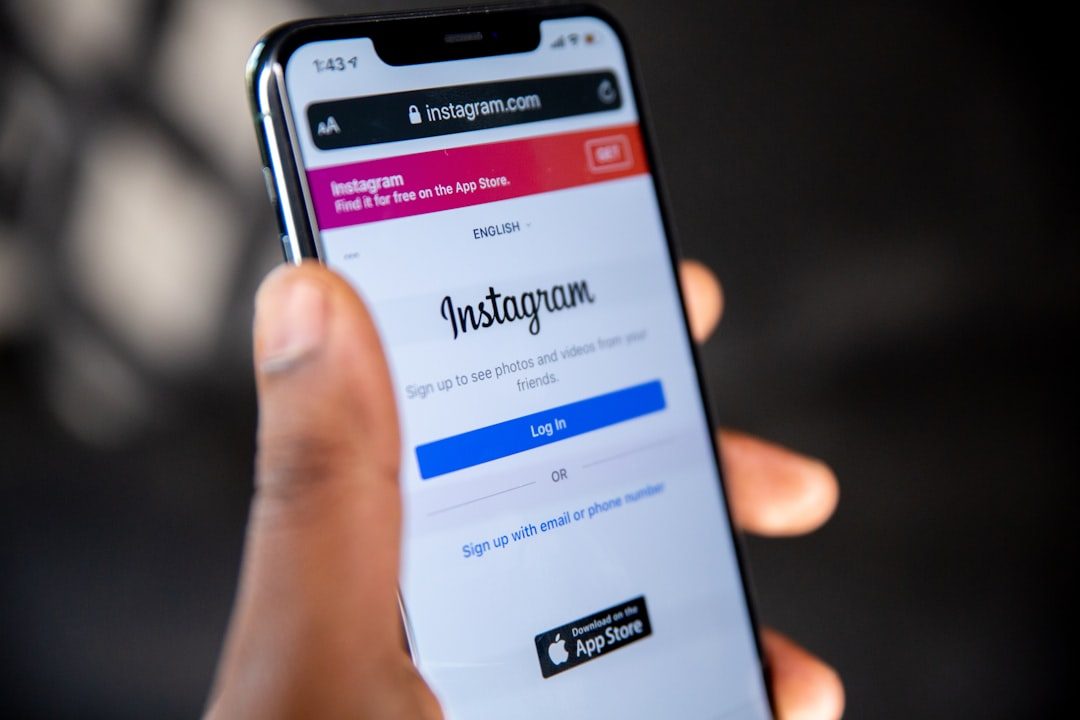
Common forms of Instagram spam include:
- Fake giveaway posts that claim you have won a prize but ask for payment or personal details.
- Phishing messages that pretend to be from Instagram support and ask you to “verify” your account.
- Comment spam promoting questionable services, fake growth tools, or unrelated pages.
- Romance or investment scams that build trust before asking for money.
- Impersonation accounts that copy real people, businesses, or influencers.
- Bot activity such as mass follows, likes, comments, or direct messages.
Why Does Instagram Spam Exist?
Spam exists because it can be profitable. Scammers know that Instagram users are often browsing quickly, reacting emotionally, and trusting familiar visual cues. A convincing profile picture, a polished logo, or a message that appears to come from a friend can lower someone’s guard.
Spammers usually want one of four things: attention, access, information, or money. They may want you to follow a page, click a link, share your email, enter your password, buy fake products, or transfer funds. Some spam accounts also try to manipulate engagement numbers by creating artificial likes and comments.
For creators and businesses, spam can damage credibility. A comment section filled with fake promotions can make a legitimate account look neglected. For everyday users, spam can lead to hacked accounts, stolen personal data, or financial loss.
How to Spot Instagram Spam
Spam is not always obvious, but there are warning signs. The more signs you see together, the more cautious you should be.
1. The Message Creates Urgency
Scammers often use pressure to stop you from thinking clearly. A message might say your account will be deleted in 24 hours, your prize will expire soon, or you must act immediately to avoid losing access. Real security notices rarely demand that you click a random link in a direct message.
2. The Link Looks Suspicious
Be careful with shortened links, misspelled domains, or links that do not match the official website. A fake Instagram login page may look convincing, but its address could be slightly different from the real one. If a message asks you to log in through a link, open Instagram directly through the app or official website instead.
3. The Profile Feels Incomplete or Artificial
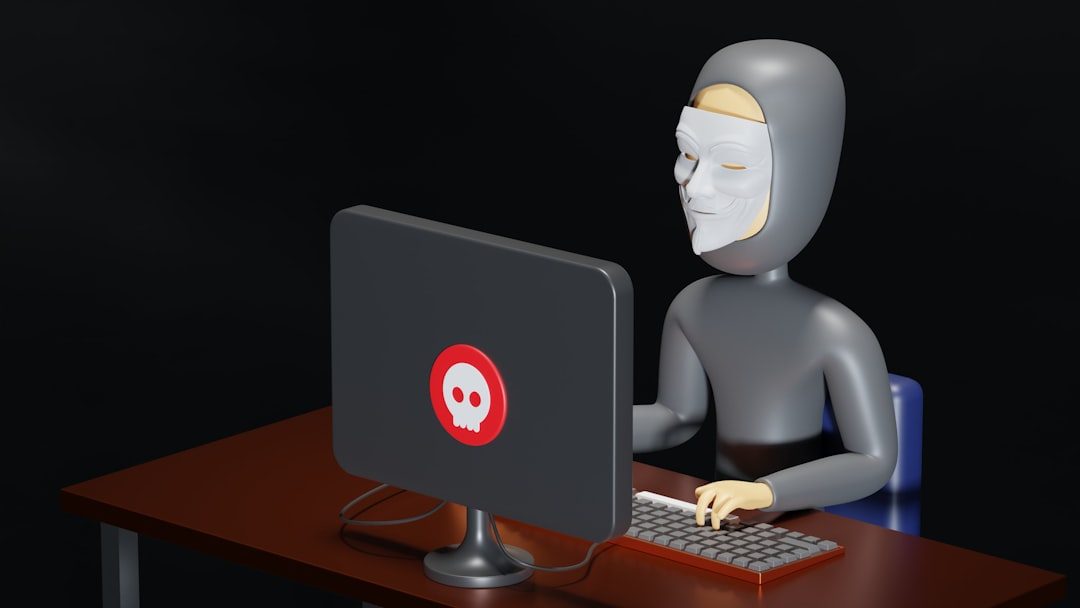
Spam accounts often have few posts, stolen photos, generic bios, odd usernames, or a strange follower to following ratio. Some may have thousands of followers but very little genuine engagement. Others may look brand new, with only one or two posts and a bio full of promises.
4. The Offer Is Too Good to Be True
Free iPhones, luxury giveaways, instant cash, guaranteed crypto profits, and “exclusive” influencer deals are classic bait. Some real brands run giveaways, but legitimate campaigns usually have clear rules, verified accounts, and no requirement to pay a fee to receive a prize.
5. The Language Is Generic or Repetitive
Spam comments often sound copied and pasted: “DM us for promotion,” “Send pic to our page,” or “Amazing content, message me.” Direct messages may use awkward grammar, vague compliments, or phrases that do not match the context of your account.
6. The Account Pretends to Be Instagram
One of the most dangerous forms of spam is a fake support message. It may claim your account violated copyright rules, needs verification, or has been reported. Instagram will not ask for your password in a DM. Always check security notifications inside the official app settings, not through links sent by unknown accounts.
How to Stay Safe from Instagram Spam
Staying safe does not require paranoia. It requires a few smart habits that make you a harder target.
- Do not click unknown links. If you are curious, search for the website manually instead of tapping the link.
- Enable two factor authentication. This adds an extra layer of protection even if your password is stolen.
- Use a strong, unique password. Do not reuse the same password across multiple platforms.
- Check account names carefully. Impersonators often use extra dots, numbers, or slightly altered spellings.
- Limit who can message you. Instagram privacy settings can reduce unwanted DMs from strangers.
- Report and block spam accounts. This helps protect you and other users.
- Be careful with third party apps. Avoid tools that promise free followers, automatic likes, or secret analytics in exchange for your login.
It is also wise to review the apps and websites connected to your Instagram account. Remove anything you do not recognize or no longer use. Many account takeovers begin when users grant access to shady growth tools or fake login pages.
What to Do If You Clicked a Spam Link
If you clicked a suspicious link, do not panic. First, close the page and avoid entering any information. If you entered your Instagram password, change it immediately from the official app or website. Then enable two factor authentication if you have not already.
Check your account for unusual activity, such as messages you did not send, posts you did not publish, or new accounts you suddenly follow. Log out of unfamiliar sessions in your security settings. If you used the same password elsewhere, change it on those accounts too.
How Businesses and Creators Can Reduce Spam
If you manage a public account, spam can be more visible. Use comment filters to hide certain words or phrases commonly used by spammers. You can also restrict or block repeat offenders. For brands, it helps to clearly state your official accounts and giveaway rules so followers can recognize impostors.
Creators should be especially cautious with collaboration offers. A fake brand may send an attachment, a suspicious contract link, or a login request disguised as a campaign dashboard. Before accepting a deal, verify the sender through official channels and never provide your Instagram password to a partner.
The Bottom Line
Instagram spam is more than digital clutter. It is a mix of nuisance marketing, automated manipulation, and real scams designed to exploit trust. The good news is that most spam becomes easier to recognize once you know the patterns: urgency, suspicious links, fake identity, unrealistic rewards, and generic messages.
By slowing down before you click, checking profiles carefully, using strong security settings, and reporting suspicious activity, you can enjoy Instagram with far less risk. In a fast moving feed, a little skepticism is not rude; it is one of the best tools you have.